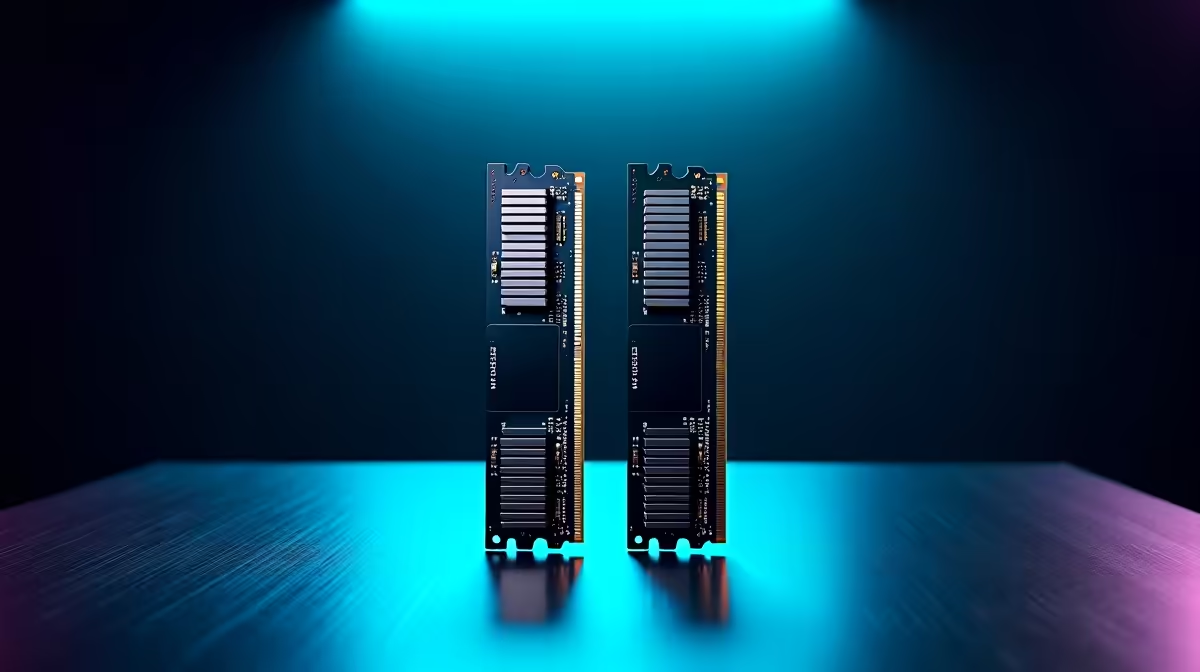
Kingston 16GB current-gen SODIMM at R741 suits a postgraduate student upgrading a laptop for research tabs, documents, PDFs, and lecture notes without paying for desktop memory capacity they cannot use. A practical RAM kit choice starts with the machine: laptop users should confirm SODIMM support first, while desktop users can consider larger 32GB memory where multitasking and creator workloads matter more.
Start with the device format
For a student laptop, the Kingston 16GB current-gen SODIMM at R741 is the cleanest fit from this list because the 16GB capacity is aimed at notebook upgrades. It is sensible for postgraduate work where the pressure usually comes from browser tabs, citation managers, spreadsheets, and video calls running together.
For a desktop study setup, TEAMGROUP VULCAN 32GB current-gen 6000 at R1,460 gives much more breathing room. The 32GB capacity is useful if the student also edits presentations, keeps research databases open, or runs heavier analysis tools while still needing a responsive everyday PC.
Kingston FURY 32GB current-gen 6400 at R2,300 is the stronger desktop pick when speed matters more than the lowest spend. Its 32GB capacity and 6400 speed suit a workstation used for larger datasets, image-heavy reports, or long writing sessions with many references open.
Postgraduate Desk Reality
A postgraduate desk is usually built around reliability, quiet focus, and fast switching between academic tasks. Kingston FURY 32GB 5600 at the stated budget,100 still offers 32GB memory, but its price makes it harder to justify unless the specific system needs that 5600 speed. KLEVV CRAS V 32GB 7200 RGB at R6,400 is the premium option here, with 32GB capacity and 7200 speed better suited to a performance desktop than a basic study upgrade.
Ready to choose the right memory?
For a tighter student desk, TEAMGROUP VULCAN 32GB current-gen 6000 speed at R1,460 gives the student study desk a clear its listed spec baseline.