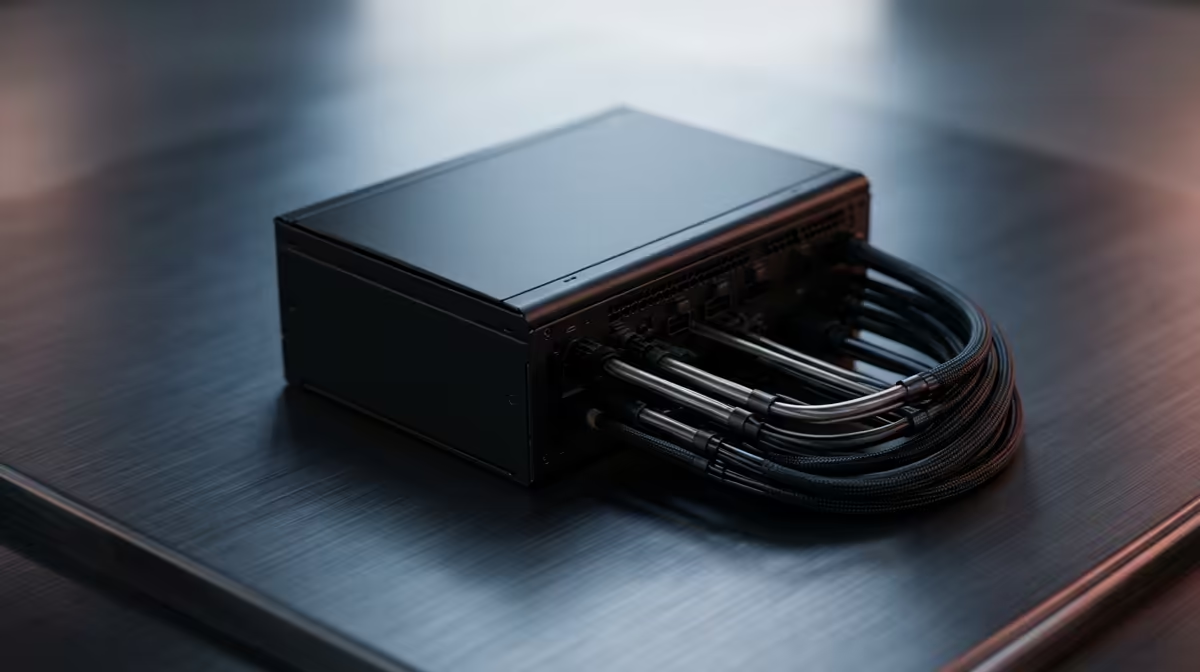
Upgrading from a starter power supply toward a clean, cable-managed build is one of the most satisfying steps a PC owner takes. A modular PSU and a tidy layout improve airflow, looks, and serviceability all at once. The path from a basic unit to a clean setup is mostly about the right PSU choice and a little planning.
Quick Answer
For a clean, cable-managed setup, upgrade to a fully modular PSU rated for your hardware, typically 650W to 850W for a gaming build. A quality modular unit lets you use only the cables you need, which is the single biggest step toward tidy routing behind the motherboard tray.
Why The PSU Choice Drives Cable Management
A starter PSU usually has fixed, non-detachable cables, so you are stuck stuffing unused leads into the case, hurting airflow and looks. A fully modular PSU lets you attach only the cables your build uses, leaving the rest in the box. Choose the right wattage with headroom, often 650W to 850W depending on your GPU, and a good efficiency rating so the unit runs cool and quiet. Quality also means safer, cleaner power for your components.
Building The Clean Upgrade Path
Plan routing before plugging in: run cables behind the motherboard tray, use the case's tie-down points, and group leads neatly. Custom-length or sleeved cables tidy a build further if you want the showcase look. Velcro ties make future changes easy. Match cable lengths to your case so nothing strains or bunches. Starting with a modular PSU and a routing plan turns a messy starter build into a clean, well-cooled setup you are proud of.
FAQ
Why choose a modular PSU for cable management?
A modular PSU lets you attach only the cables you need, so there are no unused leads to hide. That makes tidy routing far easier and improves airflow and looks.
How many watts should my new PSU be?
For most gaming builds, 650W to 850W with headroom suits a modern GPU. Size it above your system's peak draw and choose a good efficiency rating for cool, quiet running.
Are sleeved cables worth it?
For a showcase build, yes. Sleeved or custom-length cables give the cleanest look, but standard modular cables routed behind the tray already achieve a very tidy result.
clean build with a fully modular PSU and route cables behind the motherboard tray. Attaching only the leads you need is the biggest single win for airflow and a tidy interior.