


Black Myth: Wukong 2 Ultrawide Support: 21:9 and 32:9 Setup Guide
Black Myth: Wukong 2 Ultrawide Support: 21:9 and. Clear setup instructions with SA-specific considerations, troubleshooting tips & recommended components.
Read moreLearn how to prevent humidity on microfiber desk mats during South African summers. Simple drying, cleaning, and airflow tips help stop sweat buildup and odors 😊💧
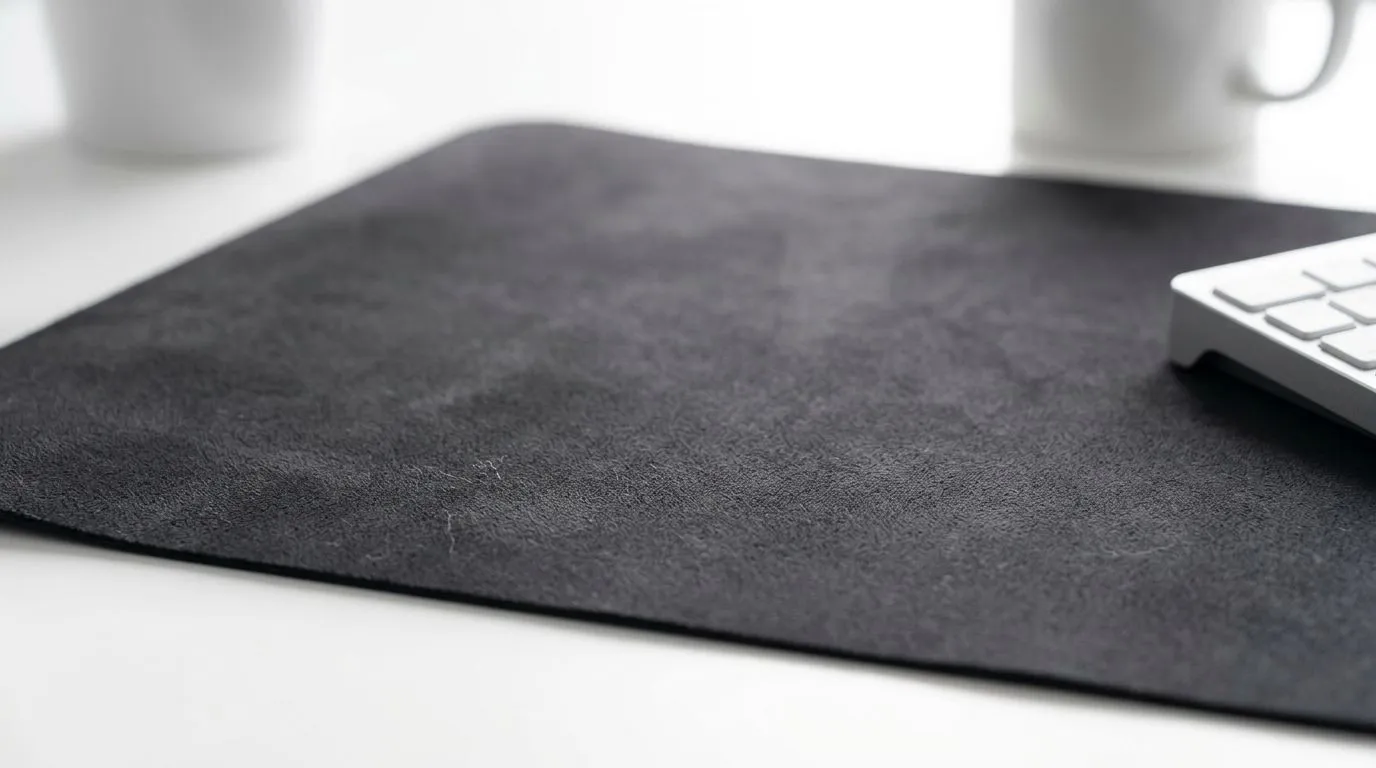
Summer in South Africa can be brutal on a battlestation. One day your setup feels crisp and clean, the next your microfiber desk mat feels a little clammy, soft, and less pleasant under your wrist. If you’ve ever noticed that sticky, slightly damp feeling after a hot afternoon session, you’re not imagining it. Humidity, heat, and poor airflow can all make a microfiber desk mat hold onto moisture longer than it should.
The good news? You can keep your desk mat fresh without overthinking it. A few small setup habits make a real difference, especially if your gaming corner sits near a window, in a warm room, or on a desk that traps heat. ⚡
Microfiber performs well because it is soft, grippy, and comfortable for long sessions. But it can also absorb moisture from the air, especially when the room is warm and humid. That’s why prevention is mostly about controlling the environment around the mat, not just cleaning it.
Start with airflow. A room that stays closed all day can build up heat fast. Crack a window when it’s cooler outside, run a fan across the room, or use air conditioning if you’ve got it. Keep drinks off the mat where possible, because even tiny spills can linger in the fibres and create that damp feel later.
It also helps to avoid placing the mat on a surface that traps moisture. Some older desks hold warmth under the mat, which makes the problem worse. If your current desk is rough, swollen, or uneven, upgrading the surface can help your whole setup feel cleaner and drier. You can browse proper gaming desks built for serious setups if you’re ready to tidy up the space properly.
Wipe the mat down at the end of the day, not just when it looks dirty. A dry microfibre cloth removes sweat, condensation, and light dust before they settle in. If the room is especially humid, let the mat breathe for a few minutes before covering it up or packing it away.
Keep a clean, dry microfibre cloth near your PC. A 20-second wipe at shutdown helps prevent moisture build-up on your desk mat, mouse, and wrist rest... especially during sticky South African summer evenings.
Sometimes the desk mat isn’t the only issue. The desk itself can influence how much moisture lingers around your setup. A bigger desk gives your gear more breathing room, which reduces crowding and helps air move more freely. That matters if you’re running a warm PC, monitor, keyboard, and mouse on the same surface.
If you prefer a specific brand style, it can help to look at AutoFull gaming desk options for a more structured setup, or Arozzi gaming desks if you want a cleaner, minimalist look. The right desk won’t remove humidity from the air, but it can reduce the conditions that make your mat feel damp for longer.
For smaller rooms, even spacing out your peripherals matters. Don’t press everything into one tight cluster. Leave room for the mat to dry naturally between sessions. That simple change helps more than people expect. 🚀
A lot of people over-clean their desk mats, then wonder why the surface feels odd. Harsh chemicals can break down the fibres and leave residue behind. Stick to mild soap, lukewarm water, and gentle drying. Never soak the mat unless the manufacturer says it is safe.
Also, avoid direct sunlight for long periods. It may seem like a quick drying trick, but too much heat can warp the backing or cause the edges to curl. Air drying in a shaded, ventilated spot is the safer choice.
If your setup is due for a refresh, you might also want to look at Nitro gaming desk models. A stable desk with a practical surface makes day-to-day maintenance easier, especially when summer humidity is doing its best to be annoying.
Preventing humidity on microfiber desk mats in summer is really about staying ahead of the problem. Keep the room cooler. Improve airflow. Wipe the mat down regularly. Give it space to dry. And if your desk is part of the issue, upgrade the surface instead of fighting the symptoms forever.
A cleaner, drier setup just feels better. Your mouse glides more smoothly. Your wrists stay more comfortable. And your whole battlestation feels more put together when the South African summer turns up the heat.
Ready to Find Your Perfect Match? The Mac vs Windows debate is complex, but for maximum power, choice, and value in South Africa, Windows is hard to beat. Explore our massive range of laptop specials and find the perfect machine to conquer your world.
Use consistent airflow, avoid trapping moisture under devices, and let the mat fully dry after cleaning or spills. This reduces humidity and sweat buildup.
Spot-clean with mild detergent, gently scrub in one direction, then rinse lightly. Avoid soaking; over-wetting increases humidity and odor.
Wipe sweat daily with a dry cloth, then do periodic deep cleans. Ensure the mat is completely dry before placing it back.
Yes, persistent moisture can lead to musty odor and mold risk. Keep drying thorough and store the mat in a dry, ventilated area.
Air-dry flat with airflow (fan nearby is ideal) and keep it out of direct sun heat. Complete drying before use prevents re-humidity.
Choose microfiber-safe products and patch-test first. Many sprays leave residue that holds moisture, so drying and cleaning come first.
For South African summer use, deep-clean every 2–4 weeks depending on sweat and humidity, plus quick wipe-downs as needed.
Black Myth: Wukong 2 Ultrawide Support: 21:9 and. Clear setup instructions with SA-specific considerations, troubleshooting tips & recommended components.
Read more
Setting Up HDMI 2.1 Cable. Tested & verified settings for best FPS and visual quality on SA hardware budgets.
Read more
Every spec on PCIe 5.0 explained in plain English. What matters for gaming and creator work in 2026, what's marketing fluff, and how each number translates to real-world performance.

A head-to-head look at WiFi 7: real-world performance, ZAR pricing and which option delivers better value for SA builders. The clear answer — no fluff.

Everything you need to set up and tune PCIe 5.0 properly: the prep work, the settings that actually matter, and the mistakes to skip. Written for SA builders in 2026.

Everything you need to set up and tune X870E Motherboard properly: the prep work, the settings that actually matter, and the mistakes to skip. Written for SA builders in 2026.

Wondering what a 512GB SSD capacity really holds? This guide breaks down how many games, photos, and documents fit on 512GB, with real-world ranges 📦💾

Every spec on vrm explained in plain English. What matters for gaming and creator work in 2026, what's marketing fluff, and how each number translates to real-world performance.

Every spec on motherboard explained in plain English. What matters for gaming and creator work in 2026, what's marketing fluff, and how each number translates to real-world performance.

Premium vs Midrange Motherboards in South Africa: real-world performance, SA pricing, power draw and which one delivers better value for your build for SA buyers. The clear answer — without the fluff.
Wondering what a 512GB SSD capacity really holds? This guide breaks down how many games, photos, and documents fit on 512GB, with real-world ranges 📦💾
Every spec on PCIe 5.0 explained in plain English. What matters for gaming and creator work in 2026, what's marketing fluff, and how each number translates to real-world performance.
A head-to-head look at WiFi 7: real-world performance, ZAR pricing and which option delivers better value for SA builders. The clear answer — no fluff.

Every spec on USB4 explained in plain English. What matters for gaming and creator work in 2026, what's marketing fluff, and how each number translates to real-world performance.