Ever get that creepy feeling that your laptop's webcam is watching you? You're not alone. In an age of endless Zoom calls and online life, that tiny black dot is a direct window into your home. While a piece of sticky tape works in a pinch, it’s a clumsy fix. The real peace of mind comes from a simple, elegant solution: a built-in privacy shutter. Understanding the benefits of a privacy shutter laptop is the first step to better digital security.
Why Built-In Webcam Protection is Non-Negotiable
Let's be honest, the threat of "camfecting"—where hackers hijack your webcam—is very real. It’s a massive invasion of privacy that can happen without you even noticing a change in your device's performance. While antivirus software is your first line of defence, adding a physical barrier is the ultimate security guarantee.
A key benefit of a laptop privacy shutter is its foolproof nature. It physically blocks the lens, making it impossible for anyone to see through it, regardless of what malware might be lurking on your system. It’s a simple, analogue solution to a complex digital problem. If your current setup lacks this feature, exploring modern external webcams is a great first step to regain control. ✨
The Core Benefits of a Physical Privacy Shutter
Beyond the obvious security boost, the advantages of integrated webcam protection touch on professionalism, convenience, and even the longevity of your device.
Absolute Peace of Mind 🧘
A physical cover is a 100% effective guarantee. When that little slider is closed, the connection is visually and physically severed. No software hack or clever virus can bypass a piece of solid plastic. This certainty allows you to use your laptop anywhere—from your home office to a coffee shop—without a second thought. It’s the digital equivalent of drawing your curtains at night.
Sleek, Professional, and Clean
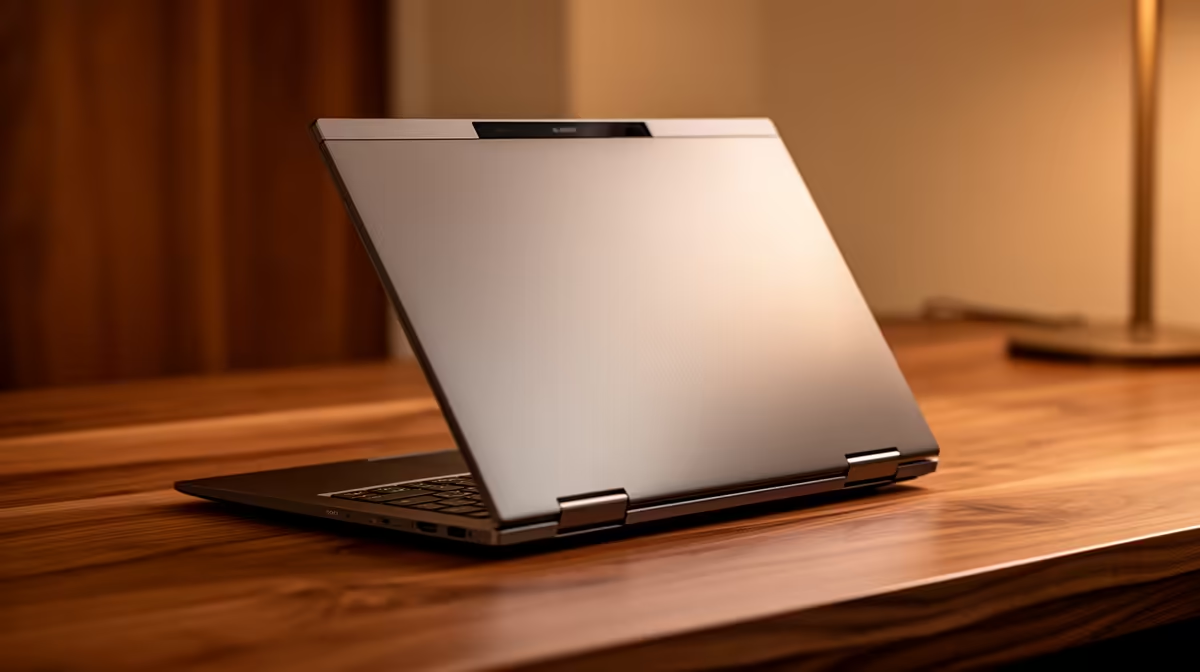
That yellowing sticky note or peeling piece of tape over your webcam doesn't exactly scream "professional," does it? An integrated shutter maintains the sleek design of your laptop. It’s a small detail that shows you take both your work and your security seriously. Plus, you avoid the sticky residue that tape leaves on your device and screen. For those building a clean desk setup, you can find excellent webcams under R1000 that offer this feature built-in.
Quick Check Before You Buy
When shopping for a new laptop or webcam, look for terms like "Privacy Shutter," "Privacy Shield," or "ThinkShutter" in the product specs. It's a small feature with a massive impact on your daily confidence.
Protects Your Hardware
Some third-party webcam covers are surprisingly bulky. When you close your laptop, a thick cover can put pressure on the screen, potentially leading to cracks or dead pixels over time. A built-in shutter is designed by the manufacturer to fit perfectly, ensuring your laptop closes properly without any risk of damage. Even stepping up to a premium webcam under R2000 often guarantees superior image quality alongside robust, device-safe privacy controls. 🚀
Upgrade Your Privacy and Peace of Mind
Don't leave your security to chance. A physical webcam cover offers unbeatable protection and a clean, professional look for your setup. Shop now at Evetech for a range of high-end webcams that prioritise both performance and privacy.