


AIO Liquid 240mm Setup and Configuration: Complete Tutorial
AIO Liquid 240mm Setup and Configuration. Clear setup instructions with SA-specific considerations, troubleshooting tips & recommended components.
Read moreprogrammable gaming mouse keybinds help you play smarter — this beginner's guide shows step-by-step mapping, recording macros, and creating profiles for faster control 🎯🖱️
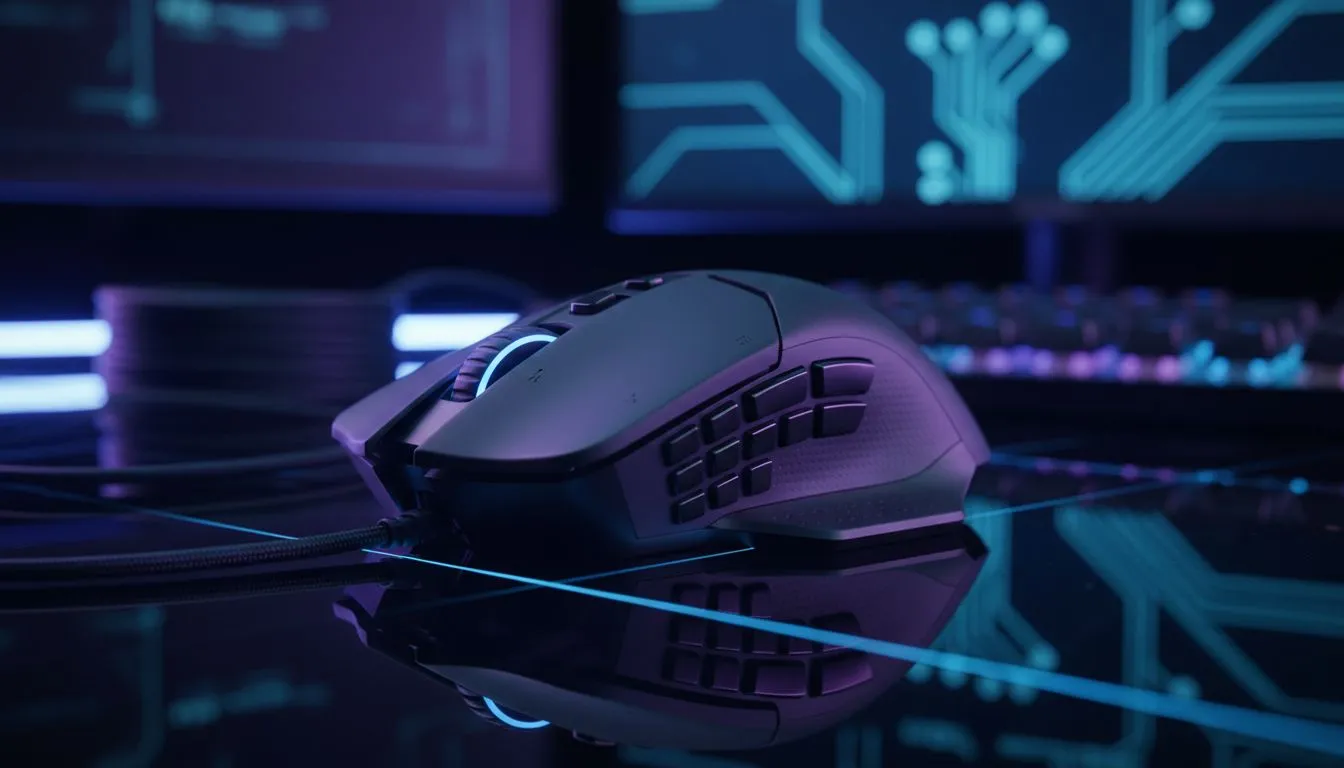
Programming your mouse sounds fancy, but within minutes you can turn extra buttons into clutch plays or productivity shortcuts. Whether you play CS, Dota, or Sims, learning simple keybinds saves seconds that become wins. This guide walks you through practical layouts, common pitfalls, and quick wins — all aimed at South African gamers who want results, not fluff. 🔧⚡
Start by mapping out roles and frequent actions. If you main a support in an MMO, bind heals and target switches to the easiest thumb buttons. For FPS, consider weapon swaps and grenade throws close to your thumb or ring finger. Draft a simple layout on paper first; the faster your muscle memory forms, the fewer misfires in a clutch.
If you need a new mouse with programmable buttons, browse Evetech’s gaming mice range to compare shapes and button counts: https://www.evetech.co.za/components/gaming-mouse-117.aspx. Finding the right shell and button placement is half the optimisation battle.
Before you set macros, decide wired or wireless. Both have programmable options; pick the form factor that fits your desk and habits. Evetech lists current best gaming mouse deals and specials — a good place to grab a model with onboard memory: https://www.evetech.co.za/best-gaming-mouse-deals/x/054.aspx. If you favour cordless freedom, check their wireless mice selection here: https://www.evetech.co.za/buy-wireless-mouse/x/1597.aspx. Prefer classic wired feel? See wired models here: https://www.evetech.co.za/buy-wired-mouse/x/1596.aspx. Want extra grips, skates, or braided cables? Find mouse accessories at Evetech: https://www.evetech.co.za/buy-mouse-accessories/x/1595.aspx. 🚀
Most gaming mice software lets you assign keystrokes, multi-action macros, DPI shifts, or even app-specific profiles. Start simple: bind one or two functions you use every game. Use a soft macro for quick sequences like "heal + target" rather than long chains — shorter macros are easier to learn and less risky in ranked matches.
Micro-story: I taught a new player to bind a grenade + jump sequence to one side button. After a week they landed it instinctively and ranked up. Small, reliable shortcuts beat flashy, complex macros every time.
Keep names short and consistent. Label profiles by game and role. Rebind only one or two buttons per session so your brain adapts.
Test bindings in practice modes and low-stakes matches. If a bind feels awkward after 48 hours, tweak it. Save profiles to the mouse's onboard memory when possible, or export them to cloud storage. That saves hours if you replace hardware or install a fresh OS.
Want to pair your new mouse with a PC that truly performs? Consider upgrading your system too — a balanced setup reduces input lag and makes bindings feel sharper.
Programmable gaming mouse keybinds are about comfort, consistency, and practising smart. Start with two reliable bindings, iterate, and protect your profiles. You’ll notice improvements in both play and productivity.
Ready to Find Your Perfect Match? The Mac vs Windows debate is complex, but for maximum power, choice, and value in South Africa, Windows is hard to beat. Explore our massive range of laptop specials and find the perfect machine to conquer your world.
Programmable gaming mouse keybinds are custom button assignments and macros that let you map macros and shortcuts for faster in-game actions.
Open your mouse software (Logitech G Hub or Razer Synapse), select the button, choose an action or record a macro, and save to a profile.
Most mid to high-end mice support recording macros via mouse macro software guide, but entry-level models may have limited macro features.
Use the manufacturer's app: Logitech G Hub, Razer Synapse, Corsair iCUE or SteelSeries Engine for full profile and macro support.
Record the macro, test in a safe environment, then adjust delays and repeats in the macro editor to refine timing and reliability.
Map common actions like melee, grenade, or crouch to side buttons for FPS; bind macros for rotations and cooldowns in MMOs using best keybinds for MMO tips.
Some apps sync via cloud (Logitech G Hub, Razer Synapse); otherwise export profile files and import them on another PC to transfer settings.
AIO Liquid 240mm Setup and Configuration. Clear setup instructions with SA-specific considerations, troubleshooting tips & recommended components.
Read more
Setting Up DDR5 64GB Kit. Tested & verified settings for best FPS and visual quality on SA hardware budgets.
Read more
Overwatch 2 Setup Guide Gamers. Clear setup instructions with SA-specific considerations, troubleshooting tips & recommended components.
Read more
R and RStudio on Mac: Data Science Setup Guide. Clear setup instructions with SA-specific considerations, troubleshooting tips & recommended components.
Read more
NVIDIA Broadcast Setup with GPU: Streamer Guide. Clear setup instructions with SA-specific considerations, troubleshooting tips & recommended components.
Read more
Core Ultra 7 265K Temperature Guide: Normal Range. Complete product range with SA pricing, key specs & recommendations for different budgets.
Read more
AMD RX 9050 XT: Rumoured Specs, Price & Release. SA-focused analysis with local pricing data, real-world insights & actionable buying advice.

Can RTX 4080 Super Run AI Workloads for SA Developers Detailed answer with SA data, expert analysis & practical recommendations for local buyers.

Can RTX 4090 Run AI Workloads for SA Developers Detailed answer with SA data, expert analysis & practical recommendations for local buyers.

Top Settings for Intel Arc B580 at Ultrawide 1440p picks evaluated on performance, value & SA availability with current Rand pricing from Evetech.

RTX 4060 CS2 Low Settings at 1080p: FPS Results. Real-world benchmark data, FPS numbers & performance analysis. What SA gamers can actually expect.

Visual Artifacts: Possible GPU Issue Issue #1. Diagnosis steps, proven fixes & when to seek professional help. SA-specific support info included.

Can the RTX 4090 Handle 1440p 144Hz Gaming. Performance testing verdict with real data & practical recommendations for SA buyers.

Top ASUS GPU Under R15000 picks evaluated on performance, value & SA availability with current Rand pricing from Evetech.

GTA 6 Max Settings on RTX 5070. Tested & verified settings for best FPS and visual quality on SA hardware budgets.

Cyberpunk 2077 Max Settings on RTX 5080. Tested & verified settings for best FPS and visual quality on SA hardware budgets.

Starfield Max Settings on RTX 5070 Ti. Tested & verified settings for best FPS and visual quality on SA hardware budgets.

Top RTX 5090 Under R5000 picks evaluated on performance, value & SA availability with current Rand pricing from Evetech.