


Starfield Max Settings on RTX 5070: Complete Guide
Starfield Max Settings on RTX 5070. Tested & verified settings for best FPS and visual quality on SA hardware budgets.
Read moreUnlock peak performance with programmable mouse buttons. Learn how to set up macros to streamline gaming controls and boost your daily productivity. 🖱️🚀
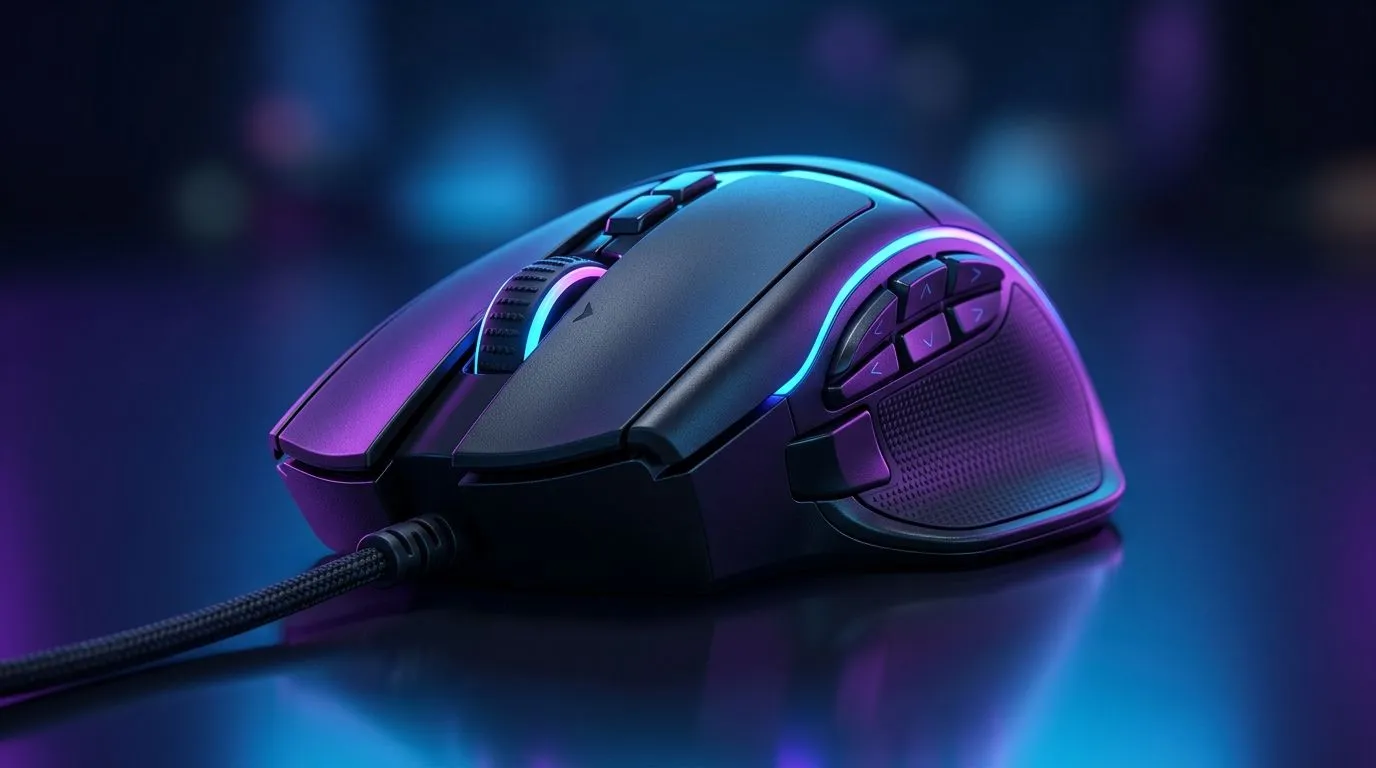
South African gamers and tech pros know every millisecond counts. Imagine a mouse that adapts to your playstyle or work routine by executing complex commands at the tap of a button. Programmable mouse buttons elevate both gaming and productivity, giving you precise control and an edge over your rivals. Whether you’re grinding in LoL or scheduling repetitive tasks, setting up macros on your mouse is a smart move to boost efficiency. 🔧
Programmable mouse buttons let you assign custom macros or commands, streamlining complex actions into single clicks. This not only speeds up gameplay but also cuts down on manual work for repetitive office tasks. South African gamers often prefer mice geared with extra buttons — it’s like adding an extra layer of skill to your arsenal.
The right hardware supports these features. Check out Evetech’s wide range of gaming mice designed with multiple programmable buttons, ensuring you can customise your setup to suit FPS, RTS, or MMO games.
Most programmable mice come with proprietary software or drivers. This is your control centre for creating, editing, and saving macros. Popular brands available at Evetech support this natively — whether you prefer wireless or wired options.
Focus on buttons that are easy to reach without disrupting your grip. Common choices include side buttons or extra buttons near the scroll wheel. Evetech lets you choose wired mice for minimal latency or go wireless with a low response time from wireless mouse options.
Within the software, start recording your sequence—this could be anything from a combo of keystrokes in-game to opening multiple apps with one button for work. Some software even allows fine-tuning delays between commands to suit your timing.
Avoid overloading buttons. Assign one clear function per button to reduce confusion and avoid misclicks during intense gaming or work sessions.
In South Africa’s competitive online arenas, every action counts. Assign macros for weapon reloads, item builds, or ability casts to respond faster and focus more on strategy. For example, a single button can execute a full combo in an MOBA, leaving your opponents scrambling.
Replace repetitive tasks like copy-pasting, launching apps, or cycling through tabs with simple clicks. Programmable buttons are especially valuable for designers, editors, and programmers who juggle multiple commands.
Elevate your setup even further by exploring Evetech’s mouse accessories to improve grip, comfort, and precision during extended sessions.
Picking the perfect gaming mouse means balancing button count, comfort, and build quality. South African gamers often prefer mice with proven durability and tangibly responsive feedback, which Evetech highlights in its best gaming mouse deals. Here, you’ll find options curated by price and performance.
Remember, a mouse that fits your hand and style is just as important as button customisation capability. Testing different shapes and weights helps zero in on the ideal fit before committing. Evetech's comprehensive mouse range covers diverse preferences from lightweight ambidextrous to ergonomic right-handed designs.
Enhance Your Gaming & Work Setup Today Ready for precision control and faster execution at your fingertips? Shop now at Evetech for performance that leaves lag in the dust.
Programmable mouse buttons are extra buttons on a gaming mouse that can be assigned to specific keyboard keys, shortcuts, or complex macros using software.
Use your mouse's proprietary software to record a sequence of keystrokes and assign them to a programmable mouse button for rapid execution in-game.
Yes, you can map programmable buttons to common tasks like copy, paste, undo, or switching between virtual desktops to speed up your daily workflow.
Most gaming mice come with dedicated software from the manufacturer, such as Logitech G Hub, Razer Synapse, or Corsair iCUE, to manage macros.
Always check a game's Terms of Service. While simple macros are often fine, complex automated scripts may be flagged as cheating in some competitive titles.
Most modern gaming mouse software allows you to create and save multiple profiles, which can automatically switch based on the game you are currently playing.
Starfield Max Settings on RTX 5070. Tested & verified settings for best FPS and visual quality on SA hardware budgets.
Read more
When Will the RTX 6090 Launch in South Africa Detailed answer with SA data, expert analysis & practical recommendations for local buyers.

Top Valorant Settings for RTX 5070: FPS Optimisation picks evaluated on performance, value & SA availability with current Rand pricing from Evetech.

RDNA 3.5 Graphics in Ryzen AI 400? Can You Game. Plain-English explanation of what it means, why it matters & how it affects your buying decisions in SA.

GPU Price Index : December Report. Current stock data & price tracking for SA buyers. See what is available and where prices are heading.

Core i5-14600K + B760 + RTX 5060 Build Under. Full parts list, Rand pricing & expected performance. Build confidently with SA-available components.

RX 7600 Apex Legends at 4K: FPS Benchmark. Real-world benchmark data, FPS numbers & performance analysis. What SA gamers can actually expect.

RX 7900 XTX GTA 6 at 4K: FPS Benchmark & Optimal. Real-world benchmark data, FPS numbers & performance analysis. What SA gamers can actually expect.

Head-to-head comparison of RTX 5070 vs RX 9070 XT: Gaming Performance for SA gamers. Performance benchmarks, Rand pricing & which delivers better value.

GPU Setup Guide Gamers. Clear setup instructions with SA-specific considerations, troubleshooting tips & recommended components.

Top RTX 5090 Under R12000 picks evaluated on performance, value & SA availability with current Rand pricing from Evetech.

Call of Duty Warzone 2 Settings on RX 7600. Real-world benchmark data, FPS numbers & performance analysis. What SA gamers can actually expect.

GTA 6 Settings on RTX 5070 Ti: Performance. Real-world benchmark data, FPS numbers & performance analysis. What SA gamers can actually expect.