



Hot-Swappable PCB Architecture in Modern Keyboards: Guide
Learn hot-swappable PCB architecture in modern keyboards—what it is, how sockets and traces work, and how to pick the right board. Speed up swaps, reduce risk, and upgrade faster 🔧⚡
Read moreProjector brightness in ANSI lumens determines your viewing experience. 💡 Learn how to choose between 1000 and 5000 lumens for home theaters, gaming, or bright office spaces to get the perfect picture every time. 📽️
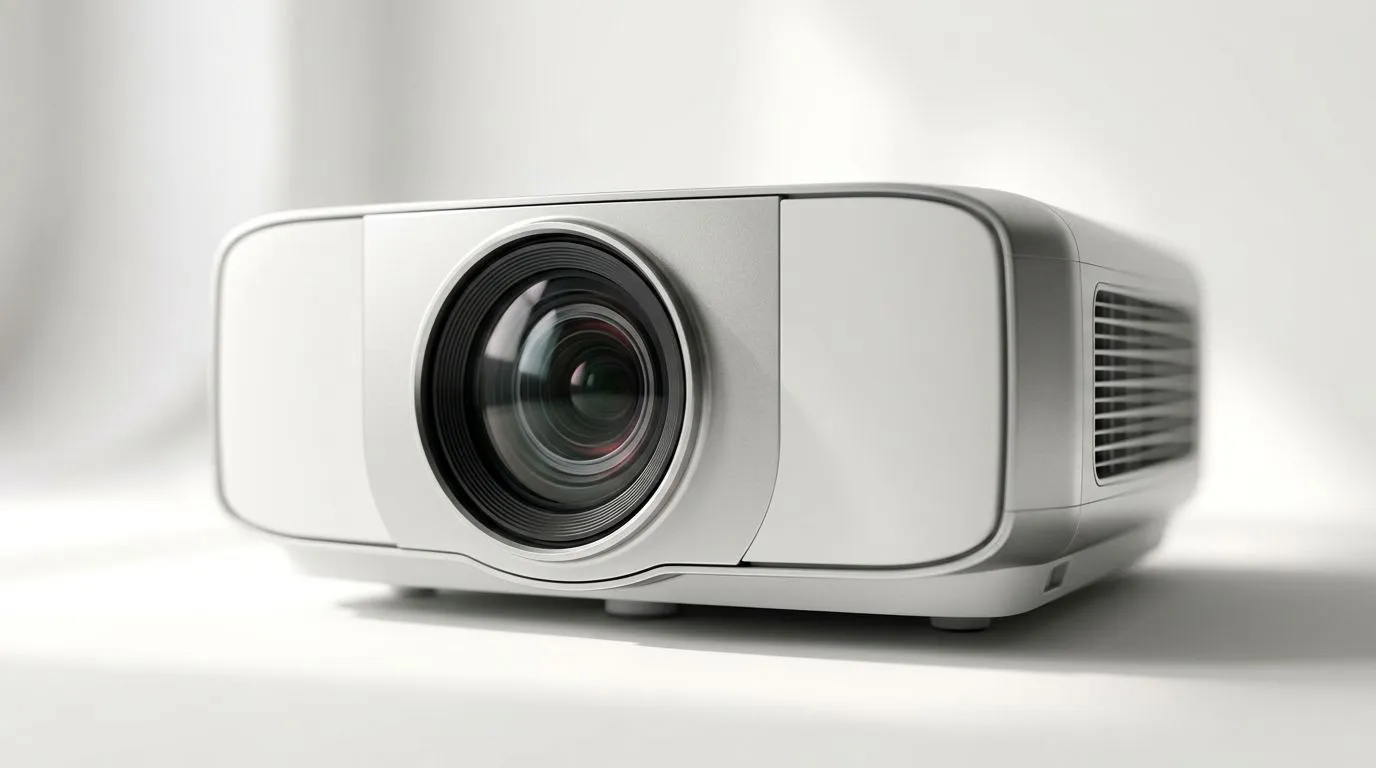
If you’ve ever bought a “cheap” projector and then wondered why your dark room still looked… washed out… this guide is for you. South African gamers, movie nights, and office power users all face the same problem: brightness specs get confusing fast. “Lumens” sounds simple, but ANSI lumens, screen gain, and room light change everything. Let’s translate Projector Brightness Guide: ANSI Lumens Explained (1000 to 5000) into real buying decisions, without the marketing fog. ✨
ANSI lumens are a standardised way of measuring projector brightness. In plain terms, higher ANSI lumens usually means the image can stay visible under more ambient light.
But here’s the part that trips most buyers up: lumens don’t operate in a vacuum.
If you want to buy with confidence, start with your environment, then map it to lumens.
Below are practical expectations for Projector Brightness Guide: ANSI Lumens Explained (1000 to 5000).
Best for a mostly dark room, smaller screen sizes, and casual viewing. If your gaming room has windows or you game with lights on, expect reduced contrast.
This range is often the sweet spot for living rooms that aren’t cinema caves. You can run a bright TV-style setup if you manage glare and don’t go extremely huge on screen size.
You’ll notice better visibility when there’s ambient light. Great for sports nights, movies with friends, and casual streaming where you cannot fully control the room.
This is where projectors can handle more challenging lighting and larger screens. It’s also where you start paying for real brightness performance, so your placement and screen choice matter even more.
Let’s make it practical. Imagine two South African buyers shopping the same day:
Both see “2500 lumens” in a product listing. Buyer B will often feel let down unless the projector is paired with the right screen size and lighting control.
As a rule of thumb, when you increase screen size, the image gets dimmer. So if you’re targeting 120" or more, lean toward the upper end of your lumens range.
Brightness is only one part of the picture. Even within the same lumens class, optical performance can change perceived sharpness and blacks. That’s why choosing a reputable brand matters.
For South African availability, start by browsing Evetech’s projector range here:
If you’re brand-focused, you can narrow it down fast:
And if you’ve got a cap in mind, filter around it:
Before you click “add to cart”, run this mini-check. It protects your budget and your weekend plans.
On Windows, use the PowerToys FancyZones utility to create custom snap layouts for your windows. It's a lifesaver for managing multiple apps on an ultrawide monitor, letting you organise your timeline, preview window, and asset folders perfectly for video editing.
This matters if you’re pairing a PC to your projector. Clean window layouts reduce fumbling mid-match, especially when you’re running Discord, OBS, and game launchers.
If you’re gaming, you’re probably not projecting 24/7. You want something that looks good under your actual conditions.
If you’re unsure which category you fit, shortlist 2 to 3 models, then compare brightness modes and your projected screen size. That comparison is usually more useful than debating marketing claims.
Use this as a starting point:
Want to avoid the guesswork? Choose your environment first, then shop based on ANSI lumens and realistic screen size.
Ready to Find Your Perfect Match? The Mac vs Windows debate is complex, but for maximum power, choice, and value in South Africa, Windows is hard to beat. Explore our massive range of laptop specials and find the perfect machine to conquer your world.
ANSI lumens is the standard unit of measurement for projector brightness, indicating the total amount of light emitted across a screen.
Yes, 1000 ANSI lumens is sufficient for a dedicated home theater or dark room where light control is excellent.
Yes, 5000 ANSI lumens are recommended for conference rooms with ambient lighting or large windows to ensure the image remains crisp and visible.
Not necessarily. While higher brightness helps in lit rooms, contrast ratio and color accuracy are equally important for overall image quality.
Consider your screen size and ambient light. Dark rooms need 1000-2000 lumens, while rooms with natural light often require 3000-5000 ANSI lumens.
You can, but it may cause eye strain or washed-out blacks. It is better to use a projector with adjustable brightness settings.
Learn hot-swappable PCB architecture in modern keyboards—what it is, how sockets and traces work, and how to pick the right board. Speed up swaps, reduce risk, and upgrade faster 🔧⚡
Read more
Mechanical switch lifespan explained—what the 50 million keystroke rating really means, plus tips to extend switch life and reduce double-press issues 🔧⌨️
Read more
60-percent vs full-size mechanical keyboard layouts—learn what each layout includes, who it suits, and how to choose the right fit 🧩⌨️ for typing, gaming, and productivity.
Read more
Double injection keycaps last far longer than standard printed keycaps in most setups. Learn typical lifespan ranges, what shortens them, and how to maximize durability for smoother daily typing and gaming 😊⌨️
Read more
Full-key anti-ghosting: does it stop missed inputs during fast-paced gaming? We break down latency, polling, and key matrix limits so you can buy smarter 🎮⚡
Read more
Protect mechanical keyboard switches from South African dust and summer humidity with practical cleaning and storage habits. Keep your switches smooth, reduce failures, and extend lifespan. 🌬️💧
Read more
Wondering if a TKL wireless mechanical keyboard is worth it for everyday productivity? We break down latency, battery life, comfort, and workflow gains for real work. ⚡⌨️

Maximise battery life on a fanless 15-inch laptop using efficiency core architecture. Cut idle drain, tune power profiles, and improve thermals for longer runtime. 🔋⚙️

Learn how to reduce desk clutter with a TKL wireless keyboard using fewer cables, smart placement, and tidy essentials. Get a faster, calmer workspace with better ergonomics. ✅🧼

RGB keyboard lighting too distracting? Learn how to manage backlight modes, set brightness, and reduce distraction for focus and productivity 😌🖱️

Are themed gaming keyboards worth the extra cost? Compare build quality, switch options, features, and resale value to find the best fit for your setup 🎮⌨️

Full-Size vs Tenkeyless mechanical keyboards for gaming: find out if a smaller layout truly improves aim, speed, and comfort. We break down layout, desk space, latency-feel, and keybinds 🎮⌨️

Dedicated media rollers vs function key shortcuts: learn which setup gives you better workflow control, faster media access, and fewer mistakes. 🖱️🎧

Best Mechanical Switch Type for Gaming: Clicky vs Linear vs Tactile. Find your feel, speed, and noise balance with practical guidance for FPS, MOBA, and productivity 😄🎮

Direct mouse answer: Mouse not keeping up with your work? Everything that matters about dual-mode 2.4GHz + BT 5.0: DPI behaviour, channel switching, battery curves and per-app button mapping. Covers when 2.4GHz USB wins (low-latency desk) and when BT 5.0 wins (laptop, d

Plain wireless mouse guide: Mouse not keeping up with your work? Everything that matters about wireless productivity mouse: DPI behaviour, channel switching, battery curves and per-app button mapping. Includes DPI tuning tips, channel switch shortcuts, and ZAR-aware fea

Real productivity numbers: Set up your wireless mouse in this order: everything that matters about wireless productivity mouse: DPI behaviour, channel switching, battery curves and per-app button mapping. Includes DPI tuning tips, channel switch shortcuts, and ZAR-aware

Pen not feeling like paper? Stylus lag and skipping usually trace to old drivers, dirty nibs, or display refresh mismatches, not the pen itself. Covers pressure curve tuning, tilt thresholds, nib swap timing, and SA pricing brackets.