


Christmas GPU Buying Guide for SA 2026
Christmas GPU Buying Guide. Hand-picked gift ideas at every budget tier. SA pricing & Evetech availability included.
Read morePWM fan speed control explains how PWM fans use pulse-width modulation to cut noise and balance cooling — learn setup tips, curves, and BIOS options. ⚙️❄️
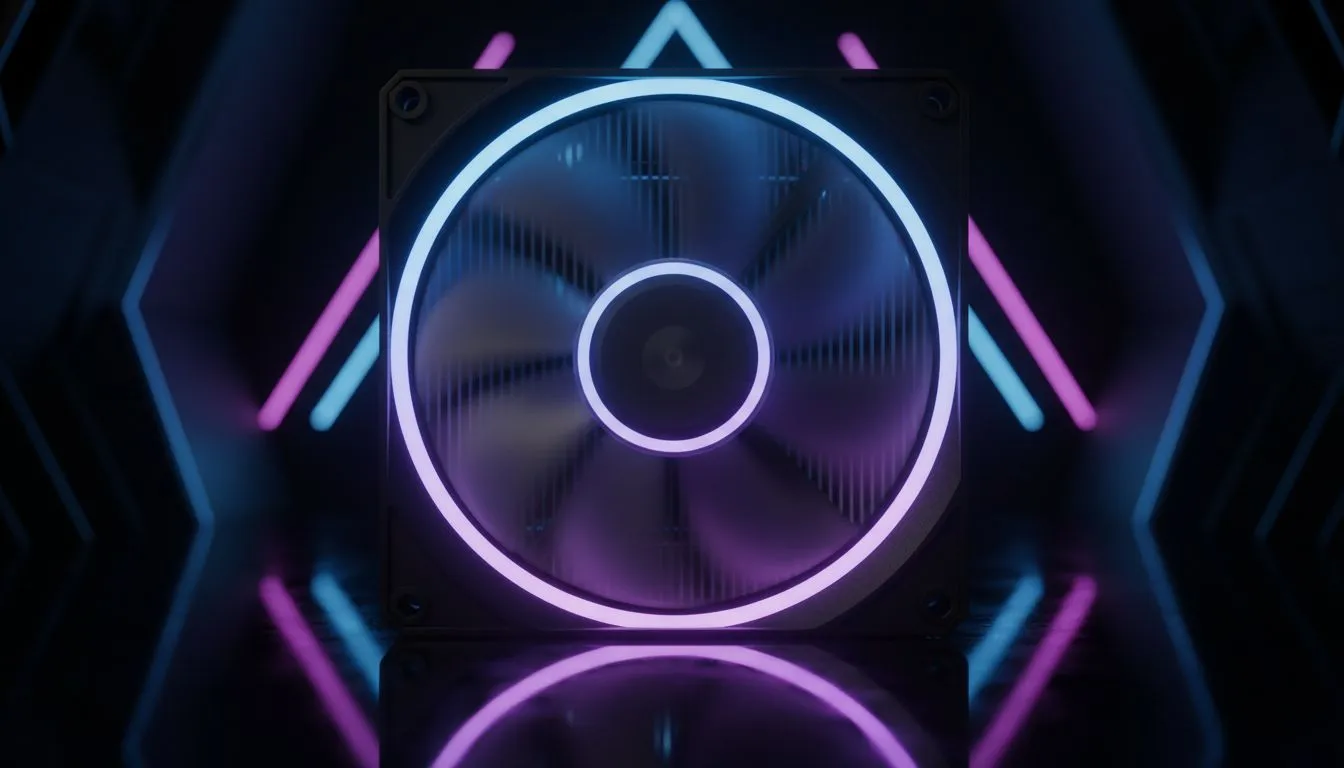
Is your gaming PC so loud it sounds like it’s preparing for takeoff at OR Tambo? You’re not alone. That roar is often the sound of fans spinning at full tilt, whether you’re deep in a Warzone match or just checking your email. But what if your PC could be smart enough to stay whisper-quiet when it can, and only ramp up when it must? That’s the magic of PWM fan speed control, and it’s the secret to a powerful yet peaceful rig.
So, what exactly is this tech? PWM stands for Pulse Width Modulation. Instead of controlling a fan’s speed by simply lowering the voltage (the old, less efficient 3-pin fan method), PWM sends a rapid series of on/off signals to the fan's motor. By changing the width of these "on" pulses, your motherboard can tell the fan precisely how fast to spin, from 0% to 100%, with incredible accuracy.
Think of it like a sophisticated dimmer switch for your fans. This precise management is why modern fans use a 4-pin connector, with the fourth pin dedicated to receiving this PWM signal. It’s a standard feature you'll find in most quality computer cases and on modern motherboards.
Implementing proper PWM fan speed control isn't just a gimmick; it delivers tangible benefits that any South African gamer or power user will appreciate.
The most obvious advantage is noise reduction. During light tasks like browsing or watching YouTube, your PC’s temperatures are low. Smart fans can slow to a near-silent crawl, letting you focus without a constant drone in the background. When you launch a demanding game, they’ll intelligently ramp up to provide the necessary cooling, then quieten down again the moment you’re back on the desktop.
Heat is the enemy of performance. When your CPU or GPU gets too hot, it "thermally throttles," reducing its speed to protect itself. This causes frustrating stuttering and lower frame rates. An effective PWM fan speed control setup ensures your components get maximum airflow under load, preventing throttling and keeping your performance consistent and high. This is especially crucial in high-airflow chassis, like many premium cases from brands like Fractal Design, which are designed to make the most of intelligent airflow.
Dive into your motherboard’s BIOS UEFI settings. Most modern boards have a "Fan Control" section (often with a visual graph) where you can create custom fan curves. You can set fans to react to CPU or system temperatures. A gentle curve that only ramps up aggressively above 70°C is a great starting point for a quiet yet effective cooling profile.
Getting started with smart cooling is straightforward. First, ensure your motherboard has 4-pin fan headers (most do these days). Second, use fans with 4-pin PWM connectors. If your case comes with 3-pin fans, consider upgrading them to unlock precise speed control.
Thankfully, many modern chassis simplify this. For example, many Gamdias gaming cases come equipped with PWM-ready fans and even included fan hubs, allowing you to connect and control multiple fans from a single motherboard header. It’s an elegant solution for a clean and quiet build. ✨
Ultimately, the goal is to find the perfect balance for your specific setup. A case with a mesh front panel will allow fans to spin slower while moving the same amount of air as a case with a restrictive solid front. This means less noise for the same cooling performance.
You don't have to break the bank to achieve this. Even many affordable gaming cases under R1500 now prioritise airflow, providing a solid foundation for a quiet and cool gaming rig. By combining a good case with smart PWM fan speed control, you get the best of both worlds: a machine that’s a beast in-game but a gentleman on the desktop.
Ready to Build a Cooler, Quieter PC? Effective cooling is the foundation of a high-performance rig. With smart PWM fan speed control and the right chassis, you can game in peace without sacrificing performance. Explore our massive range of computer cases and find the perfect foundation for your next build.
PWM fan speed control uses pulse-width modulation to vary the fan's duty cycle, letting fans run quieter while keeping temperatures in check.
PWM varies duty cycle for precise speed steps; DC lowers voltage. PWM gives finer low-RPM control and more consistent RPM under load.
True PWM requires a 4-pin header. Some 3-pin headers may still run the fan but will default to voltage based control.
Open BIOS fan settings, switch headers to PWM mode or Smart Fan, then set temperature-to-RPM curves or presets for balanced noise and cooling.
PWM-compatible hubs pass the PWM signal to multiple fans. Verify the hub supports PWM to retain individual speed control and curves.
Yes. PWM enables lower idle RPMs and smoother ramping, reducing noise during light loads while ramping up only when temps rise.
Yes — motherboard utilities and third-party apps let you design PWM fan speed curves for thermal or acoustic priorities.
Christmas GPU Buying Guide. Hand-picked gift ideas at every budget tier. SA pricing & Evetech availability included.
Read more
Minecraft Max Settings on RTX 4080. Tested & verified settings for best FPS and visual quality on SA hardware budgets.
Read more
GPU Cooling: Complete Guide. Everything you need to know with SA pricing, step-by-step instructions & expert recommendations.
Read more
Starfield Max Settings on RTX 4090. Tested & verified settings for best FPS and visual quality on SA hardware budgets.
Read more
Starfield Max Settings on RTX 4080. Tested & verified settings for best FPS and visual quality on SA hardware budgets.
Read more
GPU Driver Installation. Everything you need to know with SA pricing, step-by-step instructions & expert recommendations.
Read more
Snapdragon X2 NPU Explained: How 80 TOPS Changes. Plain-English explanation of what it means, why it matters & how it affects your buying decisions in SA.

HBM? High Bandwidth Memory Used in GPUs and AI. Plain-English explanation of what it means, why it matters & how it affects your buying decisions in SA.

How much should you spend on sim racing accessories in South Africa for a realistic setup? We break down budgets by quality tiers, so you buy smart gear and avoid overspending 🎮💸

G-Sync and FreeSync? Variable Refresh Rate. Plain-English explanation of what it means, why it matters & how it affects your buying decisions in SA.

AMD Laptop: Value. SA-focused analysis with local pricing data, real-world insights & actionable buying advice.

How MacBook Neo Handles 30+ Chrome Tabs with Only. SA-focused analysis with local pricing data, real-world insights & actionable buying advice.

Why Apple Put 8GB RAM in MacBook Neo: The A18 Pro. SA-focused analysis with local pricing data, real-world insights & actionable buying advice.

Upgrade your work laptop with a New Motherboard. Step-by-step instructions with SA-specific tips, common pitfalls to avoid & expert recommendations.

Glorious Keyboard Switches Explained: Which. Plain-English explanation of what it means, why it matters & how it affects your buying decisions in SA.

Winter Keyboard Buying Guide. Everything you need to know with SA pricing, step-by-step instructions & expert recommendations.

Keyboard Buying Guide. Everything you need to know with SA pricing, step-by-step instructions & expert recommendations.

LGBTQ+ Gamers Keyboard Guide: January Edition. Everything you need to know with SA pricing, step-by-step instructions & expert recommendations.