


Complete Guide: Setting Up AIO Liquid 420mm
Setting Up AIO Liquid 420mm. Tested & verified settings for best FPS and visual quality on SA hardware budgets.
Read morePWM vs DC fans explained for South African PC builders: learn how each controls speed, affects noise and compatibility, and get buying tips for local builds 🛠️🇿🇦
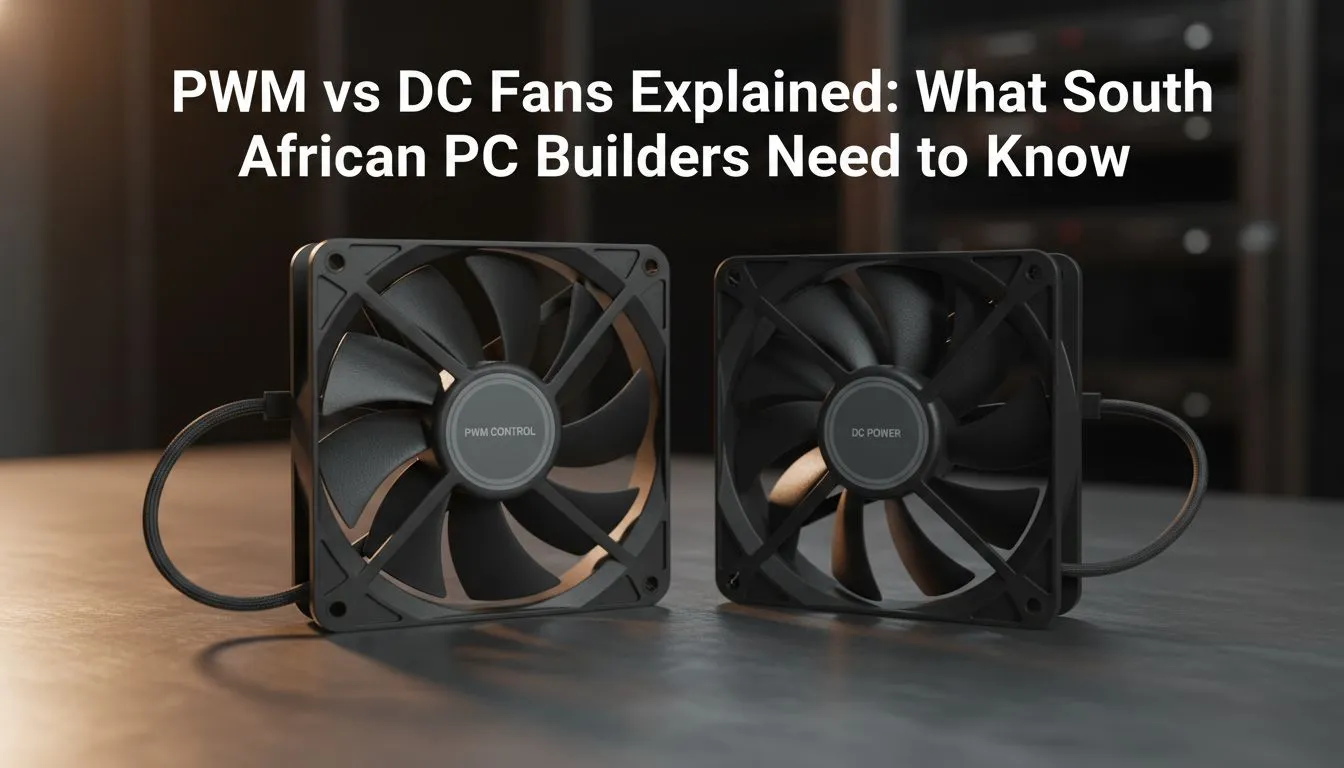
If you’re building a PC in SA and care about silence, temps and fine control, the choice between PWM and DC fans matters. This short guide cuts through the jargon so you can pick the right fans for gaming rigs, stream decks and workstation builds — without guessing. Read on for practical tips, wiring advice and where to shop locally. 🚀
Pulse-width modulation (PWM) fans use a 4-pin connector so the motherboard controls speed by altering the power pulse, while DC fans change voltage through a 3-pin header. That difference gives PWM finer low-speed control and smoother curves for quiet idle periods. For common fan specs and model options, check Evetech’s main case fans collection. (Source: Evetech product listings)
You’ll often see PWM favoured for CPU coolers and AIO radiators because they maintain precise RPM at low power. Many motherboard BIOS and software tools expose PWM curves, letting you tune when fans ramp under load.
If you’re sensitive to noise during late-night raids, PWM typically lets you push blades slower without stalling. DC fans can still be quiet, but you might hear a rougher step between speed levels on some models. For brand options with proven fluid bearings and quiet profiles, browse Corsair fans at Evetech.
Tip: test fan curves with a CPU stress run and adjust ramp points so your GPU temps only trigger the higher RPM band when needed. For a South African room that can get warm, aim to keep GPU temps under manufacturer guidelines during long sessions.
Decide lighting first. If you want lighting, look at RGB case fans to match your theme; if you prefer a stealth build, choose non-RGB/no-lighting fans for cleaner airflow and often lower cost. Compare RGB and no-RGB options to weigh aesthetics against budget at these Evetech filters: RGB case fans and non-RGB fans.
Size matters too. 120mm fans are versatile and common in many mid-towers; 140mm fans move more air at lower RPMs and usually run quieter if your case supports them. Explore the 120mm fan options and 140mm fan options to see how sizes change airflow and noise in real listings.
Different brands tune blade shape and bearings differently. If you prefer a balance of performance and warranty support, consider Deepcool fans or other trusted brands — see the Deepcool fans selection for models and specs. Match the fan mounting points, check whether your case supports 140mm intakes, and confirm your motherboard has enough fan headers or use a controller.
Use your motherboard’s fan curve controls or a simple external fan controller to set a quiet idle band and a responsive ramp at 60–70°C. If you’re using PWM fans, enable 4-pin control in BIOS; for DC fans, use voltage control or a fan hub with voltage regulation.
Ready to Find Your Perfect Match? Looking for the right PWM or DC fans for your South African build? Explore Evetech’s full case fans range and filter by brand, size or lighting to find the ideal fit for silence, airflow and style.
PWM fans use pulse width modulation to adjust speed precisely; DC fans change speed by voltage. PWM gives finer control and smoother idle behaviour.
PWM fans are usually quieter because PWM control lowers idle speeds more reliably than voltage-based DC fans, reducing background noise.
For gaming builds, PWM fans offer better thermal response and noise control, making them preferable when balancing performance and silence.
Many motherboards support both: 4-pin headers provide PWM control, while 3-pin headers run voltage-controlled DC fans. Check your board specs.
Prioritise PWM if your motherboard supports it, compare local reviews and stock, and balance airflow, noise and price when shopping in SA.
No — PWM runs from a 4-pin motherboard header. Use an external controller only when you need to manage many fans or complex curves.
Switching may slightly improve cooling and significantly improve noise control. Temperature gains are modest unless DC fans were throttled.
Setting Up AIO Liquid 420mm. Tested & verified settings for best FPS and visual quality on SA hardware budgets.
Read more
Intel XTU Download & Setup Guide: Intel CPU. Clear setup instructions with SA-specific considerations, troubleshooting tips & recommended components.
Read more
Cyberpunk 2077 Max Settings on RTX 4090. Tested & verified settings for best FPS and visual quality on SA hardware budgets.
Read more
The Complete Guide to GPU. Everything you need to know with SA pricing, step-by-step instructions & expert recommendations.
Read more
NVCleanstall Download & Setup Guide: NVIDIA. Clear setup instructions with SA-specific considerations, troubleshooting tips & recommended components.
Read more
to Driver Installation for Beginners. Everything you need to know with SA pricing, step-by-step instructions & expert recommendations.
Read more
AMD RX 9050 XT: Rumoured Specs, Price & Release. SA-focused analysis with local pricing data, real-world insights & actionable buying advice.

Can RTX 4080 Super Run AI Workloads for SA Developers Detailed answer with SA data, expert analysis & practical recommendations for local buyers.

Can RTX 4090 Run AI Workloads for SA Developers Detailed answer with SA data, expert analysis & practical recommendations for local buyers.

Top Settings for Intel Arc B580 at Ultrawide 1440p picks evaluated on performance, value & SA availability with current Rand pricing from Evetech.

RTX 4060 CS2 Low Settings at 1080p: FPS Results. Real-world benchmark data, FPS numbers & performance analysis. What SA gamers can actually expect.

Visual Artifacts: Possible GPU Issue Issue #1. Diagnosis steps, proven fixes & when to seek professional help. SA-specific support info included.

Can the RTX 4090 Handle 1440p 144Hz Gaming. Performance testing verdict with real data & practical recommendations for SA buyers.

Top ASUS GPU Under R15000 picks evaluated on performance, value & SA availability with current Rand pricing from Evetech.

GTA 6 Max Settings on RTX 5070. Tested & verified settings for best FPS and visual quality on SA hardware budgets.

Cyberpunk 2077 Max Settings on RTX 5080. Tested & verified settings for best FPS and visual quality on SA hardware budgets.

Starfield Max Settings on RTX 5070 Ti. Tested & verified settings for best FPS and visual quality on SA hardware budgets.

Top RTX 5090 Under R5000 picks evaluated on performance, value & SA availability with current Rand pricing from Evetech.