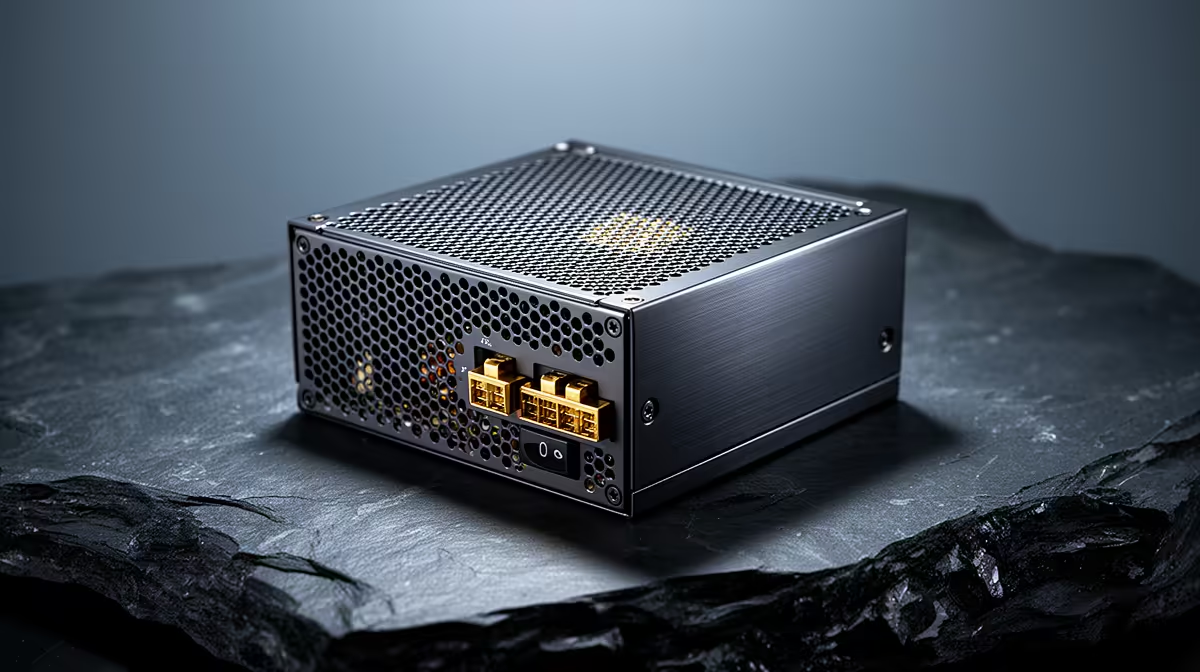
A quality PSU is worthwhile in a reception PC because stable power delivery, proper protection and a credible warranty matter more than decorative features. It should still be sized to the machine rather than bought at the highest wattage available. The DeepCool PF750 is a verified reference at R550, but 750W is more capacity than many basic front-desk systems require.
Size the unit from the components
List the processor, graphics card, drives and any planned upgrades. Use the graphics-card vendor recommendation as one input, then allow sensible headroom without doubling the real need. Confirm the PSU form factor, cable lengths, motherboard connector, CPU power plug and any GPU connectors. Never reuse modular cables from another model, even when the plugs appear to fit.
A reception computer usually values low noise and predictable uptime above peak gaming power. Look for documented electrical protections, adequate local warranty coverage and reviews that examine regulation and noise. The Corsair RM850e at R1,900 is another verified reference, but its capacity and cost only make sense for a substantially more demanding build.
The PSU cannot replace backups or clean shutdown procedures. Keep booking data synchronised to an approved service, test account recovery and document a manual process for appointments. When replacing the unit, disconnect mains power, photograph every cable route and have an experienced technician verify connections before startup. Run the booking application and printer workflow under normal load before returning the PC to reception.
Protecting a busy front desk? > Ask Evetech to match a verified PSU to the exact reception PC and its realistic upgrade plan.