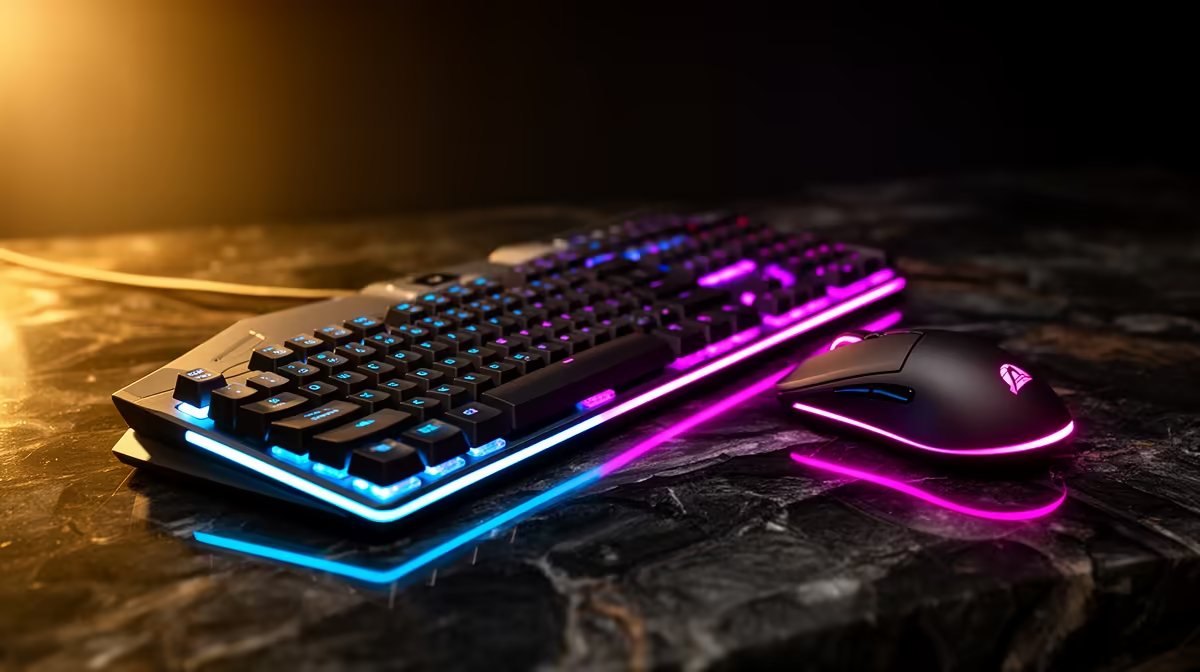
A R10,000 peripheral budget should buy precision and ownership quality, not four expensive logos. Put the largest attention on the mouse and keyboard because you touch them through every match and work session. Then choose audio for comfort and communication. Use the rest on the pad, charging or mounting that makes the system easier to live with.
Quick Answer
Choose a premium mouse only after testing shape, weight and button placement. Choose a keyboard for layout, switch feel, acoustics and repairability. Pick a headset or separate audio path for long-session comfort and clear voice. Keep the pad and accessories proportionate. R10,000 is a planning ceiling; current named products decide whether the best desk finishes below it.
The mouse can earn premium money
A high-end mouse may offer lower weight, a refined shell, stable high polling and strong wireless performance. Those features help only when the shape suits you. A perfect sensor inside the wrong shell becomes an expensive spare.
Measure hand length and width, then identify palm, claw or fingertip tendencies without treating them as fixed categories. Try the main game sensitivity. Check whether side buttons sit under the thumb without accidental presses.
High polling can reduce input intervals, while it also increases CPU and USB work. The visible gain depends on display refresh, game and system. Use a stable setting the full PC can hold rather than selecting the largest number.
Replaceable skates, a sound scroll wheel and available receiver support affect long ownership. Keep the receiver and extension labelled.
The keyboard can earn the rest of the input share
Premium boards can improve case construction, stabilisers, keycaps, switches and firmware. They can also charge heavily for a display or lighting you do not use.
Choose layout first. A 75 percent board preserves function row and arrows in a compact width. Tenkeyless keeps familiar navigation. Full-size suits number-heavy work. Check key positions because compact layouts are not identical.
Hot-swap support can extend the board by making a failed switch replaceable. Confirm socket and switch compatibility. Gasket mounts, foam and heavy cases change sound and feel but do not make inputs faster by themselves.
Rapid-trigger and adjustable-actuation keyboards can help games that benefit from quick directional reset. They require careful profile setup and may be unnecessary for typing or slower games. Test whether the feature changes your control rather than buying it as a tier badge.
Headset or separate headphones and mic
A premium headset keeps the connection simple and microphone attached. Separate headphones and microphone can improve component choice and let one part change later. They add a stand or arm and more cable work.
For headphones, check tonal balance, imaging, clamp and pad depth. For the mic, record speech in the real room. Wireless headsets add battery, range and possible latency. Wired models remove charging and can use the motherboard, USB dongle or external audio device.
Do not spend the audio share on virtual-surround branding without testing the game. Stereo spatial processing can provide strong positional cues. Keep the profile that preserves front-back and distance information.
The pad should suit the chosen mouse
Surface speed and stopping control interact with mouse skates and sensitivity. A fast glass or hard pad can expose every small correction. A control cloth can make stopping easier. Neither is universally competitive.
Measure the movement area. A premium surface too small for one full turn is a poor fit. Check edge height, base grip and cleaning instructions.
Buying several pads to chase feel can consume the accessory share. Use one for several weeks and adjust sensitivity before replacing it.
Use the local range as a shortlist
Open the peripheral best sellers for current models, then inspect supporting products in the gaming accessory catalogue. The second page is broad, so an accessory price cannot stand in for a premium input device.
Create a named R10,000 basket and date every quoted price as of July 2026. Compare it with a R5,000 basket using the same shapes and functions. The premium needs to show a material gain in fit, feature, repairability or wireless performance.
Where premium spend often goes wrong
Matching one brand across every device can simplify software and lighting, but it can force a poor mouse shape or headset fit. Use separate brands when each product wins its job.
Collector keycaps and limited colours can absorb money without changing use. A heavy keyboard case can feel solid and become difficult to move. A light mouse can lose buttons your work relies on.
Judge every premium feature through a normal week. The desk supports games, writing, calls and browsing, not a product photograph.
Connection and charging plan
If several devices are wireless, decide where they charge and where receivers sit. Keep receivers away from interference and within the maker's supported range. A powered hub may help desk routing, but direct connection is the diagnosis baseline.
Battery replacement or service affects long ownership. Check whether the product can be used while charging and whether its cable remains flexible enough for gaming.
A wired keyboard plus wireless mouse and headset can be a sound mix. There is no prize for connection uniformity.
Software overhead
Premium peripherals may install separate control suites. Check background CPU use, account requirements, profile storage and update behaviour. Save essential DPI or key profiles onboard where possible.
Use one lighting layer rather than several applications fighting for control. Keep audio processing restrained. A heavy equaliser can cause clipping, while aggressive microphone suppression damages speech.
Macros must comply with the game or service rules. Use remaps for accessibility and workflow within the current terms.
Comfort deserves a long test
Use the mouse for a full workday and gaming session. Type long enough to expose switch force and wrist position. Wear the headset until heat and clamp become clear.
Pain or persistent numbness calls for a pause and qualified professional advice. No peripheral can guarantee a health outcome. Adjust desk height, seating and breaks as part of the complete setup.
Stop before R10,000 when the desk is solved
The best mouse may cost less than the planned share. The right keyboard may be a quiet mid-range model. Keep the balance instead of upgrading the pad or stand without a need.
Performance gains diminish once tracking, input consistency and audio are already strong. Put unused money toward the monitor or PC when that is the measured limit.
Frequently Asked Questions
Should the mouse cost more than the keyboard?
It can when shape, wireless response and low weight lead your gaming. Typing and customisation can justify the reverse.
Is a R10,000 peripheral setup better for every player?
No. Premium features matter only when fit, workflow or control uses them. A strong lower-cost desk can perform as well for your needs.
Should I keep all peripherals in one brand ecosystem?
Only when the individual products fit and the shared software saves real work. Fit and function lead branding.
Build the R10,000 desk around a tested mouse shape and keyboard layout, then add audio and accessories only where premium features earn their place.