


Storage Specs Explained for Beginners
Storage Specs Explained for Beginners. Plain-English explanation of what it means, why it matters & how it affects your buying decisions in SA.
Read moreram professional design: Decide whether 16GB, 32GB, or 64GB suits your apps and files. Get clear recommendations for Photoshop, CAD, 3D and video workflows, plus upgrade tips. ⚙️📈
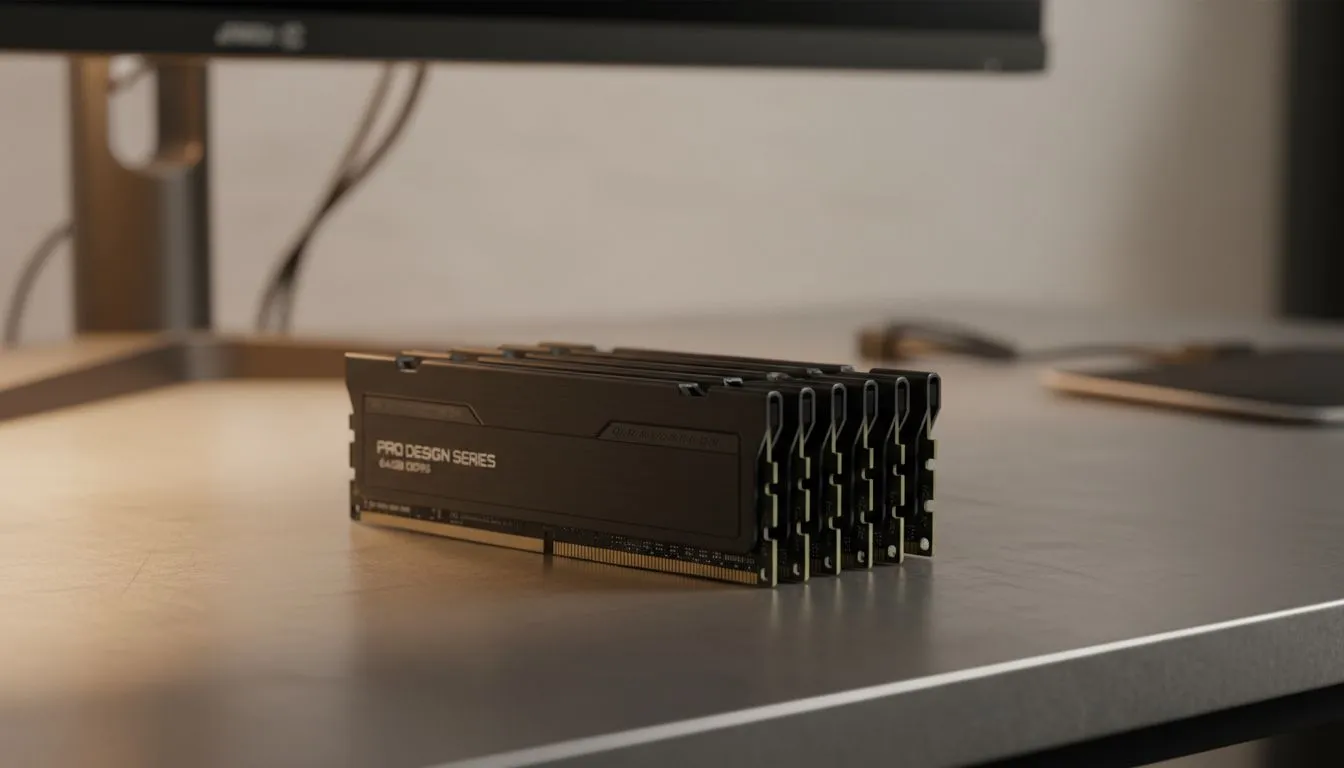
Designing in South Africa means juggling demanding Adobe suites and high-res renders. Whether you're a freelancer in Cape Town or a studio lead in Jozi, your hardware shouldn't stutter. The question "ram professional design: how much RAM do you really need?" is more than technical... it's about billable hours. Let's look at what actually keeps your workflow smooth without wasting your hard-earned Rands. 🚀
Memory acts as your computer's short-term workspace. If you run out of space, your system relies on the much slower SSD or hard drive. This slowdown is often where the "spinning wheel of death" begins. For those starting their creative journey, you can often find great value when you buy gaming laptops under R20k that offer enough headroom for entry-level graphic design.
If you are working with multiple layers in Photoshop or complex vectors in Illustrator, 8GB will cause lag. 16GB allows you to keep Chrome tabs open while you work... a necessity for most designers today. You can find many Intel laptops on special that feature this configuration as a starting point. It provides a stable environment for most 2D creative work and light photo editing. ✨
On Windows, use the PowerToys FancyZones utility to create custom snap layouts for your windows. It's a lifesaver for managing multiple apps on an ultrawide monitor, letting you organise your timeline, preview window, and asset folders perfectly for video editing.
When you move into 4K video editing or 3D rendering, the "ram professional design: how much RAM do you really need?" question shifts significantly. Video cache eats memory for breakfast. For these heavy tasks, browsing Ryzen laptop deals is often a smart move since these processors excel at multi-threaded workloads. 🔧
If your work involves real-time rendering in engines like Unreal, you also need a powerful GPU. Pairing high RAM with Geforce RTX gaming laptops on special ensures that your hardware does not throttle during tight deadlines. This combination is essential for architectural visualisation and high-end motion graphics.
Choosing the right amount of memory is about future-proofing your business. It is usually more affordable to buy a machine with the right specs now than to attempt an upgrade later. To see a wide variety of high-performance machines that can handle heavy workloads, check out the best gaming laptop deals currently available in South Africa. ⚡
Ready to Find Your Perfect Match? The Mac vs Windows debate is complex, but for maximum power, choice, and value in South Africa, Windows is hard to beat. Explore our massive range of laptop specials and find the perfect machine to conquer your world.
Most graphic designers start at 16GB, but 32GB is safer for large Photoshop files and complex Illustrator projects. Consider 32GB for best balance.
16GB can work for simple CAD, but complex assemblies and 3D scenes benefit from 32GB or more. For heavy 3D, aim for 64GB.
Yes. Video editing and motion design demand more RAM. 32GB is a solid baseline; 64GB improves timelines with high-res footage and effects.
Upgrading reduces swapping and improves multitasking. Moving from 8GB to 16GB or 32GB gives noticeable gains for design workflows and apps.
Photoshop runs fine on 16GB for most tasks, but 32GB handles huge layered files and smart objects without frequent disk caching.
Balance matters: CPU/GPU drive rendering and viewport performance, while RAM prevents slowdowns during multitasking and large file work.
Aim for dual-channel kits, matched modules, and at least 32GB for pro use. For heavy 3D or video, 64GB or ECC memory on workstations is ideal.
Storage Specs Explained for Beginners. Plain-English explanation of what it means, why it matters & how it affects your buying decisions in SA.
Read more
Will RDNA 5 Use the Same Silicon as the Next. Plain-English explanation of what it means, why it matters & how it affects your buying decisions in SA.
Read more
Google Workspace on Mac: Drive, Docs, Sheets and. Everything you need to know with SA pricing, step-by-step instructions & expert recommendations.
Read more
Back-to-School Parent Guide: Storages. Everything you need to know with SA pricing, step-by-step instructions & expert recommendations.
Read more
to Esports Tournaments. Everything you need to know with SA pricing, step-by-step instructions & expert recommendations.
Read more
Easter Storage Buying Guide. Hand-picked gift ideas at every budget tier. SA pricing & Evetech availability included.
Read more
AMD RX 9050 XT: Rumoured Specs, Price & Release. SA-focused analysis with local pricing data, real-world insights & actionable buying advice.

Can RTX 4080 Super Run AI Workloads for SA Developers Detailed answer with SA data, expert analysis & practical recommendations for local buyers.

Can RTX 4090 Run AI Workloads for SA Developers Detailed answer with SA data, expert analysis & practical recommendations for local buyers.

Top Settings for Intel Arc B580 at Ultrawide 1440p picks evaluated on performance, value & SA availability with current Rand pricing from Evetech.

RTX 4060 CS2 Low Settings at 1080p: FPS Results. Real-world benchmark data, FPS numbers & performance analysis. What SA gamers can actually expect.

Visual Artifacts: Possible GPU Issue Issue #1. Diagnosis steps, proven fixes & when to seek professional help. SA-specific support info included.

Can the RTX 4090 Handle 1440p 144Hz Gaming. Performance testing verdict with real data & practical recommendations for SA buyers.

Top ASUS GPU Under R15000 picks evaluated on performance, value & SA availability with current Rand pricing from Evetech.

GTA 6 Max Settings on RTX 5070. Tested & verified settings for best FPS and visual quality on SA hardware budgets.

Cyberpunk 2077 Max Settings on RTX 5080. Tested & verified settings for best FPS and visual quality on SA hardware budgets.

Starfield Max Settings on RTX 5070 Ti. Tested & verified settings for best FPS and visual quality on SA hardware budgets.

Top RTX 5090 Under R5000 picks evaluated on performance, value & SA availability with current Rand pricing from Evetech.