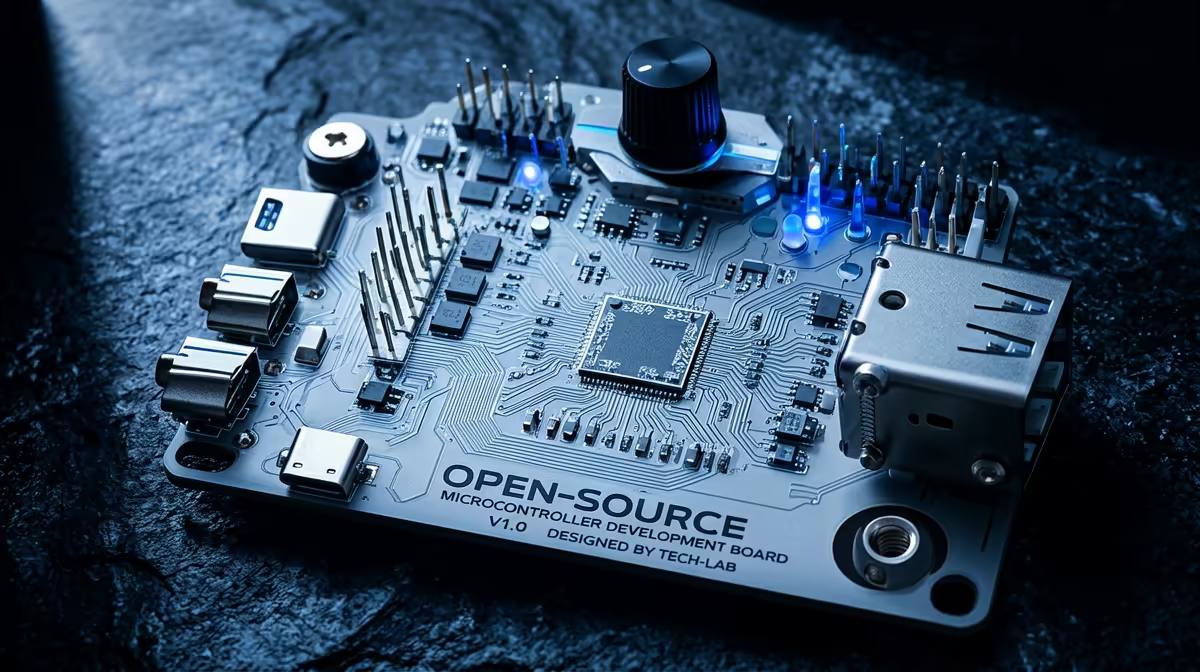
Both boards sit on the same workbench shelf and look like rivals, but they ask you to learn in very different ways. The Raspberry Pi Pico versus the Arduino Uno comes down to a simple trade: the Pico is a modern, Python-friendly chip with far more horsepower and a tiny price, while the Uno is the long-established C and C++ board with the largest beginner tutorial library and a shield ecosystem nothing else matches. The right pick depends almost entirely on which language you want to learn first.
Quick Answer
Pick the Raspberry Pi Pico if you want to learn with MicroPython and value modern specs at the lowest cost. Pick the Arduino Uno if you want the deepest pool of beginner tutorials, plug-in shields and a board that has been the classroom standard for years. The Pico is faster and cheaper; the Uno is better documented for absolute newcomers.
The Hardware Gap Is Large
These two chips are generations apart. The Arduino Uno runs an 8-bit ATmega328P at 16 MHz, with roughly 2KB of SRAM and around 32KB of flash for your program. That sounds tiny, and it is, but it has proven more than enough for an enormous range of learning projects over many years.
The Pico is built on the RP2040, a 32-bit dual-core Arm Cortex-M0+ that runs up to 133 MHz, with 264KB of SRAM and 2MB of flash on board. That is dramatically more memory and processing headroom, plus a second core to play with. For a beginner the extra power rarely becomes the bottleneck early on, but it means the Pico has far more room to grow as your projects get ambitious.
Language Is the Real Decision
This is the choice that matters most, because it shapes how you actually learn. The Pico was designed with MicroPython front and centre. Raspberry Pi officially recommends MicroPython for newcomers, and Python is one of the friendliest first languages there is, with readable syntax and instant feedback. The Pico also supports C and C++, CircuitPython and even Rust, so it grows with you.
The Arduino Uno is a C and C++ board. The Arduino IDE wraps that in a structured sketch format that hides a lot of complexity, and most beginners get working hardware within minutes of their first attempt. C and C++ are less forgiving than Python at the start, but they are the languages embedded electronics runs on professionally, so what you learn maps directly onto industry work.
If You Already Know a Little Python
Go with the Pico. You will feel at home immediately, write working code faster, and spend your energy on the electronics rather than wrestling unfamiliar syntax.
If You Want the Most Hand-Holding
Lean towards the Uno. The sheer volume of step-by-step guides, school curricula, forum answers and video walkthroughs built up around it means almost any beginner problem you hit has already been solved and written up somewhere.
Ecosystem and Add-Ons
The Arduino Uno's headline advantage beyond tutorials is its shield ecosystem. Shields are boards that stack directly onto the Uno's header layout to add motor drivers, displays, sensors and connectivity, no wiring required. That layout has been a de facto standard for so long that the range of compatible add-ons is vast, which makes building real projects quick.
The Pico uses a breadboard-friendly layout instead, with pins down both long edges. You wire components yourself rather than stacking shields, which teaches you a little more about the connections but takes slightly more effort. Both approaches work well for learning, and a decent breadboard, jumper kit and a handful of sensors will get either board going. The sensors and modules in the smart home and electronics range cover most first-project shopping lists for either board.
Cost and Value
The Pico is one of the cheapest capable microcontrollers you can buy, which makes it almost disposable for experiments and a brilliant choice if you want several boards for several projects. The Uno costs more, but that buys you the ecosystem and documentation depth, and for a single learning board the difference is small in Rand terms.
If budget is tight and you want to buy two or three boards to leave wired into different projects, the Pico's price is hard to argue with. If you want one well-supported board to learn on thoroughly, the Uno earns its slightly higher cost. Keeping a stock of leads, breadboards and storage on hand keeps either path cheap to run, and the accessories best sellers are a good place to top up the consumables.
So Which One Wins for a Beginner?
There is no universal winner, only a winner for your situation. For a learner who wants modern specs, the lowest cost and a path into Python, the Pico is the smarter start. For a learner who wants the gentlest possible on-ramp, the widest tutorial coverage and snap-on shields, the Uno remains the safe classic. Neither is a wrong answer, and whichever you start with teaches transferable habits you will carry to the other.
Frequently Asked Questions
Is MicroPython easier than Arduino's C++ for a first-timer?
For most people, yes. Python's readable syntax and forgiving nature make early wins come faster. C and C++ on the Uno are stricter, but they are closer to how professional embedded work is done, so neither choice is wasted.
Can the Pico use Arduino shields?
Not directly. The Pico uses a breadboard-style pin layout rather than the Uno's stacking header, so you wire add-ons by hand. Some adapter boards exist, but the shield ecosystem is really an Arduino strength.
Which board has better project support online?
The Arduino Uno, by a wide margin, because it has been the classroom and hobby standard for years. The Pico's library is growing quickly, but the Uno still has the deepest pool of beginner guides.
Does the Pico's extra power matter for a beginner?
Rarely at the very start, since first projects are simple. It matters later, when more memory and a second core let you tackle bigger ideas without hitting a wall, which is why the Pico ages well.
Can I run the same project on both?
Often, in spirit, though the code differs because the languages and pin layouts differ. Many tutorials now publish versions for both boards, so porting a simple project between them is a useful learning exercise in itself.
Picking your first microcontroller? Browse the maker boards, sensors and kits in the electronics range at Evetech to match the board to the language you want to learn, all in stock and priced in Rand.