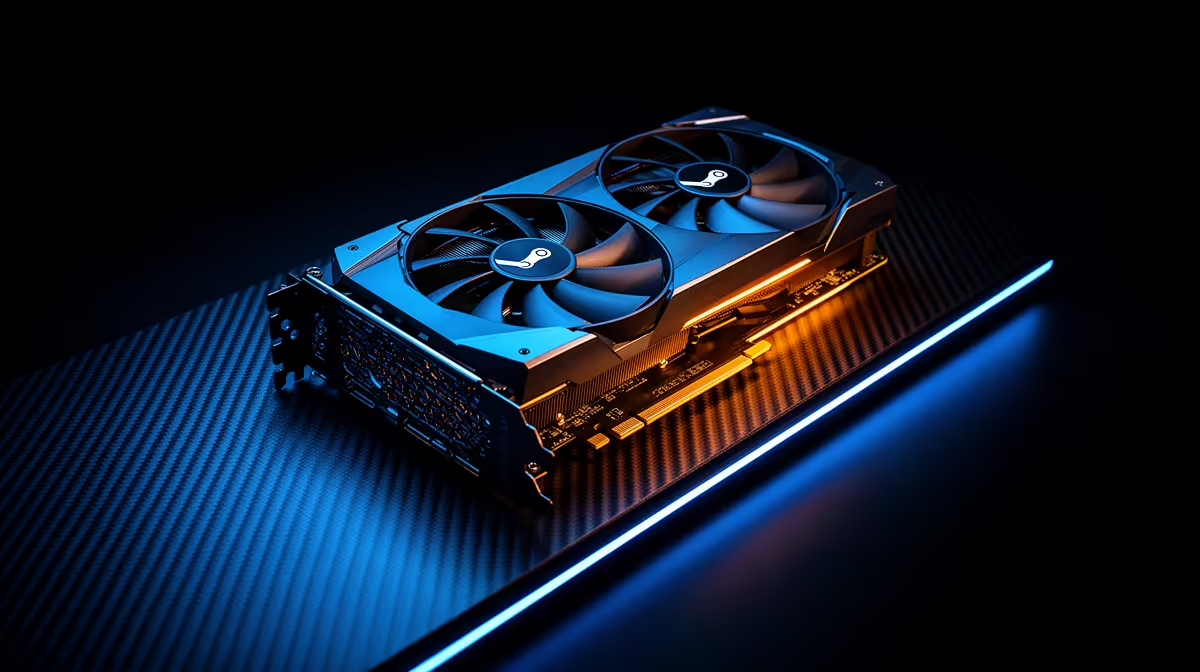
Running SteamOS on a desktop Radeon means your driver stack lives in the Linux kernel and Mesa, and that changes how you weigh two strong AMD cards. The RX 9070 XT (RDNA 4, 16GB GDDR6) and the RX 7900 XT (RDNA 3, 20GB GDDR6) both improve as those open-source drivers mature, so the choice for SA Linux builders is newer architecture against extra VRAM. Both are stocked locally, which makes this a real decision rather than a thought experiment.
Quick Answer
For a SteamOS build, the RX 9070 XT (RDNA 4) brings newer architecture and stronger upscaling support, while the RX 7900 XT (RDNA 3) offers 4GB more VRAM at 20GB. The 9070 XT is the more future-proof pick for most; choose the 7900 XT if your titles are VRAM-hungry at high resolution.
How Linux drivers shape this choice
On SteamOS, AMD GPUs rely on the open-source Mesa graphics stack and the kernel's amdgpu driver rather than the closed Windows driver. This is one of AMD's biggest advantages on Linux, because that open stack is well maintained and improves steadily.
Newer architectures benefit most from recent kernels and Mesa versions, since support and optimisations land over time. An RDNA 4 card like the 9070 XT wants a current kernel to perform at its best, while the more established RDNA 3 7900 XT already enjoys mature, well-optimised support.
RDNA 4 and the RX 9070 XT
RDNA 4 is AMD's newer architecture, and the RX 9070 XT carries 16GB of GDDR6. Beyond raw shading improvements, RDNA 4 brings better ray tracing hardware and stronger support for AMD's upscaling, which is increasingly relevant as more Linux titles adopt FSR.
Why newer architecture matters on SteamOS
Architectural gains compound on Linux as Mesa catches up. Buying the newer generation generally means a longer useful life as drivers mature around it, and RDNA 4's efficiency and feature set position the 9070 XT well for the next few years of SteamOS development.
RDNA 3 and the RX 7900 XT
The RX 7900 XT is the previous-generation flagship-class card with 20GB of GDDR6, a full 4GB more than the 9070 XT. RDNA 3 is a known quantity on Linux with mature drivers, so it performs predictably right out of the box.
When the extra VRAM wins
That 20GB buffer matters at 4K with high-resolution textures, in heavily modded games, and in some creative or AI workloads that spill past 16GB. If your library leans toward VRAM-hungry titles or you also do GPU compute on Linux, the 7900 XT's larger pool is a tangible advantage that newer architecture alone does not replace.
Upscaling and ray tracing on Linux
Modern gaming increasingly leans on upscaling to hit high frame rates, and this is an area where RDNA 4 pulls ahead. The 9070 XT's improved hardware handles AMD's FSR upscaling more effectively, and as more SteamOS titles adopt FSR, that advantage grows. For 4K gaming especially, good upscaling is what keeps frame rates smooth without dropping detail.
Ray tracing tells a similar story. RDNA 3 introduced ray tracing acceleration, but RDNA 4 sharpens it considerably, so the 9070 XT delivers playable ray-traced performance in more titles. On Linux, ray tracing support has historically lagged behind Windows, but Mesa has closed much of that gap, and the newer architecture benefits most from those ongoing driver improvements.
How the open driver stack evolves
One genuine advantage of the open-source approach is that performance often improves after launch as Mesa matures. A card bought today can run measurably faster a year later purely from driver work, with no hardware change. This favours the newer RDNA 4 card, since it has the longer runway of optimisation still ahead of it, while the RDNA 3 7900 XT is already near the top of its driver maturity curve.
Performance, power, and the practical trade-off
In pure gaming, the two cards trade blows depending on the title and resolution, with the 9070 XT pulling ahead in ray-traced and upscaled scenarios and the 7900 XT holding its own through raw rasterisation and VRAM. Neither is a clear winner across the board, which is what makes this a genuine choice rather than an obvious upgrade.
Power draw and cooling also factor in. RDNA 4's efficiency improvements mean the 9070 XT can deliver competitive performance with sensible power and heat, which matters in a warm SA summer and in compact builds. Both cards appear in the handheld and console-style gaming range at Evetech alongside related SteamOS-friendly hardware.
Which should a SteamOS builder pick
For most people building a SteamOS rig today, the RX 9070 XT is the more forward-looking choice: newer architecture, better upscaling and ray tracing, and a driver stack that will keep improving. It is the safer long-term bet for a system you want to run for years.
Choose the RX 7900 XT if your specific titles or workloads need more than 16GB of VRAM, where the extra 4GB directly prevents stutter and texture pop-in. You can compare current configurations in the best-selling PCs to see how each card slots into a complete build.
Matching the GPU to the rest of the build
A GPU this capable deserves a system that does not hold it back. On SteamOS, a recent multi-core CPU keeps frame times consistent, and at least 16GB of system RAM avoids stutter when games and the OS compete for memory. Both cards want a quality power supply with the right connectors and a case with airflow to match, which matters in SA's warmer months when ambient temperatures already work against your cooling.
Storage is the quiet factor too. A fast NVMe SSD shortens load times and helps streaming engines that pull textures on the fly, which keeps a high-VRAM card like the 7900 XT fed. Building around either GPU with a balanced CPU, memory, and cooling is what lets the card deliver the performance you paid for rather than leaving frames on the table.
A note on the SteamOS experience
Beyond raw hardware, SteamOS itself shapes the choice. Valve's continued work on Proton means a huge swathe of Windows titles now run well on Linux, and AMD's open drivers are central to that smooth experience. Both the 9070 XT and 7900 XT benefit directly from this maturing ecosystem, so either is a sound foundation for a living-room or desktop SteamOS rig.
The practical takeaway is that you are not gambling on either card working: both are well supported today. The decision genuinely comes down to whether you value the newer architecture's upscaling and longevity or the older card's larger memory buffer for your particular library.
Frequently Asked Questions
Is the RX 9070 XT or RX 7900 XT better for SteamOS?
For most SteamOS builds the RX 9070 XT wins on newer RDNA 4 architecture, better upscaling, and a driver stack that keeps improving. The RX 7900 XT is better if you need its larger 20GB VRAM.
Does the extra VRAM on the RX 7900 XT matter on Linux?
Yes, at 4K with high-resolution textures, in heavily modded games, and in GPU compute or AI work that exceeds 16GB. For mainstream 1440p gaming the 16GB on the 9070 XT is ample.
Do AMD GPUs work well on SteamOS?
Yes. AMD's open-source Mesa and amdgpu drivers are well maintained and a key reason AMD cards are popular on SteamOS. Newer architectures benefit from running a current kernel.
Which card uses less power?
The RX 9070 XT benefits from RDNA 4's efficiency improvements, generally delivering competitive performance with sensible power and heat, which helps in compact or warm-climate builds.
Building a SteamOS rig? Compare the RX 9070 XT and RX 7900 XT against complete systems in the best-selling PC range at Evetech and pick the GPU that matches your games and your future plans.