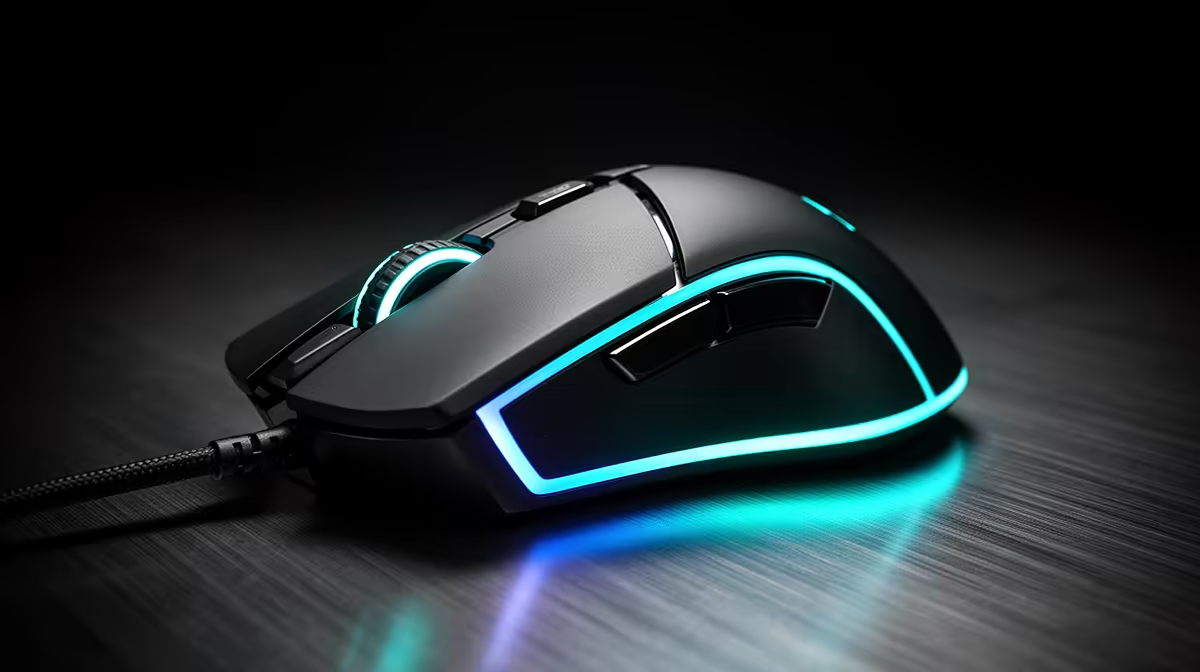
If you are weighing this up for your build, here is the straight guidance for SA buyers. This guide focuses on "8000Hz and 1000Hz Polling for Strategy and Sim Games" for South African buyers.
Quick Answer
8000Hz polling sends mouse updates eight times more often than 1000Hz, trimming latency from 1ms toward 0.125ms. For strategy and sim games the benefit is real but subtle, and it leans on CPU headroom and a high-refresh display. A solid 1000Hz mouse from R27,000 remains the safe pick.
Why 1000Hz Is Still Enough
1000Hz polling has powered competitive play for years and feels precise on screens up to 240Hz. For strategy and sim games, a quality 1000Hz mouse from R27,000 delivers consistent input without taxing your system. Many players blind-test the two and cannot tell them apart.
What 8000Hz Polling Changes for Strategy And Sim Games
At 8000Hz the mouse reports every 0.125ms instead of 1ms, smoothing cursor motion on very fast screens. For strategy and sim games, that can mean slightly cleaner tracking, but only when your monitor and CPU keep up. Pair it with a 240Hz or higher panel to feel the difference at all.
FAQ
Does 8000Hz polling hurt frame rates in strategy and sim games?
It can add roughly 2% CPU load, which may nudge frames down on tighter builds. If you see that during strategy and sim games, switch back to 1000Hz and the impact disappears.
Will I feel the difference between 1000Hz and 8000Hz?
On a 360Hz screen, some players notice marginally smoother motion. For typical strategy and sim games on a 144Hz panel, the difference is usually too small to matter.
Is 8000Hz polling worth it for strategy and sim games?
Only if you already run a 240Hz or faster monitor and have CPU headroom. For most strategy and sim games setups, a 1000Hz mouse from R27,000 feels identical and costs less.
Shop smart
Sort the monitor and a reliable 1000Hz mouse from R27,000 first, then add 8000Hz only if your screen and CPU can use it.