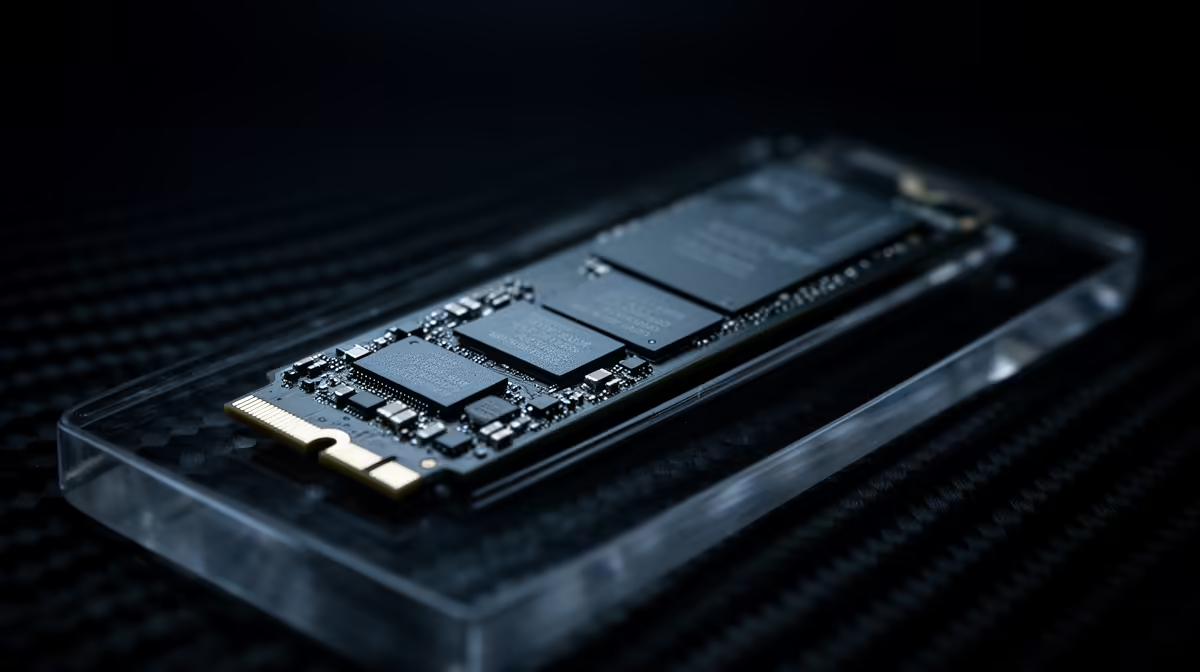
Before you commit budget to M.2 versus U.2 NVMe storage, it helps to separate the marketing from what you'll actually feel.
Quick Answer
For streaming and capture work on a desktop, an M.2 NVMe drive is the right pick: it slots straight onto the board, runs 7,000 MB/s on Gen 4, and needs no cables. U.2 NVMe targets servers and workstations with hot-swap bays, so it's overkill and harder to fit in a normal gaming case. Good 1TB Gen 4 M.2 drives sit around R1,500.
Why M.2 fits streaming and capture work
M.2 plugs directly into the motherboard, drawing power and data through one slot with zero clutter. For game loads and capture scratch space, a Gen 4 drive's 7,000 MB/s reads are more than enough. Gen 5 pushes past 12,000 MB/s but the real-world feel barely changes for gaming.
What U.2 is actually for
U.2 uses a cabled 2.5-inch form factor built for enterprise endurance and hot-swap server bays. Few consumer boards expose a U.2 port, so you'd need an adapter. Unless you run a workstation with specific drive requirements, it adds cost and complexity for no gaming gain.
Picking capacity and cooling
A 1TB drive holds a handful of large AAA titles; 2TB is the sweet spot if you keep a big library. Boards with M.2 heatsinks keep Gen 4 and Gen 5 drives from throttling during long writes. Add a cheap heatsink if your board lacks one.
In practice, a balanced choice beats chasing the highest number on the box.
FAQ
Is U.2 faster than M.2 for gaming?
No meaningful difference for games. Both use NVMe; the gap is form factor and endurance, not gaming speed. M.2 is the practical choice.
Do I need Gen 5 NVMe for AAA games?
Not yet. Gen 4 at 7,000 MB/s already loads games quickly. Gen 5 helps creators with huge files more than gamers.
Will an M.2 drive throttle during long sessions?
Only without cooling. A board heatsink or a R150 add-on heatsink keeps temperatures in check during sustained reads and writes.
case and desk before ordering, so clearance and space never surprise you.