Quick Answer
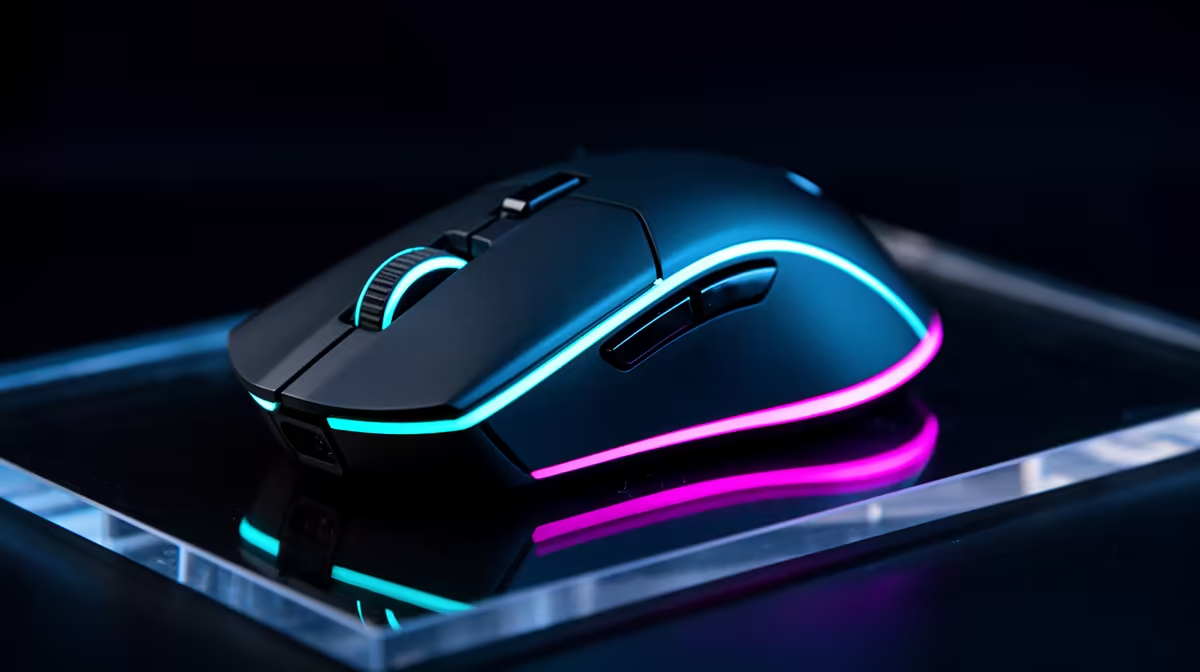
For competitive esports, modern 2.4GHz wireless mice are effectively as responsive as wired mice, but wired still wins on price and zero charging. Choose wireless for a cleaner desk and freedom of movement; choose wired when budget, simplicity, and no battery management matter most.
Latency and polling rate
A good wired or 2.4GHz wireless gaming mouse at 1000Hz reports every 1 ms. That is already fast enough for Counter-Strike 2, Valorant, Apex Legends, and it is far beyond what most casual players can separate by feel. Higher 4000Hz or 8000Hz modes can help a small group of esports players on 240Hz-plus monitors, but they are not required for normal gaming.
Bluetooth mice are different. They are convenient for laptops, but they usually have higher latency and less consistent polling than a proper gaming receiver.
Price and models SA buyers will compare
Broad SA pricing puts entry wired gaming mice around R300-R900, better wired models around R900-R1,800, and strong wireless gaming mice around R1,200-R3,500. Compare Logitech G305, Logitech G Pro X Superlight, Razer DeathAdder V3, and Glorious Model O-class shapes by weight, sensor, side buttons, and grip style.
For competitive esports, comfort during long sessions matters as much as the spec sheet. A 60g mouse may feel fast, while a heavier G502-style shape may suit players who want more buttons.
Best recommendation
Choose 2.4GHz wireless if the mouse will be used daily and the budget allows it. Choose wired if you want maximum value or if the PC is shared in a lounge, study, or schoolwork setup where charging will be forgotten. Avoid choosing Bluetooth as the main gaming mode unless the game is casual.
FAQ
Is wireless mouse latency still a problem?
Not on good 2.4GHz gaming mice. Modern receivers can feel as quick as wired at 1000Hz, provided the battery is charged and the receiver is close.
Is wired better for competitive games?
Wired is still reliable and cheaper, but it is not automatically faster than a good 2.4GHz wireless mouse. Shape and weight often matter more.
What polling rate should SA gamers choose?
Use 1000Hz as the baseline. Move to 4000Hz or 8000Hz only with a high-refresh monitor and a PC that can hold very high fps.