


AIO Liquid 240mm Setup and Configuration: Complete Tutorial
AIO Liquid 240mm Setup and Configuration. Clear setup instructions with SA-specific considerations, troubleshooting tips & recommended components.
Read moreCut PC noise and heat in compact South African apartments and home offices with smarter airflow, fan curves, and component choices. Quiet performance, cooler builds, less stress 😌🌡️
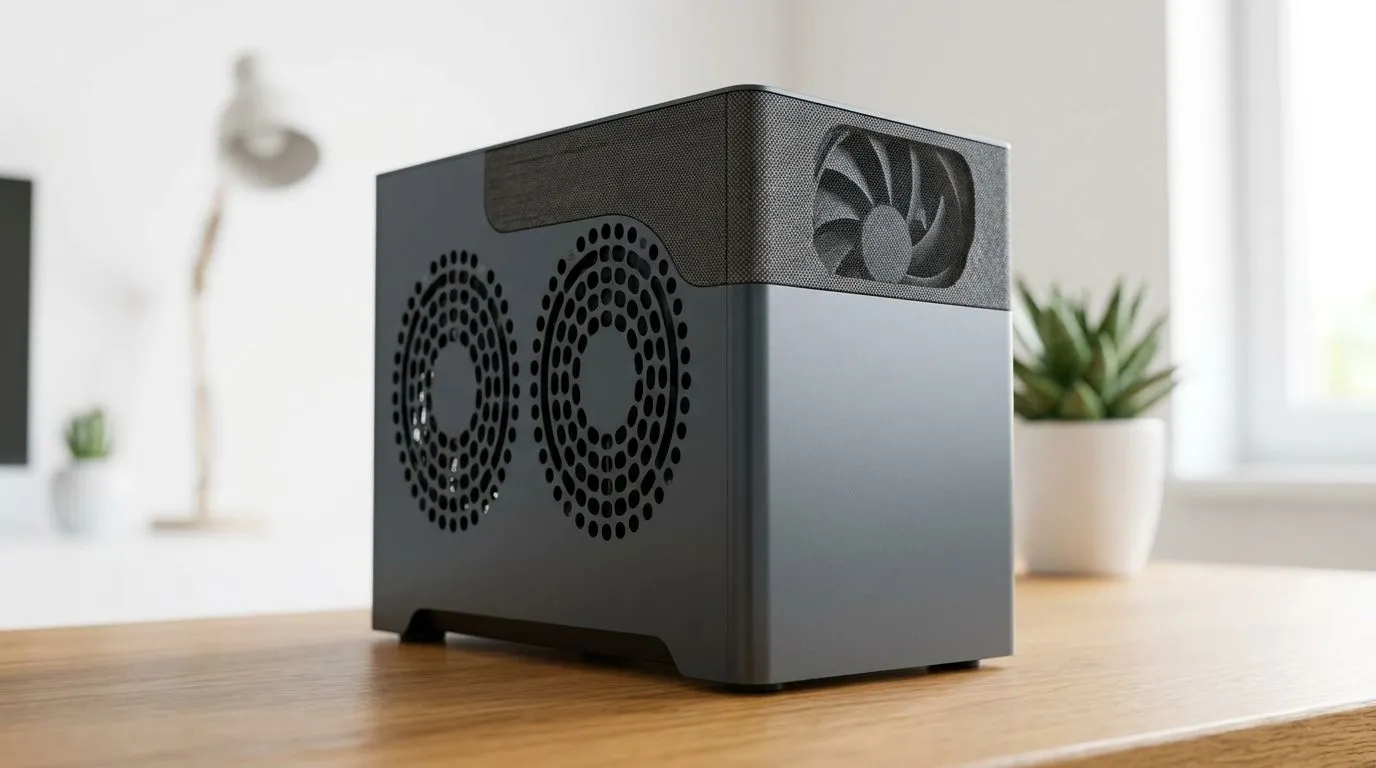
If your PC sounds like it’s launching a jet… and your room feels like a sauna, you’re not imagining it. In many small South African apartments, heat has nowhere to go, and airflow fights for every inch. 🔥 Add dust, cheap fan curves, and cramped case layouts, and you end up with throttling, louder fans, and worse gaming sessions.
The good news? You can reduce PC noise and heat without rebuilding your entire setup… just by tuning airflow the right way. Let’s do it properly.
Most noise comes from two places: fans running at high RPM, or fans struggling because the case can’t move enough air. Heat comes from the same root cause: restricted airflow around your CPU and GPU.
Here’s the airflow order that works in small spaces:
Small apartments also mean warmer ambient temperatures. That’s why fan tuning matters more in SA than in a temperate garage.
Bigger fans can move more air at lower speed. In practical terms, that often means less noise at the same cooling performance.
You’ll find a solid selection here: Explore 120mm case fans and here: Explore 140mm case fans
When comparing fans, don’t get stuck on RGB. For noise and cooling, focus on:
If you want to look across models, start broad: Shop case fans
Prefer a specific brand? We’ll make it easy: COSSAIR case fan options Deepcool case fan options
If you’re chasing a clean look, RGB can be tempting. Just don’t let the lighting preference override cooling needs. If you want a quieter, simpler build, consider non-RGB options.
Check RGB styles: RGB lighting effects fans or keep it subtle with no lighting effects: No lighting effects fans
small apartment setups, use a conservative fan curve first: set intake fans to start earlier (lower RPM at 40–50°C CPU temps) and increase gradually. This reduces “fan ramp-up” noise during gaming spikes, especially with dust filters and compact cases where airflow can feel restricted.
Before you buy anything else, do this:
If temps stay high even after airflow improvements, it’s usually a mounting or spacing issue around the CPU cooler, or a case that can’t move enough air. That’s when going for the right fan size and a better airflow balance pays off fast. ⚡
If you want the biggest impact with the least hassle:
You don’t need a new tower. You need steadier airflow.
Ready to Find Your Perfect Match? Small apartment builds need smarter cooling, not louder fans. Browse our fan range and build a quieter, cooler rig that fits your space. Explore our massive range of laptop specials and find the perfect machine to conquer your world.
Use airflow-first setup: proper front intake, exhaust placement, cleaner filters, sensible fan curves, and GPU/CPU temps tuning for stable performance.
Prioritise a good case airflow layout, a quality CPU cooler, and case fans with controllable RPM. Consider undervolting to reduce heat output.
Start with conservative thresholds (e.g., fans stay quieter at low loads), then ramp earlier once temps approach your safe limits for CPU and GPU.
Often yes. Lower power reduces heat, which can let fans spin slower. Use stable undervolt settings and test under your typical workloads.
Look for mesh front panels, clear intake space, good fan mounting options, and efficient GPU clearance so hot air can escape quickly.
Clean intake filters regularly, use positive or balanced airflow, and schedule quick dust checks. Dust buildup forces fans to work harder.
Repaste timelines vary by cooler and paste quality, but many users benefit every 2–4 years or sooner if temps rise noticeably under the same load.
AIO Liquid 240mm Setup and Configuration. Clear setup instructions with SA-specific considerations, troubleshooting tips & recommended components.
Read more
Setting Up DDR5 64GB Kit. Tested & verified settings for best FPS and visual quality on SA hardware budgets.
Read more
Overwatch 2 Setup Guide Gamers. Clear setup instructions with SA-specific considerations, troubleshooting tips & recommended components.
Read more
R and RStudio on Mac: Data Science Setup Guide. Clear setup instructions with SA-specific considerations, troubleshooting tips & recommended components.
Read more
NVIDIA Broadcast Setup with GPU: Streamer Guide. Clear setup instructions with SA-specific considerations, troubleshooting tips & recommended components.
Read more
Core Ultra 7 265K Temperature Guide: Normal Range. Complete product range with SA pricing, key specs & recommendations for different budgets.
Read more
AMD RX 9050 XT: Rumoured Specs, Price & Release. SA-focused analysis with local pricing data, real-world insights & actionable buying advice.

Can RTX 4080 Super Run AI Workloads for SA Developers Detailed answer with SA data, expert analysis & practical recommendations for local buyers.

Can RTX 4090 Run AI Workloads for SA Developers Detailed answer with SA data, expert analysis & practical recommendations for local buyers.

Top Settings for Intel Arc B580 at Ultrawide 1440p picks evaluated on performance, value & SA availability with current Rand pricing from Evetech.

RTX 4060 CS2 Low Settings at 1080p: FPS Results. Real-world benchmark data, FPS numbers & performance analysis. What SA gamers can actually expect.

Visual Artifacts: Possible GPU Issue Issue #1. Diagnosis steps, proven fixes & when to seek professional help. SA-specific support info included.

Can the RTX 4090 Handle 1440p 144Hz Gaming. Performance testing verdict with real data & practical recommendations for SA buyers.

Top ASUS GPU Under R15000 picks evaluated on performance, value & SA availability with current Rand pricing from Evetech.

GTA 6 Max Settings on RTX 5070. Tested & verified settings for best FPS and visual quality on SA hardware budgets.

Cyberpunk 2077 Max Settings on RTX 5080. Tested & verified settings for best FPS and visual quality on SA hardware budgets.

Starfield Max Settings on RTX 5070 Ti. Tested & verified settings for best FPS and visual quality on SA hardware budgets.

Top RTX 5090 Under R5000 picks evaluated on performance, value & SA availability with current Rand pricing from Evetech.