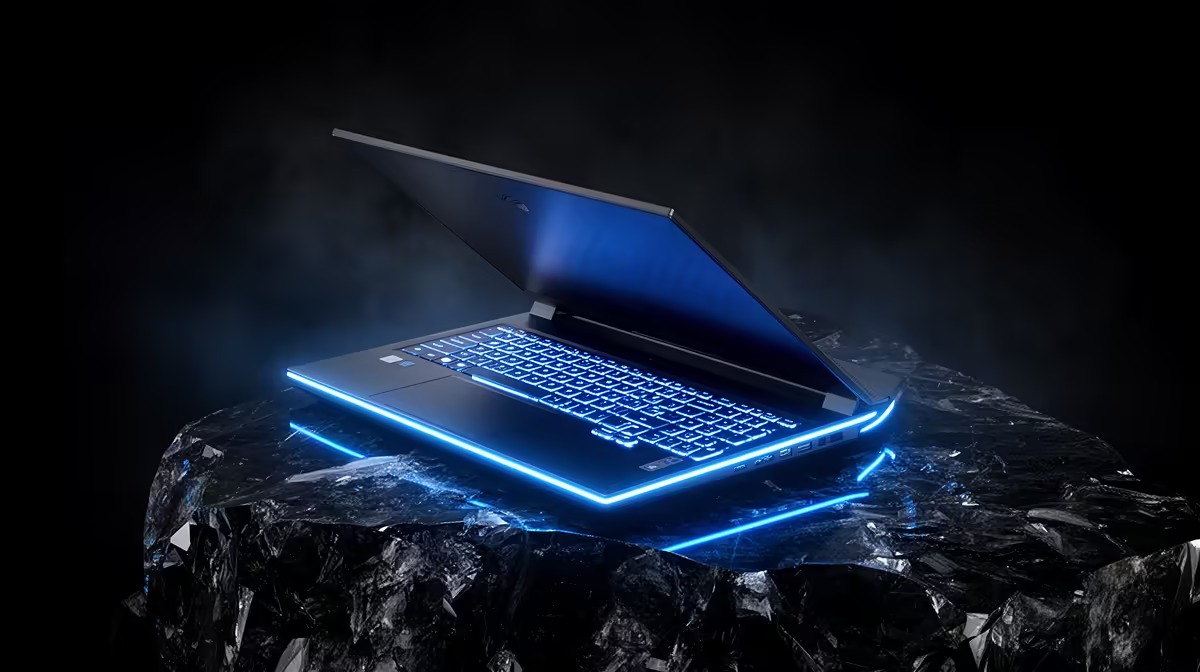
A six-year-old gaming laptop is not automatically finished, but it has no reason to receive sentimental upgrades. The 2020 gaming laptop upgrade decision comes down to whether replaceable parts are causing the pain. RAM and storage can revive a sound machine; they cannot turn its soldered graphics processor into a current performance tier.
Quick Answer
Upgrade a 2020 gaming laptop if its CPU and GPU still run your games acceptably and the problems are limited to low memory, a cramped drive, heat or a tired battery. Replace it when the GPU no longer meets your resolution and frame-rate target, required features are missing or several expensive faults are arriving together. Evetech's July 2026 laptop listings started with study-focused models such as the ASUS Vivobook Go 15 at R7,999, while the mixed laptop category median was R35,999, so compare a repair plan with the price of the class of replacement you actually need.
🔧 Separate serviceable parts from fixed hardware
Many gaming laptops allow storage and memory upgrades, although the exact arrangement varies. One model may have two SO-DIMM slots and two M.2 sockets; another may solder part or all of its memory. Read the service manual for the exact model number before ordering.
The CPU and GPU are usually soldered to the motherboard. External GPU support exists on a limited set of machines and brings its own enclosure, connection and performance compromises. For a normal 2020 gaming laptop, treat graphics performance as fixed.
That distinction makes diagnosis straightforward. Low-capacity memory can cause paging, tab reloads and poor multitasking. A small or slow SSD can create storage pressure and long transfers. Dust, dried thermal material or a worn fan can cause throttling. Each has a targeted remedy.
If the game already runs with the GPU at full load and the desired frame rate remains out of reach after sensible setting changes, more RAM and storage will not change the graphics tier. That is the replacement signal many owners miss.
🧪 Run a one-hour health audit
Start with the workload that matters. Play a demanding game for long enough to warm the machine fully. Record frame rate, GPU utilisation, CPU behaviour, memory use, storage free space and temperatures. A laptop that performs well for five minutes and then slows may need cooling service rather than replacement.
Check battery health and charging behaviour. A gaming laptop can remain useful at a desk with a weak battery, but swelling, physical distortion or unusual heat needs immediate professional attention. Do not keep using a swollen battery.
Inspect the display, keyboard, hinges, ports and charger. One worn item can be manageable. A combination of cracked hinges, intermittent power, damaged ports and poor battery life points towards mounting repair cost.
Software deserves a clean check too. Update the graphics driver from the hardware vendor, remove unwanted startup programs and scan for errors before buying parts. If the Windows installation has accumulated years of clutter, a backed-up clean installation can expose the machine's real baseline.
🧠 Upgrades that can still earn their keep
Moving from 8GB to 16GB is often worthwhile when the laptop supports it and memory pressure is visible. Moving from 16GB to 32GB makes sense for heavy mods, creation tools, development, virtual machines or a gaming session with several background applications. Buy a compatible matched configuration where possible.
An SSD upgrade can add breathing room and improve load behaviour, especially if the machine has a hard drive or a nearly full early SSD. Confirm whether the slot accepts NVMe or M.2 SATA, which physical lengths fit and whether a second drive can be added without removing the first.
A cooling service can restore performance that the hardware used to deliver. Blocked vents and dust reduce the laptop's ability to sustain its boost behaviour. Fan replacement or thermal work should be handled carefully; a thin gaming chassis is easier to damage than a desktop.
Battery replacement improves mobility but not gaming speed. It is worth considering when the rest of the machine remains healthy and the part comes through a trustworthy channel. Add the price of memory, storage, service and battery before calling the refresh cheap.
🎮 When replacement is the better answer
Replace the laptop when the fixed GPU is the recurring limit. Newer games may demand performance, video memory or graphics features the old chip cannot provide. Lower settings can extend useful life, but they should still produce an experience you are happy to use.
Replacement also makes sense when the machine no longer fits the job around gaming. A student may need longer battery life and lower weight. A creator may need a better display, more ports or faster media processing. Those gains cannot always be bolted onto the old chassis.
Compare by class, not by the cheapest laptop headline. The ASUS Vivobook Go 15 with an Intel Core i3, 8GB memory and 256GB storage was R7,999 at Evetech in July 2026, but it is a study-focused entry machine, not a replacement for a gaming GPU. Use Evetech's gaming laptop deals for the relevant performance category and the laptop best sellers for a broader local comparison.
Plan the handover before the new laptop arrives. Back up saves and project files, record licence details, sign out of sensitive accounts and securely erase the old drive before sale or reuse. A functioning older laptop can become a study machine, home server, streaming client or backup device instead of being discarded.
Frequently Asked Questions
Can I upgrade the GPU in a 2020 gaming laptop?
Usually not. Laptop GPUs are commonly soldered to the motherboard, and external GPU setups apply only to compatible machines with significant cost and compromises.
Is a RAM upgrade worth it on a 2020 laptop?
Yes, if measured memory pressure causes paging or the machine has only 8GB. Confirm whether the memory is replaceable and which SO-DIMM specification the model supports.
Does an SSD meaningfully speed up an old laptop?
It can transform a hard-drive machine and relieve a cramped or slow drive. It improves booting, loading and file work, but not the GPU's rendering power.
When does the 2020 laptop's GPU become the real limit?
When it remains fully utilised while the game misses your target after reasonable setting and temperature checks. RAM or SSD upgrades do not solve that condition.
Is it cheaper to upgrade or buy a new gaming laptop?
A single memory or storage upgrade is normally cheaper. Several repairs together can make replacement better value, especially when the fixed GPU is already inadequate.
What should I do with the old laptop after replacing it?
Back it up and erase personal data, then consider selling it honestly, passing it on, using it for lighter work or recycling it through an appropriate channel.
How long should a 2020 gaming laptop last?
There is no fixed expiry date. Cooling health, battery condition, build quality and the games you expect it to run matter more than its birthday alone.
Ready to compare a refresh with a real replacement?
Audit the fixed GPU, serviceable parts and repair total, then use Evetech's current gaming laptop range to price the performance class your next six years actually require.