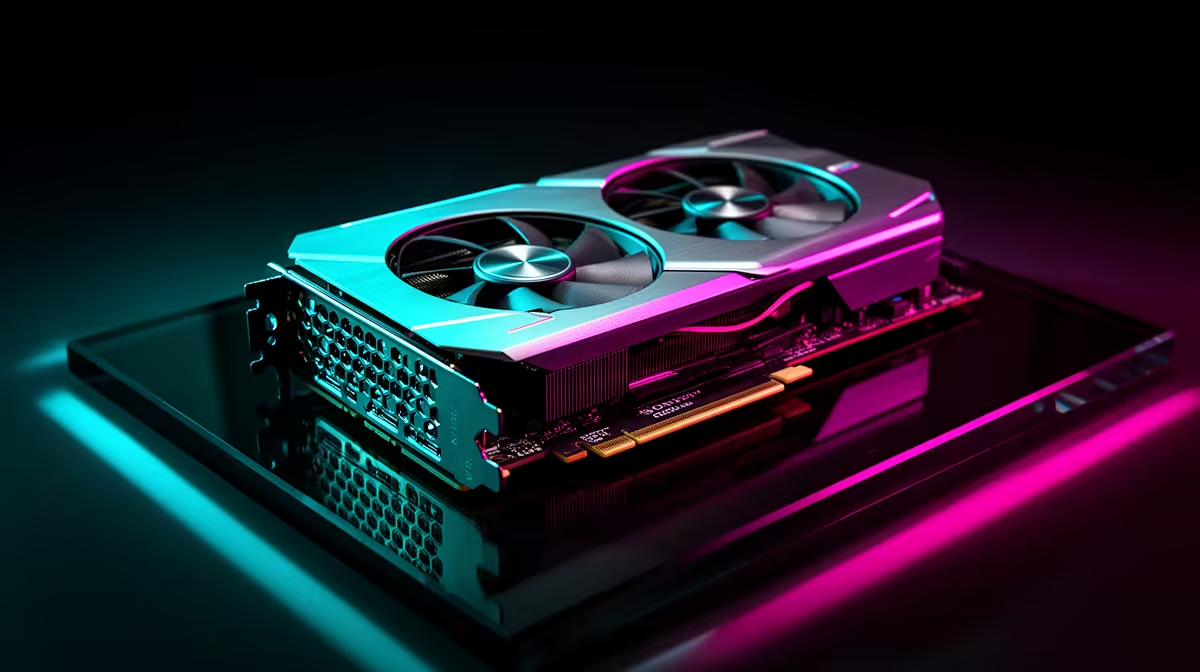
Two numbers decide most of a Stable Diffusion workflow before any sampler setting does: how much VRAM the card holds, and how fast it can move data in and out. The RTX 4090 versus the RTX 5090 for Stable Diffusion comes down almost entirely to those two. The 4090 carries 24GB of GDDR6X feeding off roughly 1,008 GB/s of bandwidth; the 5090 jumps to 32GB of GDDR7 on a 512-bit bus pushing about 1,792 GB/s. That is a different class of headroom, and it shows up exactly where diffusion work gets heavy.
Quick Answer
The RTX 5090 is the stronger Stable Diffusion card by a clear margin: 32GB of GDDR7 at roughly 1,792 GB/s versus the RTX 4090's 24GB of GDDR6X at about 1,008 GB/s, which is close to 78 percent more memory bandwidth. In image-to-video and memory-bound pipelines the 5090 runs roughly 45 percent faster, and its batch generation of four SDXL images at once completes in around 15 seconds. Both are stocked in South Africa, with the 5090 carrying a meaningful price premium.
Bandwidth Is the Speed Lever for Diffusion
Stable Diffusion spends much of its time shuttling tensors between the GPU's cores and its memory, so bandwidth often gates real throughput more than raw core counts do. The 5090's 512-bit GDDR7 setup moves data at about 1,792 GB/s against the 4090's roughly 1,008 GB/s on a 384-bit GDDR6X bus. For memory-bound work, that 78 percent uplift translates fairly directly into faster generation.
The practical result lines up with the spec. A single SDXL image at 1024 by 1024 completes in about 2.8 seconds on the 5090 versus 4.2 seconds on the 4090. In image-to-video inference the 5090 has been measured completing a workload in around seven minutes where the 4090 took closer to 12.7 minutes, a roughly 45 percent reduction. The gap is widest on memory-bound and batch-heavy pipelines where bandwidth directly unlocks throughput.
VRAM Is the Workflow Lever
Speed matters, but VRAM decides what you can run at all. The 4090's 24GB was already a constraint for several AI workloads, forcing memory-efficient sampling, smaller batches or model offloading once resolutions and pipelines grew. The 5090's 32GB removes a lot of that pressure.
Flux.1 Dev at full FP16 technically needs around 33GB, which exceeds both cards, but the 5090's 32GB gets far closer to it, enabling tighter quantisation with minimal quality loss. For the 4090, FP8 is the practical path. Both deliver very good Flux results, but the 5090 does it with more headroom and fewer workarounds.
Where the extra 8GB earns its keep
High-resolution video generation, multi-ControlNet pipelines and large batch runs all sit comfortably in 32GB where 24GB would force compromises. Video models like Wan and CogVideoX push into the 20GB-plus band, where the 4090's ceiling forces resolution or frame-count sacrifices that the 5090 avoids. If your work leans on stacking ControlNets, generating video frames, or running newer larger models, the headroom is the upgrade, not just the speed.
The South African Buying Picture
Both cards are available locally. The 5090 commands a substantial premium over the 4090, so the decision is rarely about which is faster, it is about whether your workload justifies the cost. A creator generating images in reasonable batches gets excellent results from a 4090. Someone doing video generation, heavy ControlNet stacks or running large models near the memory ceiling will feel the 5090's 32GB and bandwidth pay for themselves in time saved.
It is worth checking current stock and pricing rather than working off launch figures, since GPU pricing shifts. The live GPU best sellers at Evetech show what is moving and at what price right now, which is the honest way to weigh the premium.
Power and Practicalities
The 5090 also draws considerably more power than the 4090, around 575W against 450W, so a stronger power supply and good case airflow are part of the upgrade budget. Factor that in alongside the card price. For builders putting together a dedicated generation rig, the broader AI PC range at Evetech pairs these GPUs with the right platform rather than dropping a 575W card into an underfed system.
The System That Feeds the GPU
Neither card reaches its potential in an underpowered system. Both the 4090 and the 5090 benefit from fast NVMe storage to load large model checkpoints quickly between generation runs, and from generous system RAM to handle ComfyUI's offloading when pipelines grow complex. A 5090 paired with a slow hard drive and minimal system RAM will feel slower than its spec suggests, because it spends time waiting on the rest of the system. Budget at least 32GB of system RAM and an NVMe SSD alongside either card, and the generation experience matches what the benchmarks promise.
Who Should Buy Which
Buy the 4090 if you generate images in normal batches, work mostly at standard resolutions, and want strong diffusion performance without the top-tier price. The 4090's 24GB handles every mainstream Stable Diffusion and SDXL model, plus Flux at FP8, without issue. Buy the 5090 if you do image-to-video, run multi-ControlNet pipelines, push large batches or work with models that brush against 24GB, where the 32GB and the bandwidth uplift directly shorten your iteration loop.
Frequently Asked Questions
How much faster is the RTX 5090 than the 4090 for Stable Diffusion?
In memory-bound and image-to-video pipelines it runs roughly 45 percent faster, backed by about 78 percent more memory bandwidth. For single SDXL images the gap is around 30 percent (2.8 vs 4.2 seconds), and widest on batch and video workloads.
Is 24GB of VRAM enough for Stable Diffusion?
For standard image generation in reasonable batches, yes, the 4090's 24GB is plenty. It becomes a constraint with high-resolution video, multi-ControlNet stacks or large models, which is where the 5090's 32GB matters.
Why is bandwidth so important for diffusion workloads?
Diffusion constantly moves tensors between cores and memory, so for memory-bound steps bandwidth often gates real throughput more than core count. The 5090's GDDR7 at roughly 1,792 GB/s is the main reason it pulls ahead.
Does the RTX 5090 need a bigger power supply than the 4090?
Yes. The 5090 draws around 575W against the 4090's 450W, so plan for a higher-capacity power supply and solid case cooling as part of the upgrade.
Are both cards available in South Africa?
Both are stocked locally. The 5090 sits at a notable premium, so check current pricing and stock before deciding whether your workload justifies the step up.
Building a Stable Diffusion rig and weighing 24GB against 32GB? Match the GPU to the workload and the rest of the platform in the AI PC range at Evetech, so the card lands in a system that can actually feed it.