


Complete Guide: Setting Up AIO Liquid 420mm
Setting Up AIO Liquid 420mm. Tested & verified settings for best FPS and visual quality on SA hardware budgets.
Read moreDiscover the best RTX 5060 value for your budget in South Africa. We compare cooling, clock speeds, and pricing to help you maximize performance without overspending. 🎮 Get the ultimate frames-per-rand upgrade today! 🚀
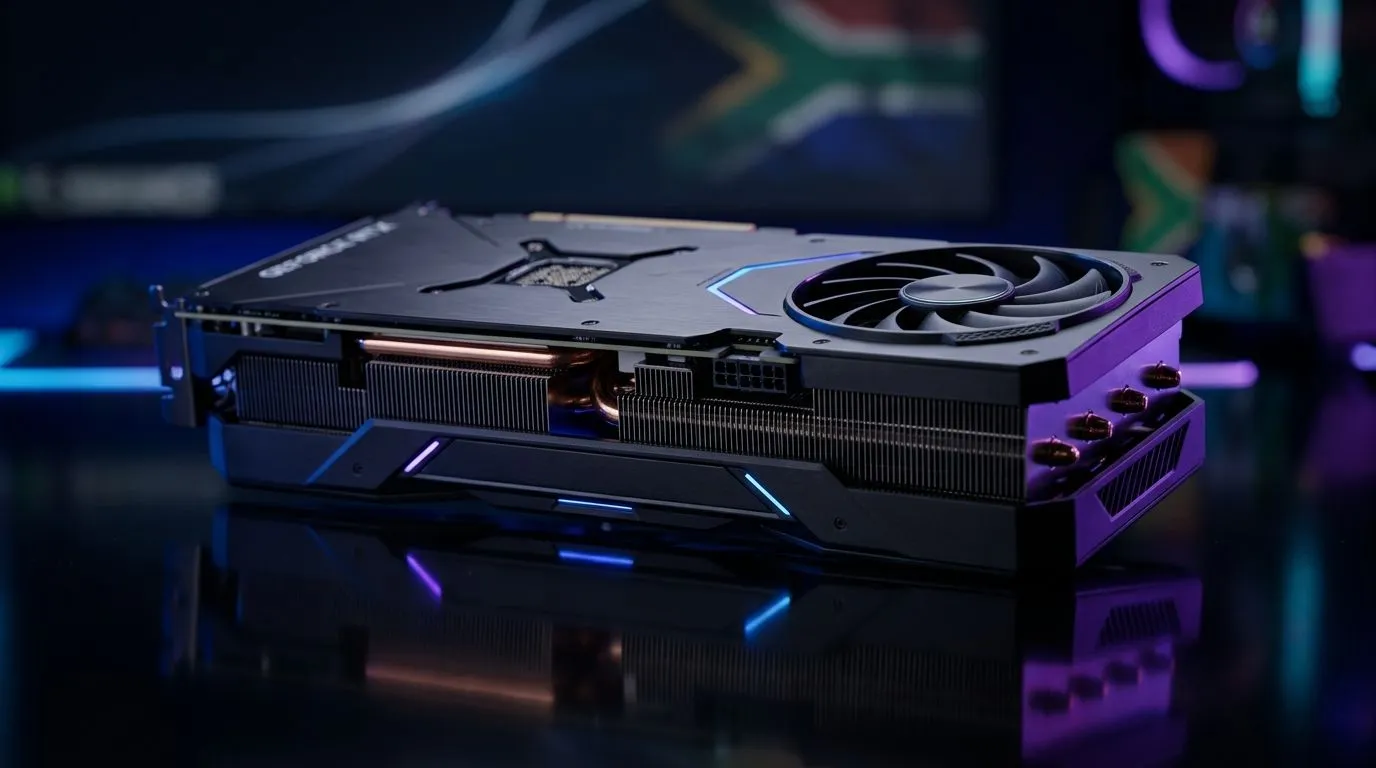
Buying a graphics card in South Africa can feel like a boss fight… prices move, stock disappears, and benchmarks don’t always tell the whole story. If you’re aiming for smooth 1080p gaming without burning your budget, you’re in the right place. In this guide, we’ll break down what “best value” really means for the RTX 5060 Best Value: Budget Gaming GPU Guide for South Africa crowd, how to pair it with the right CPU, and what to check before you click “add to cart” 🔧.
You’ll also find quick pointers for staying within ZAR pricing reality, plus where to compare GPU options at Evetech before you commit.
“Best value” is not just the lowest ticket price. For budget gamers, it’s usually the combination of:
Before chasing any single GPU model, answer two questions:
This keeps you from overpaying for frames you can’t display.
A “budget” GPU can still feel great if the rest of the system is balanced. An underpowered CPU can hold back a new card. On the other hand, a strong CPU with a weak GPU wastes potential.
If you’re upgrading, plan for:
If you’re unsure about compatibility, check your system specs first and compare your options on Evetech’s GPU listings.
If you want to compare multiple brands and pricing quickly, these Evetech pages make it easier to narrow down your best value choice:
Tip: when comparing, look at the exact model (not just the headline GPU name), because cooler design and clock speeds can affect real gaming feel.
Here’s a practical checklist you can use in under 3 minutes:
On Windows, use the built-in Xbox Game Bar (or your GPU’s monitoring overlay) to track GPU usage and FPS. Before you buy, test your current games at the lowest settings you can tolerate and note whether your GPU or CPU is the bottleneck. If your GPU usage is consistently low, you may need a CPU RAM upgrade first, and the RTX 5060 Best Value choice might change.
In South Africa, timing matters. When prices shift, you want a strategy that doesn’t rely on luck.
Try this:
If you’re shopping around, Evetech’s GPU category pages are the fastest way to compare what’s actually available today, not what you saw last month.
To make this easier, think in gamer types:
No matter your style, the goal is the same: get the best experience per rand spent.
Ready to Find Your Perfect Match? The Mac vs Windows debate is complex, but for maximum power, choice, and value in South Africa, Windows is hard to beat. Explore our massive range of laptop specials and find the perfect machine to conquer your world.
The best value RTX 5060 often comes from entry-level dual-fan models that offer stock clock speeds at a lower price point than premium overclocked versions.
Yes, the RTX 5060 is the premier choice for 1080p gaming in South Africa, providing high frame rates and modern AI features at a budget-friendly price.
While premium cooling looks great, budget RTX 5060 cards are energy-efficient, meaning even basic cooling solutions keep temperatures stable during long sessions.
You can find the latest RTX 5060 pricing and availability directly on the Evetech website, where we update stock daily for South African gamers.
Upgrading to an RTX 5060 offers significant performance gains and access to new AI-driven rendering technology, making it a worthy investment for budget gamers.
Differences usually involve build quality, aesthetic RGB lighting, and factory-overclocked speeds, rather than raw gaming performance in standard resolutions.
Setting Up AIO Liquid 420mm. Tested & verified settings for best FPS and visual quality on SA hardware budgets.
Read more
Intel XTU Download & Setup Guide: Intel CPU. Clear setup instructions with SA-specific considerations, troubleshooting tips & recommended components.
Read more
Cyberpunk 2077 Max Settings on RTX 4090. Tested & verified settings for best FPS and visual quality on SA hardware budgets.
Read more
The Complete Guide to GPU. Everything you need to know with SA pricing, step-by-step instructions & expert recommendations.
Read more
NVCleanstall Download & Setup Guide: NVIDIA. Clear setup instructions with SA-specific considerations, troubleshooting tips & recommended components.
Read more
to Driver Installation for Beginners. Everything you need to know with SA pricing, step-by-step instructions & expert recommendations.
Read more
AMD RX 9050 XT: Rumoured Specs, Price & Release. SA-focused analysis with local pricing data, real-world insights & actionable buying advice.

Can RTX 4080 Super Run AI Workloads for SA Developers Detailed answer with SA data, expert analysis & practical recommendations for local buyers.

Can RTX 4090 Run AI Workloads for SA Developers Detailed answer with SA data, expert analysis & practical recommendations for local buyers.

Top Settings for Intel Arc B580 at Ultrawide 1440p picks evaluated on performance, value & SA availability with current Rand pricing from Evetech.

RTX 4060 CS2 Low Settings at 1080p: FPS Results. Real-world benchmark data, FPS numbers & performance analysis. What SA gamers can actually expect.

Visual Artifacts: Possible GPU Issue Issue #1. Diagnosis steps, proven fixes & when to seek professional help. SA-specific support info included.

Can the RTX 4090 Handle 1440p 144Hz Gaming. Performance testing verdict with real data & practical recommendations for SA buyers.

Top ASUS GPU Under R15000 picks evaluated on performance, value & SA availability with current Rand pricing from Evetech.

GTA 6 Max Settings on RTX 5070. Tested & verified settings for best FPS and visual quality on SA hardware budgets.

Cyberpunk 2077 Max Settings on RTX 5080. Tested & verified settings for best FPS and visual quality on SA hardware budgets.

Starfield Max Settings on RTX 5070 Ti. Tested & verified settings for best FPS and visual quality on SA hardware budgets.

Top RTX 5090 Under R5000 picks evaluated on performance, value & SA availability with current Rand pricing from Evetech.