That ghostly image of your game’s HUD, permanently etched into your screen... it's a nightmare for any South African gamer. We’ve all heard horror stories, but what’s the real screen burn-in risk with modern displays? Is your trusty TN, vibrant IPS, or high-contrast VA panel truly safe from this digital ghost? Let's clear up the confusion and see what the science says about keeping your display looking pristine for years to come.
Understanding Screen Burn-in vs. Image Retention
First, let's get our terms right. True screen burn-in is permanent. It happens when a panel's pixels degrade unevenly from displaying a static image for too long, leaving a faint, permanent "ghost" behind. This was a major issue with older CRT and Plasma screens.
Image retention, on the other hand, is temporary. It’s like a short-term memory issue where a faint image sticks around for a few minutes before fading. The vast majority of modern PC monitors use LCD technology, which is far more resistant to permanent burn-in than its predecessors. So, what you might think is burn-in is often just temporary retention.
Burn-in Risk by Panel Type: TN vs. IPS vs. VA
The screen burn-in risk on an LCD monitor depends heavily on its panel technology. While the overall risk is low across the board, there are subtle differences.
TN (Twisted Nematic) Panels
TN panels are known for their lightning-fast response times, making them a popular choice for competitive esports. Due to the way their liquid crystals operate, they have the lowest risk of image retention or burn-in among the three main LCD types. They refresh their state so quickly that static images have very little time to "stick."
IPS (In-Plane Switching) Panels
Known for their incredible colour accuracy and wide viewing angles, IPS panels are a favourite for creators and gamers who value visual fidelity. While they offer a stunning picture, they can be slightly more prone to temporary image retention than TN panels. However, the risk of permanent burn-in is still extremely low on modern, high-quality high-resolution 4K and 5K monitors and requires extreme conditions to occur.
VA (Vertical Alignment) Panels
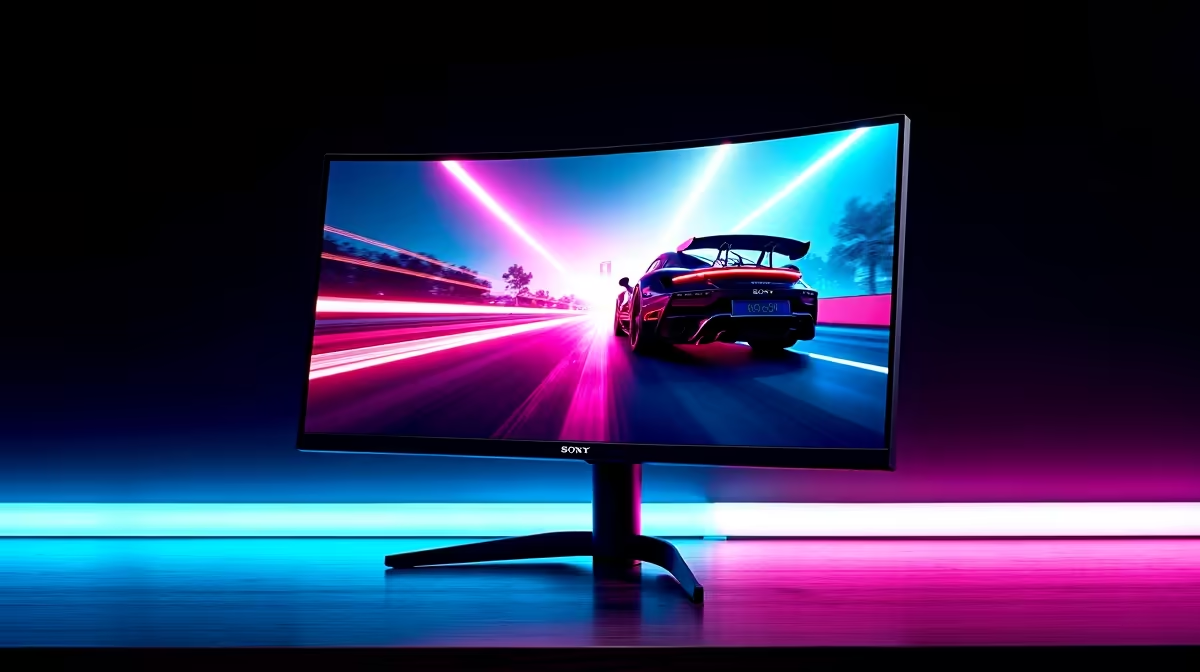
VA panels are the kings of contrast, delivering deep, inky blacks that make games and movies look spectacular. You'll find them in many of the best modern curved monitors, where their immersive quality shines. Their burn-in risk profile is very similar to IPS panels—low, but not zero. Temporary image retention can happen with bright, static elements, but it almost always fades away.
The real conversation around burn-in today has shifted to OLED technology, which, while offering perfect blacks, has organic compounds that can degrade, making it more susceptible to permanent burn-in than any LCD panel.
Simple Steps to Protect Your Monitor ✨
Worrying about screen burn-in risk shouldn't stop you from enjoying your gear. A few simple habits can all but eliminate the threat to any LCD panel.
- Use a Screensaver: It's an old trick, but it works. Set a blank or dynamic screensaver to kick in after a few minutes of inactivity.
- Hide Static UI Elements: Auto-hide your Windows taskbar or macOS dock. In games, see if you can adjust the HUD opacity.
- Vary Your Content: Avoid leaving the same static window, like a stock ticker or news banner, on your screen for 12+ hours a day, every day.
- Power Down: Simply turn your monitor off when you're not using it for an extended period. This is the most effective method of all! Investing in the right quality monitor accessories like a good monitor arm can make it easier to position and power off your screen.
For those with complex workflows, splitting static elements like toolbars or timelines onto a secondary display, like using a portable monitor, can also protect your primary gaming screen.
Windows Power User Tip 🔧
Microsoft's free PowerToys suite and enable the "Always on Top" feature (Shortcut: Win + Ctrl + T). You can pin a small, moving window like a video or system monitor over a static application to keep those pixels changing and reduce any potential for image retention during long work sessions.
Ultimately, the screen burn-in risk for today's TN, IPS, and VA gaming monitors is incredibly low. Technology has improved massively, and manufacturers have built-in safeguards. So, unless you're running a 24/7 airport display, you can game on with confidence.
But if your old monitor is starting to show its age or you're craving the latest features like higher refresh rates and better colours, now is the perfect time to upgrade. Why not put the worry behind you and explore some of the best PC monitor deals available right now in South Africa?
Ready for a Ghost-Free Upgrade?
While burn-in is rare on modern LCDs, a new monitor brings faster response times, richer colours, and higher resolutions to the table. Explore our massive range of all gaming monitors and find the perfect panel to dominate your game.