


AIO Liquid 240mm Setup and Configuration: Complete Tutorial
AIO Liquid 240mm Setup and Configuration. Clear setup instructions with SA-specific considerations, troubleshooting tips & recommended components.
Read moreMaster your secure WiFi setup in South Africa with our expert guide. Learn how to protect your home network from threats, boost your signal, and choose the right gear for a reliable connection. Stop worrying about vulnerabilities and start enjoying a truly trustworthy network today! 🔒📶
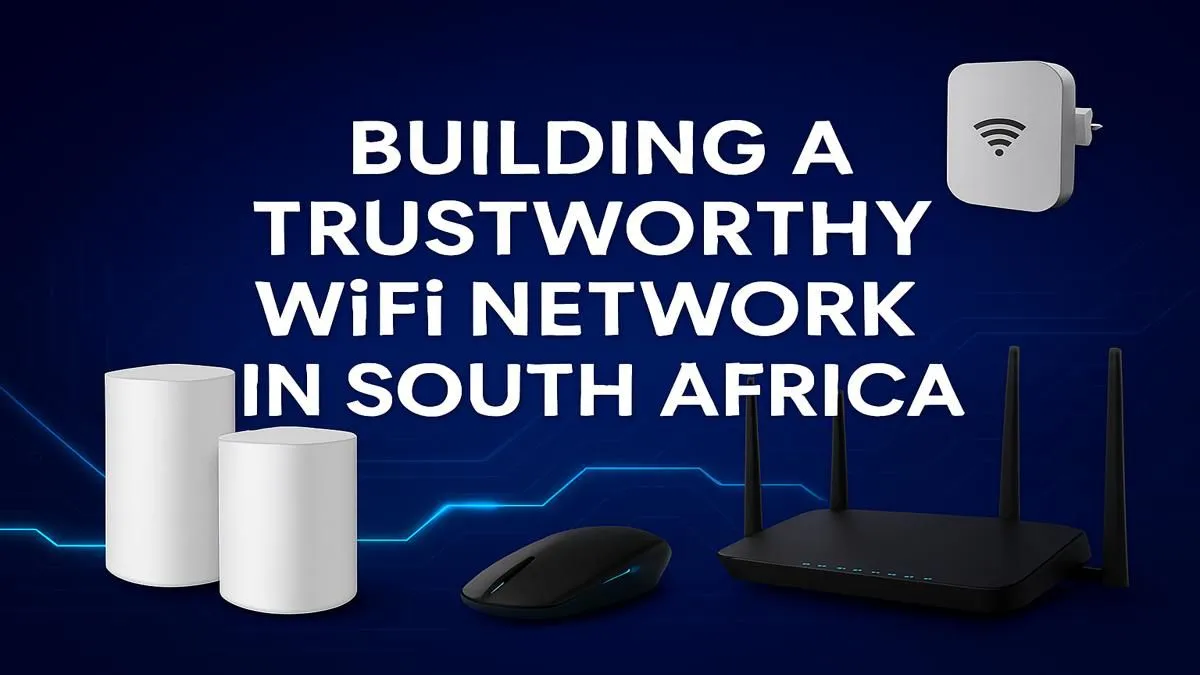
Is your WiFi connection feeling a bit... public? In South Africa, a slow or unsecured network isn't just annoying—it's a security risk. From neighbours "borrowing" your fibre line and causing lag in your Apex Legends match, to more serious threats, locking down your home network is essential. This step-by-step guide will walk you through creating a secure WiFi setup in South Africa, ensuring your connection is fast, private, and yours alone. 🔒
Before we dive into the "how," let's quickly cover the "why." An open or poorly secured WiFi network is like leaving your front door unlocked. It invites unwanted guests who can slow down your internet, burn through your data cap, and potentially access sensitive information on your devices. For gamers, it means high ping and frustrating lag spikes. For everyone, it’s a privacy nightmare waiting to happen. A proper secure WiFi setup is your first line of defence.
Getting your WiFi security sorted is easier than you think. You don't need to be a network engineer... just follow these simple steps. Log into your router's admin panel (usually by typing 192.168.1.1 or 192.168.0.1 into your browser) and let's get started.
Every router comes with a default username and password, like "admin" and "password." These are public knowledge! The very first thing you must do is change them to something unique and strong. This prevents anyone from easily accessing your router's settings and taking control of your network.
Your WiFi password (also called a pre-shared key) is what protects your network from unauthorised access.
Your Service Set Identifier (SSID) is your WiFi's public name. Avoid using personal information like your name or flat number. Giving it a generic or creative name ("Pretty Fly for a WiFi") prevents attackers from easily identifying you as a target. While you're at it, you can choose to disable "SSID Broadcast," which hides your network name from public view... a simple but effective extra step.
Want to see if neighbours are already using your WiFi? Log into your router's admin panel and look for a section called "Connected Devices," "Device List," or "DHCP Clients." You'll see a list of all devices currently on your network. If you see any you don't recognise, it's time to change your password immediately!
Once you've mastered the basics of a secure WiFi setup in South Africa, you can add a few more layers for ultimate peace of mind.
Taking these steps transforms your home network from an open invitation into a digital fortress. A secure, stable connection is the foundation of any great gaming or work-from-home experience. ✨
Ready to Build Your Fortress? A secure network starts with the right hardware. From powerful routers to signal-boosting extenders, having reliable gear is key. Explore our complete wireless networking gear and build a connection you can trust.
The most crucial first step is changing your router's default admin username and password. This simple action immediately blocks the most common entry point for attackers.
Always use WPA3 encryption if your devices support it. If not, WPA2-AES is the next best option. Avoid outdated and vulnerable protocols like WEP or WPA to keep your data safe.
For optimal security, it's a good practice to change your WiFi password every 3 to 6 months. Also, change it immediately if you suspect any unauthorized access to your network.
Yes, modern mesh WiFi systems often come with enhanced security features like automatic firmware updates, built-in antivirus, and traffic monitoring, making them a great choice.
You can see all connected devices by logging into your router's admin interface. Most routers have a 'Connected Devices' or 'Client List' page showing device names and MAC addresses.
Hiding your SSID offers minimal security benefits as determined hackers can still find it. Focus on strong encryption (WPA3) and a complex password for real protection.
AIO Liquid 240mm Setup and Configuration. Clear setup instructions with SA-specific considerations, troubleshooting tips & recommended components.
Read more
Setting Up DDR5 64GB Kit. Tested & verified settings for best FPS and visual quality on SA hardware budgets.
Read more
Overwatch 2 Setup Guide Gamers. Clear setup instructions with SA-specific considerations, troubleshooting tips & recommended components.
Read more
R and RStudio on Mac: Data Science Setup Guide. Clear setup instructions with SA-specific considerations, troubleshooting tips & recommended components.
Read more
NVIDIA Broadcast Setup with GPU: Streamer Guide. Clear setup instructions with SA-specific considerations, troubleshooting tips & recommended components.
Read more
Core Ultra 7 265K Temperature Guide: Normal Range. Complete product range with SA pricing, key specs & recommendations for different budgets.
Read more
AMD RX 9050 XT: Rumoured Specs, Price & Release. SA-focused analysis with local pricing data, real-world insights & actionable buying advice.

Can RTX 4080 Super Run AI Workloads for SA Developers Detailed answer with SA data, expert analysis & practical recommendations for local buyers.

Can RTX 4090 Run AI Workloads for SA Developers Detailed answer with SA data, expert analysis & practical recommendations for local buyers.

Top Settings for Intel Arc B580 at Ultrawide 1440p picks evaluated on performance, value & SA availability with current Rand pricing from Evetech.

RTX 4060 CS2 Low Settings at 1080p: FPS Results. Real-world benchmark data, FPS numbers & performance analysis. What SA gamers can actually expect.

Visual Artifacts: Possible GPU Issue Issue #1. Diagnosis steps, proven fixes & when to seek professional help. SA-specific support info included.

Can the RTX 4090 Handle 1440p 144Hz Gaming. Performance testing verdict with real data & practical recommendations for SA buyers.

Top ASUS GPU Under R15000 picks evaluated on performance, value & SA availability with current Rand pricing from Evetech.

GTA 6 Max Settings on RTX 5070. Tested & verified settings for best FPS and visual quality on SA hardware budgets.

Cyberpunk 2077 Max Settings on RTX 5080. Tested & verified settings for best FPS and visual quality on SA hardware budgets.

Starfield Max Settings on RTX 5070 Ti. Tested & verified settings for best FPS and visual quality on SA hardware budgets.

Top RTX 5090 Under R5000 picks evaluated on performance, value & SA availability with current Rand pricing from Evetech.