




Best camera for live streaming: webcam or camcorder?
A webcam suits desk streams, while a camcorder suits events, zoom and long sessions. A camcorder needs a clean HDMI or SDI output and a capture path, so check the output before you buy.
Read moreCase fans are worth considering for recording gameplay if heat noise or airflow is affecting long sessions in an SA setup. The known build context includes Ryzen 5 5500 at R1,100, ASUS Prime B850M-F WiFi at R2,300, RM850e at R1,900, and cooling from Gamemax Sigma R235 upward.
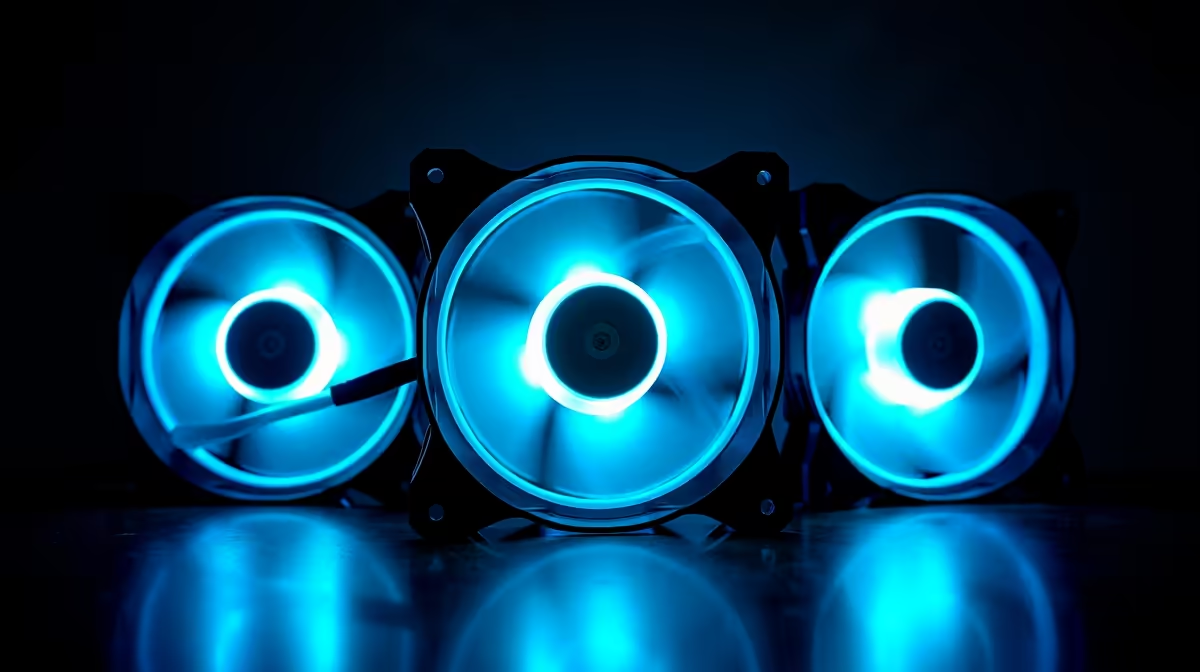
A set of case fans is worth buying for gameplay recording when measured temperatures cause throttling or existing fans become distracting in captured audio. More fans do not automatically create better airflow. The supplied factpacks do not verify a fan set, so size, bearing, connector and current pricing require a live check.
Run a representative game and local capture for thirty minutes. Log CPU and GPU temperature, clock speed and fan speed while monitoring the microphone. If performance remains stable and captured audio stays clean, another fan set may add noise and dust without benefit. Clean blocked filters and confirm existing intake and exhaust directions first.
Measure supported fan positions and identify three-pin DC, four-pin PWM or proprietary connectors. Count motherboard headers and check current limits before using splitters. Large slow fans can move useful air quietly when the case supports them. Aim for a clear front-to-back or bottom-to-top path and keep cables away from blades. Do not assume included RGB hardware controls fan speed.
The Gamemax Aeris 330 mATX case at R650 and Deepcool CG330 at R770 are verified case references, but included fan configurations must be confirmed from the exact listings. Place the PC away from the microphone pickup direction and tune curves within safe temperatures. Buy fans only when the before-and-after test proves lower temperature or noise during the same capture workload.
Cooling a gameplay-recording PC? > Compare suitable gaming PCs and cases with Evetech while matching fans to measured needs.
For recording gameplay, steady airflow matters when fan noise and heat can affect capture sessions.
Use the existing case space and fan mounting points to decide whether extra cooling is practical.
Check that the chosen fan set suits the case layout and the parts already listed for this build.
Gamemax Sigma R235 is the low starting point, while Xigmatek is the named step-up cooling option.
Recording sessions benefit most when airflow keeps the system stable without adding distracting noise.
A fan set helps cooling, but it will not change the performance class of the listed core parts.
A webcam suits desk streams, while a camcorder suits events, zoom and long sessions. A camcorder needs a clean HDMI or SDI output and a capture path, so check the output before you buy.
Read more
Choose a phone tripod with a stable base, a firm grip and a dimmable ring light. Check the maximum height and weight rating. Soft, even light matters more than a high lumen number.
Read more
Pick the chair first: your feet should rest flat, your elbows sit near a right angle and your screen at eye level. Then choose a desk deep enough for a laptop or monitor, and check both fit your room before buying.
Read more
Neither wins by name, because both brands sell old and new chips under the same 7 badge. Pick by generation, socket and the board you will pay for. A recent Ryzen 5 can beat an ageing i7, so compare model numbers before you spend.
Read more
Peripheral loadout for Kingdom Come Deliverance should be shortlisted around the job it must do. South African buyers should compare fit, performance, compatibility, and upgrade room, warranty path, and upgrade room before treating any pick as best.
Read more
Iziphakamiso ze-i-PC yokudlala ngaphansi kufanele ihambisane nebhajethi nokusetshenziswa kwakho. Qhathanisa ukusebenza, isikrini, amandla, ukupholisa, iwaranti nendlela yokuthuthuka ngaphambi kokukhetha eNingizimu Afrika.
Read more
Chrome secure DNS: Encrypted DNS is not a VPN and does not guarantee a working connection. Check browser DNS mode.
AMD Adrenalin 26.11.1: A fixed-issue entry is not proof that every system has the same cause. Record GPU and driver version.
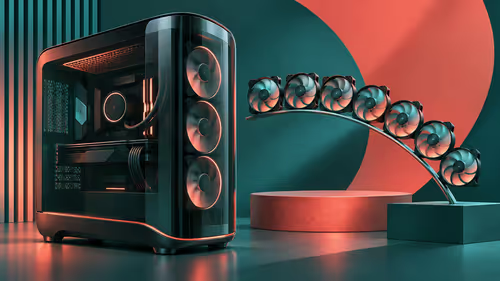
Montech KING 95 3D: Standard and PRO are different packages; fan positions are not included fans. Identify standard or PRO.

Chrome Safety Check reviews browser warnings for updates, saved passwords, extensions and permissions. Act on the precise finding while keeping connection security separate from claims about a website being trustworthy.
Chrome secure DNS: Encrypted DNS is not a VPN and does not guarantee a working connection. Check browser DNS mode.
Chrome Safety Check reviews browser warnings for updates, saved passwords, extensions and permissions. Act on the precise finding while keeping connection security separate from claims about a website being trustworthy.

Chrome delete saved passwords removes a stored login through Google Password Manager. Match the site and username, confirm another working sign-in method and use the individual action instead of deleting every saved credential.

Chrome microphone not working needs separate checks for the selected input, site permission and operating system access. Test the trusted call site after one change before replacing a microphone or granting broader recording permissions.
Radeon Vega 8 is the stronger integrated graphics for light gaming, and UHD 630 suits office and video use. Both borrow system memory, so a single RAM stick holds either back; fitting a matched second stick helps more than the chip choice.
The i5-12600KF adds four efficiency cores and an unlocked multiplier over the 12400F, but it costs more to run. For plain gaming the 12400F is often enough. Pay for the K chip when you need the extra threads and will buy a cooler.
For gaming the Ryzen 5 5600X and Core i9-10850K are close, though the AMD chip runs cooler with fewer cores. The 10850K has ten cores, which helps heavy multitasking. Pick by the board you own: AM4 for the 5600X or LGA1200 for Intel.

For OBS recording, use your GPU's hardware encoder (NVENC, AMF or QuickSync) for the lightest load, or x264 if your CPU has cores to spare. Record to MKV, then remux to MP4 so a crash never costs you the file.