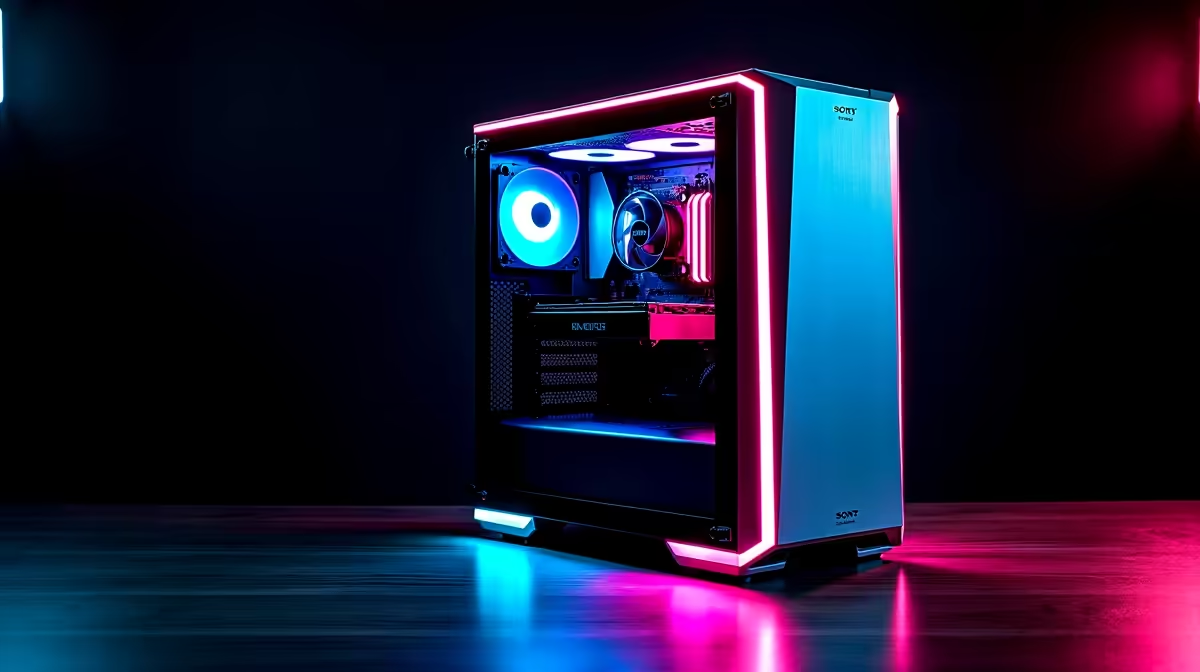
Ah, the familiar sound of a gaming PC under load. For some, it’s the roar of raw power. For many others, it’s a jet engine taking off next to your desk, completely shattering the immersion of a stealth mission or a tense cinematic. What if you could have all that glorious 4K performance, without the distracting noise? Building a silent gaming PC isn't just possible; it's the ultimate upgrade for a truly premium experience. 🤫
Unmasking the Noise: What Makes Your PC Loud?
Before we build a quiet rig, we need to know the culprits. The noise you hear is almost always vibration from moving parts, primarily fans. A typical gaming PC has several sources of noise working in concert:
- CPU Cooler Fan: The processor's personal cooling fan can spin up aggressively under load.
- GPU Fans: Modern graphics cards have two or three fans that work hard to cool the powerful chip.
- Case Fans: These are essential for airflow but can add to the overall decibel level.
- Power Supply (PSU) Fan: Often overlooked, the PSU fan kicks in to keep its internal components from overheating.
Understanding these sources is the first step toward creating a silent gaming PC build that lets you focus on the game, not the machine.
The Blueprint for a Silent Gaming PC Build
Achieving near-silence is all about smart component choices. It's a balancing act between cooling performance and low-noise operation. Here’s where to focus your budget. 🔧
The Chassis: Your First Line of Defence
Your PC case is more than just a box; it’s the foundation of a silent PC build. Look for models with sound-dampening material, like high-density foam on the side panels. Cases with solid front panels (as opposed to full mesh) often do a better job of containing internal noise, provided they still have well-designed side intakes for airflow.
Cooling: The Heart of the Matter
This is where you'll see the biggest difference.
- CPU Air Coolers: Bigger is better. Large air coolers with 140mm fans can spin slower (and quieter) than smaller 120mm fans while moving the same amount of air.
- AIO Liquid Coolers: All-in-One liquid coolers can be exceptionally quiet. The key is a quality pump that doesn't whine and high-static pressure fans designed for low-noise operation on the radiator.
Pro Tip: Custom Fan Curves
Use software like MSI Afterburner or your motherboard's BIOS to set a custom fan curve. You can command your fans to stay completely off until your GPU or CPU hits 50-60°C. This means total silence during desktop use and light tasks!
Graphics Card & PSU: The Unsung Heroes
Many modern GPUs come with a "zero RPM" or "silent mode" feature. This keeps the fans completely stationary during low-load tasks like browsing or watching videos, ensuring your PC is dead silent. Similarly, look for a Power Supply Unit with a hybrid or eco-mode, which does the same for the PSU fan.
Beyond the Build: Crafting the Perfect Gaming Space ✨
A silent gaming PC transforms your entire setup. Suddenly, you can hear every subtle audio cue in Helldivers 2 or get lost in the soundtrack of Baldur's Gate 3. This level of quiet immersion begs to be paired with stunning visuals. Imagine replacing your monitor with a massive, cinematic display from our range of gaming projectors.
You don't need a Hollywood budget to achieve this. There are incredible projector options under R20,000 that can turn any wall into an epic gaming canvas. Brands like Viewsonic deliver incredible colour and response times, creating a truly breathtaking experience when powered by a rig that you can't even hear running.
Ready to Build in Peace?
Stop letting fan noise dictate your gaming sessions. Explore Evetech's huge range of low-noise components and start designing the silent, powerful rig you deserve. Shop PC Components now for performance you can feel, not hear.