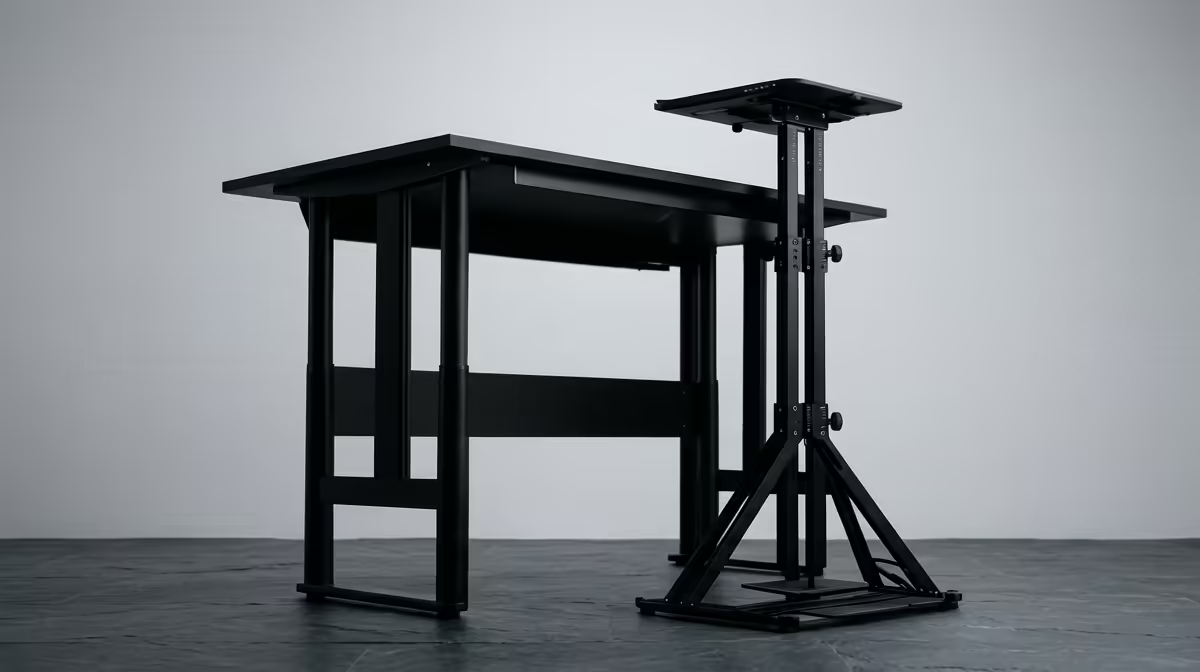
Your back aches by mid-afternoon, your neck is tilting down at a laptop screen, and you have R3,000 to fix it. The honest question is not which gadget is fancier, it is which one actually corrects the posture problem and which one just looks the part. A sit-stand desk and a simple laptop riser solve different halves of the issue, and only one of them is cheap.
Quick Answer
A laptop riser plus an external keyboard is the cheaper posture fix, often well under R2,000, and it solves the two biggest problems at once: screen height and wrist angle. A sit-stand desk costs considerably more and adds the genuine benefit of alternating sitting and standing, but it is a comfort upgrade, not the cheapest correction.
What Bad Laptop Posture Actually Does
A laptop forces a compromise your body pays for. The screen is attached to the keyboard, so you cannot have both in a healthy position at the same time. Put the keyboard at a comfortable height and the screen sits too low, dragging your head forward and down. Raise the screen to eye level and the keyboard rises with it, forcing your wrists and shoulders into a strained reach.
That forward head tilt is the root of most laptop neck pain. Every centimetre your head leans forward multiplies the load on your neck and upper back, and hours of it add up to the ache you feel by the afternoon.
The Laptop Riser: Cheap, Targeted, Effective
A riser lifts the laptop so the screen's upper edge reaches your natural eye line when seated. That single move pulls your head back upright and fixes the neck problem directly. It is the highest-impact change you can make for the lowest spend.
But a riser alone creates a new issue. With the laptop lifted, the built-in keyboard is now too high to type on comfortably. That is why a riser is only half the fix. Add an external keyboard and mouse placed flat on the desk, and you have screen at eye level and hands at a neutral, relaxed angle. Two cheap items, both problems solved.
Why the Combo Wins on Price
The riser-plus-keyboard combination tackles screen height and wrist neutrality together, usually for a fraction of a sit-stand desk's price. For a student in res or anyone setting up a corner desk on a tight budget, it is the most posture corrected per Rand you can buy.
Getting the Riser Height Right
A riser only helps if you set it to the correct height. Aim for the screen's top edge to land at roughly eye level when you sit upright, so your gaze drops slightly to the centre of the display rather than your head dropping toward it. Too low and you keep the forward tilt; too high and you crane upward, trading one strain for another. Many risers are adjustable, which lets you fine-tune the angle to your own seated height instead of guessing. Spend a minute getting this right on day one, because a riser at the wrong height fixes nothing.
The Sit-Stand Desk: A Different Benefit Entirely
A sit-stand desk does not fix the laptop's screen-versus-keyboard conflict on its own. Raise the whole desk and the laptop's geometry is still wrong; your screen is still too low relative to your hands. To get real ergonomic benefit from a standing desk you still need the laptop elevated and an external keyboard on top of it.
What a sit-stand desk genuinely adds is movement. Sitting still for hours is its own health cost, and being able to switch to standing several times a day varies the load on your spine and keeps you from stiffening up. That is a real and worthwhile benefit. It is just a different benefit from the one a riser delivers, and it costs a great deal more.
Standing Is Not a Cure on Its Own
It is also worth being honest about how a standing desk gets used. Standing all day is no better than sitting all day; the benefit comes from alternating between the two so no single posture is held for too long. People who buy a sit-stand desk and then leave it at sitting height permanently have spent the money for nothing. The desk only earns its price if you actually raise and lower it through the day, which takes a small habit to build. If you know yourself well enough to use it, it is excellent. If you suspect it will live at one height, the cheaper riser route loses you nothing.
Cost Versus Benefit, Side by Side
For pure posture correction at the lowest price, the riser and keyboard win without contest. They fix the two mechanical faults of laptop use, screen height and wrist angle, for a small outlay.
The sit-stand desk is the right buy when you have already solved screen and keyboard position and you want the added health benefit of moving between sitting and standing through the day. Think of it as the next step up, not the cheaper alternative. Whichever route you take, the third leg of good posture is the chair, and the Arozzi gaming and office chairs at Evetech offer adjustable, lumbar-supported seating that pairs with either setup.
Who Should Buy Which
If your budget is tight and your goal is to stop the afternoon ache, buy the riser and an external keyboard first. It is the smartest spend and it will make the biggest difference the day it arrives.
If you have room in the budget, already work at a proper desk, and want to break up long sedentary stretches, add a sit-stand desk on top of that foundation. The two are complementary, not rivals. A well-set-up chair underneath either, like the supportive options in the Evetech chair best sellers, locks in the rest of the ergonomic picture so your spine is supported whether you sit or stand.
Frequently Asked Questions
Is a laptop riser enough on its own?
Not quite. A riser fixes screen height but leaves the laptop keyboard too high to type comfortably. Pair it with an external keyboard and mouse placed flat on the desk, and the combination corrects both posture faults cheaply.
Does a standing desk fix laptop neck pain?
Not by itself. Raising the desk does not fix the laptop's low screen relative to your hands. You still need the laptop elevated and an external keyboard. A standing desk's real benefit is letting you alternate sitting and standing.
What is the cheapest way to fix work-from-home posture?
A laptop riser plus an external keyboard and mouse. It solves screen height and wrist angle together, usually for far less than a sit-stand desk, making it the best value posture correction for most home setups.
How high should my screen be?
Raise it until the upper edge aligns with your eye line, so your gaze naturally drops toward the centre of the display without your head tilting forward. A riser is the simplest way to reach that height with a laptop.
Do I still need a good chair with a riser?
Yes. A riser and keyboard fix screen and wrist position, but your lower back still relies on the chair. Adjustable seat height and lumbar support keep the rest of your posture sound through a long day.
Building a posture setup that lasts? Compare adjustable, supportive seating in the chair range at Evetech and pair it with a riser-and-keyboard combo for the cheapest fix that actually works.