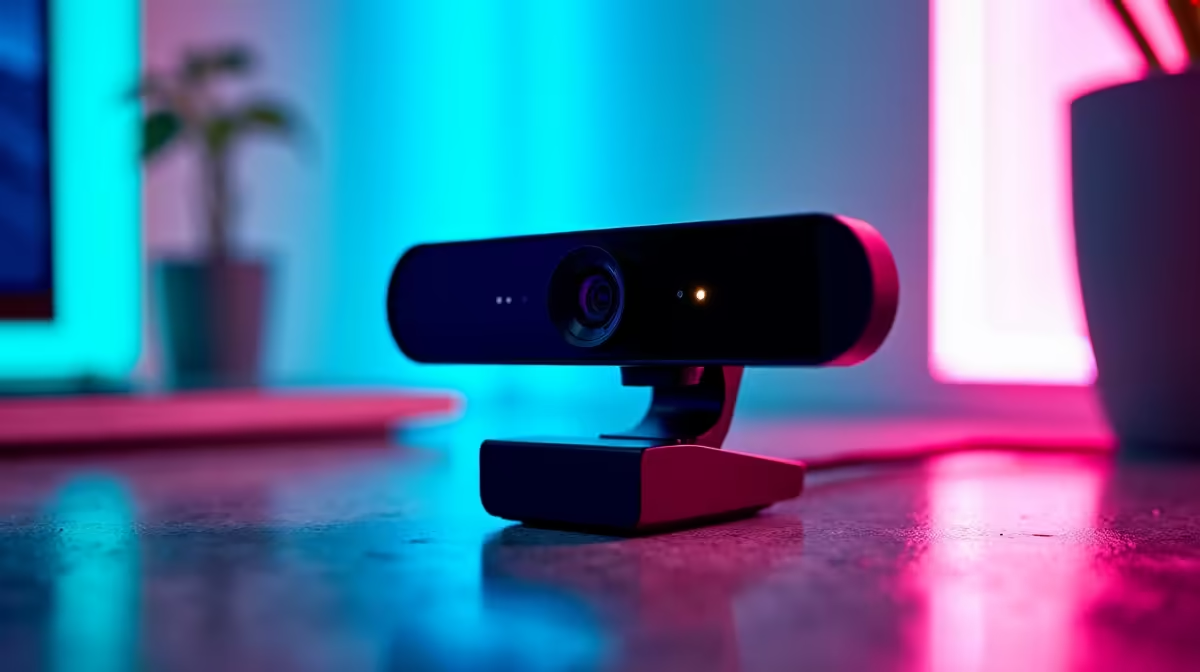
Logitech Brio 100 FHD at R458 suits a creator desk where Lightroom culling needs a clean, simple webcam for calls, screen-share reviews, and quick client check-ins without pushing the setup budget.
Best webcam picks for photo-culling desks
The Logitech Brio 100 FHD at R458 is the smartest first pick here because its FHD spec is enough for a clear face camera while the main workstation budget stays focused on the display, storage, and editing machine. For Lightroom culling, that matters more than chasing an expensive camera that does not speed up selecting keepers.
The Logitech C270 HD at R252 is the lower-cost option if the desk only needs basic video for remote feedback sessions or quick team check-ins. Its HD spec keeps it simple, and the R252 price makes sense for a secondary setup, a spare machine, or a small admin station near the editing desk.
NearStream V08AF 4K at R678 is the step-up choice when sharper video matters for client-facing reviews, creator calls, or a neater presentation setup. Its 4K spec gives it the clearest headroom of the three listed models while still sitting far below the overall workstation budget.
Creator Desk Fit For Photo Review Sessions
A South African creator desk for this workload usually needs practical balance: enough clarity for video calls, enough budget left for storage, and a tidy setup that does not distract from image selection. Logitech Brio 100 FHD at R458 hits that balance well because it gives FHD video without turning the camera into the main spend.
Ready to choose the right webcam?
For the webcam shortlist decision, Logitech Brio 100 FHD at R458 gives you its listed spec to measure against the brief.