A smart photo-editing PC for Revit and AutoCAD should serve the CAD models first, then add photo capability around the remaining graphics and display needs. Revit projects, AutoCAD drawings and RAW files stress different parts of the system. Verify current software certification and project size before choosing a workstation label.
Match graphics to the CAD release
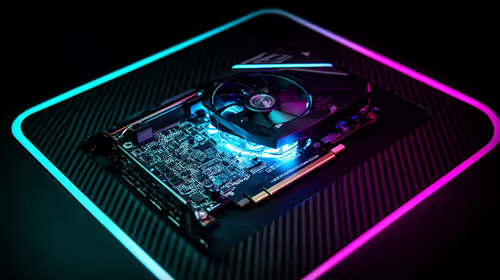
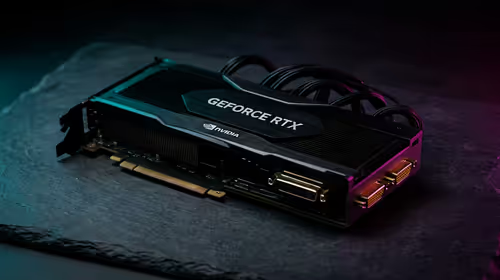
The verified Leadtek NVIDIA RTX A1000 8GB is priced at R6,900. Confirm current Revit and AutoCAD support for the exact card, driver and software release. Open a representative model, rotate a complex view, regenerate drawings and export a sheet. Check processor, memory and storage use as well as graphics behaviour. Professional drivers do not replace enough system memory for a large model.
Add the photo workflow carefully
Import a normal RAW batch, build previews and export the delivery format. Use a calibrated display suited to photo work and keep the room light consistent. Confirm PSU connectors, card clearance, cooling and monitor outputs before adding the A1000 to a desktop. Keep model versions, linked files and camera originals in separate backups. Choose one PC when CAD stability and photo output both pass without forcing unsafe budget cuts elsewhere.
Ask the student or designer to open a linked project from the normal storage location, not only a clean local demo file.
Confirm that both CAD applications use the same supported driver before accepting one workstation image.
Building a CAD and photo PC? > Ask Evetech to verify professional graphics, processor, memory, storage and display support together.