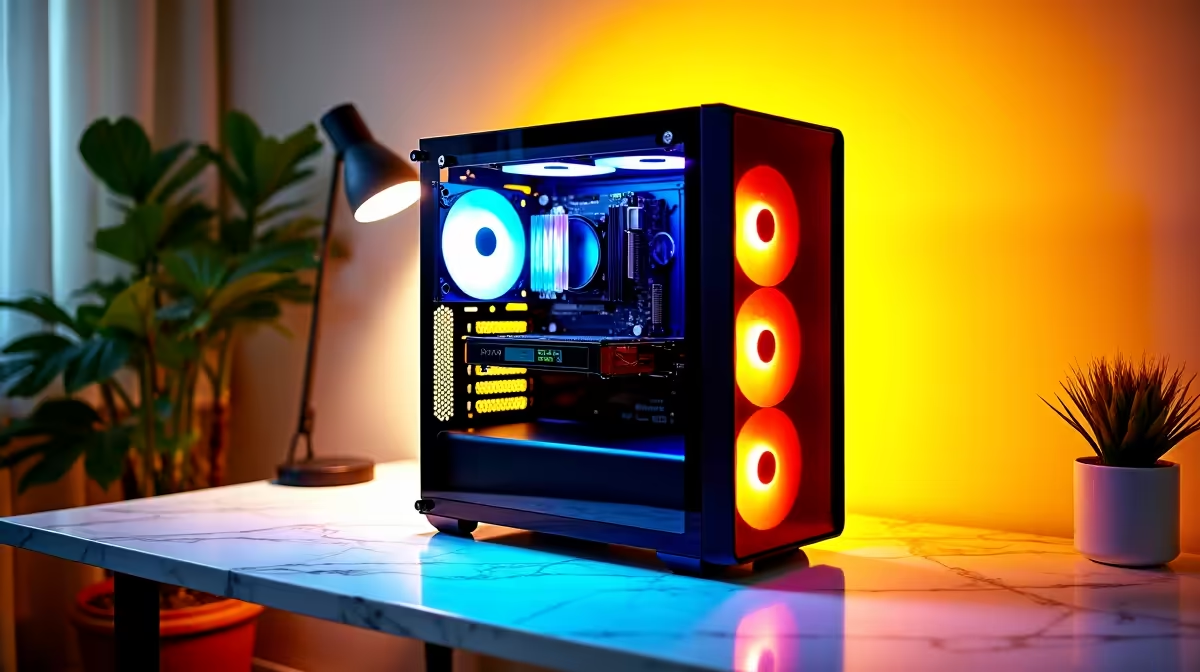
A video-editing PC for a home office should balance codec support, memory, fast storage and quiet cooling while leaving enough capacity for meetings and business apps. Smart spending starts with the camera files and delivery resolution. An oversized graphics card cannot rescue slow source storage or insufficient memory.
Assemble around one real edit
Import representative footage, apply the normal titles and colour work, then export the delivery format. Record dropped frames, peak memory and export time. Repeat while a browser, email and meeting application remain open if that reflects the working day.
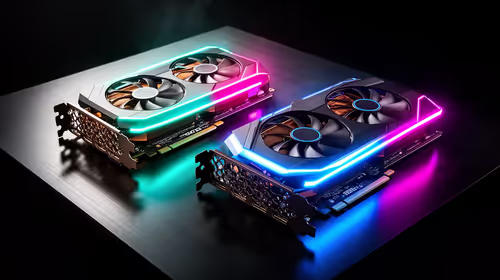
A Ryzen 5 9600X processor is verified at R3,500. The Palit GeForce RTX 5060 8GB graphics card is verified at R4,800. TEAMGROUP VULCAN 32GB DDR5-6000 memory is verified at R1,460. The WD Blue SN5000 1TB NVMe SSD is verified at R998. A DeepCool PF750 power supply is verified at R550. These are individual references, not a guaranteed compatible build. Verify motherboard, cooler, case, firmware and every connection as one quote.
Reserve storage outside the PC for approved backups of projects and original footage. Place the tower where its vents remain open and microphone noise stays manageable. Confirm webcam, monitor and card-reader needs before using the remaining budget on performance. Check the editing application for current hardware acceleration and codec support. The smart configuration is the complete system that passes the representative edit and office multitasking test, not the parts list with the largest headline number.
Planning a home editing PC? > Ask Evetech to verify a complete build around footage, software and office use.