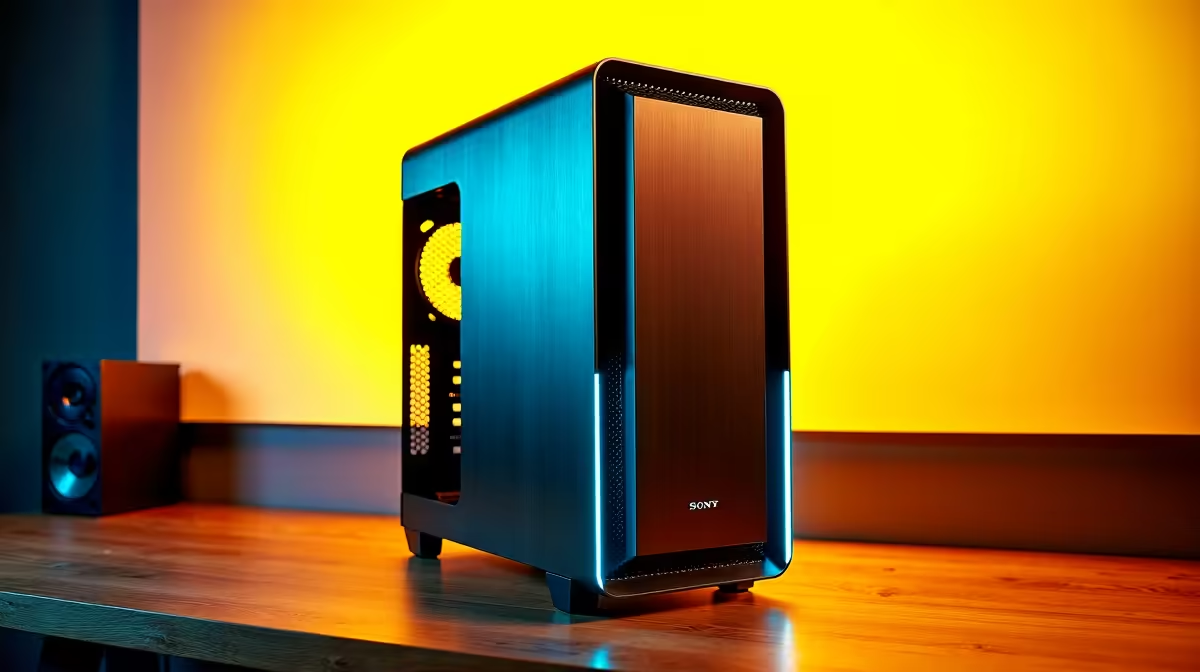
A video-editing PC is a smart office purchase only when editing is a real recurring task. For email, documents, spreadsheets and browser work, a costly graphics-focused system may add noise and power use without improving the day. Start with the hardest actual timeline, not a future possibility.
Split routine work from editing
Create a representative project using the normal camera format, resolution, effects and export target. Time playback and export while email, calls and office files remain open. Check memory pressure, storage, fan noise and display requirements. Occasional short clips need far less hardware than layered 4K work every day.
The ASUS ExpertBook P1503 laptop is factpack-verified at R9,858 with an Intel Core i5-13420H processor, 8GB memory and 512GB storage. Confirm current editing-software support, codec acceleration, memory upgrade options, colour needs and external-display connections. It is an office laptop reference, not a guaranteed editor for every footage type.
Keep original media and business documents in approved independent backups. Protect work accounts with multifactor authentication and avoid mixing client footage into unmanaged personal folders. Buy a stronger editing system when the project test exposes a real limitation and the workload earns the extra cost. If video is rare, use a dependable office computer and an approved external editor or remote workflow for demanding jobs. A balanced purchase should remain quiet and responsive during the tasks performed every day.
Choosing an office and editing laptop? > Compare verified systems with Evetech around a real timeline test.