

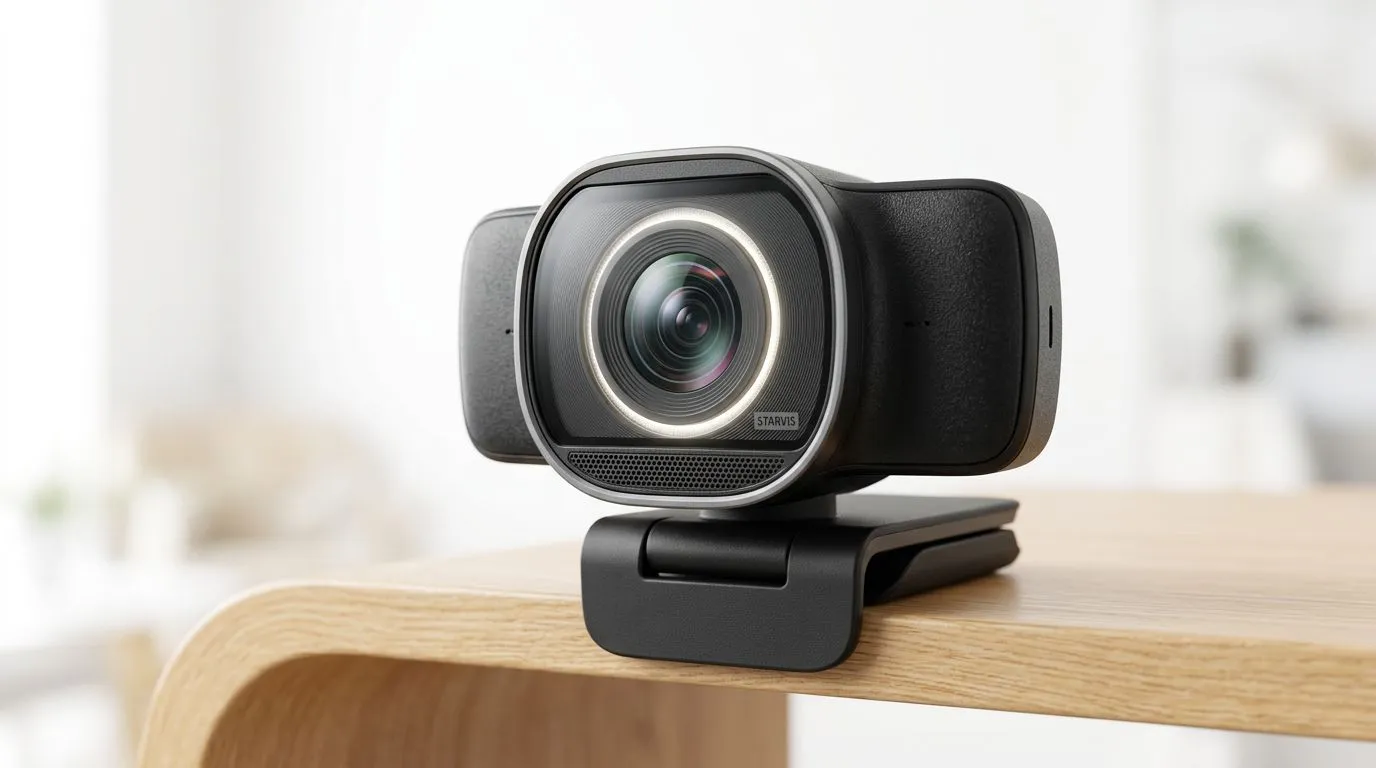
Sony STARVIS CMOS Sensors: Why They Matter for Streaming Webcams (and Your Setup Choices) 🎮✨
If you’ve ever tried to stream from a dim room and watched your face turn into a shadowy blur, you’re not alone. In South Africa, power cuts, load-shedding lighting, and those evening gaming sessions can make even a decent webcam look “meh”. The good news? Sensor tech matters. Sony STARVIS CMOS Sensors are built for better low-light performance, clearer detail, and more reliable streaming focus. Let’s break down why they matter before you spend your next round of budget on a webcam… or a whole streaming rig.
Sony STARVIS CMOS Sensors: The simple explanation behind better low-light
Most webcams struggle when light drops. The sensor has to “guess” more, then software tries to rescue the image with noise reduction. That rescue work can look like smudging, waxy skin tones, or grainy backgrounds.
STARVIS CMOS sensors aim to capture more usable detail in darker conditions, so the webcam needs less aggressive correction. The result is usually a cleaner image when you’re:
- streaming after sunset,
- gaming in a room lit by a monitor glow,
- recording under imperfect indoor lighting.
Officially, Sony positions STARVIS for “night vision” style clarity with improved low-light sensitivity and image quality. (For the underlying sensor family and positioning, see Sony’s product/technology information here: https://www.sony.com/ , then search for “STARVIS CMOS”.)
Sony STARVIS CMOS Sensors: What to look for when buying a streaming webcam 🔧
When you compare webcams, sensor tech is only one part of the picture. Here’s what actually impacts stream quality:
1) Low-light performance beats “marketing megapixels”
Megapixels alone don’t guarantee a better image. If your room lighting is inconsistent, low-light sensitivity and noise handling matter more.
2) Focus stability affects stream “trust”
If your autofocus hunts during gameplay, it’s distracting. Look for webcams that maintain focus reliably across typical movement ranges (face, shoulders, occasional leaning forward).
3) Compatibility with your streaming software
Even a great sensor can underperform if drivers or settings are off. Test your webcam in OBS or your chosen app before you go live for the first time.
4) Frame rate and resolution should match your upload
If your internet is capped or unstable, you may do better with stable 720p over chasing 1080p that drops frames.
Sony STARVIS CMOS Sensors: Real-world scenarios from SA gamers
Picture this: it’s 8:45pm, the house is quiet, and you’re finally ready to stream Valorant. Your room has one lamp… and the rest is monitor light. In that situation, a webcam with stronger low-light capture usually keeps skin texture and background definition more consistent.
Even if your lighting isn’t terrible, STARVIS-style sensors can reduce the “night filter” look. That means fewer awkward retakes, fewer post-processing tweaks, and less time fiddling with settings mid-match.
Sony STARVIS CMOS Sensors: Quick buying guide with Evetech webcam links 🚀
If you’re shopping right now, start by choosing your budget range, then sanity-check the listing details (resolution, supported software, and low-light notes). If you want to explore webcam options quickly, Evetech has dedicated listings by price brackets:
- For a starting point, browse webcam options here: Shop web cams on Evetech
- If you want a bit more headroom, check models up to R1,000: Webcams up to R1,000
- Looking for a stronger streaming setup within R2,000? Webcams up to R2,000
- For more serious stream quality upgrades under R3,000, this bracket is worth a look: Webcams up to R3,000
Sony STARVIS CMOS Sensors: Settings tips that actually help on stream ⚡
A sensor can only do so much. Your setup still matters. Here are practical, streamer-tested tweaks:
Productivity Pro Tip ⚡
On Windows, use OBS Studio’s camera settings to manually lock exposure and focus if your webcam supports it. Avoid “auto” during gameplay so brightness doesn’t pump when you turn toward the screen or move under changing room light.
Test before you commit (seriously)
Do a 2-minute test recording:
- Sit in your usual spot.
- Turn your head left and right.
- Raise and lower your shoulders like you would during gameplay.
- Move slightly closer to the camera.
If the image stays sharp and exposure doesn’t swing wildly, you’re in good shape.
Use a simple light source
Even a budget streaming lamp can transform results. Place it slightly above eye level, aimed gently toward your face. STARVIS sensors help in low-light, but a little controlled light still wins.
Sony STARVIS CMOS Sensors: The honest takeaway for streaming quality
Sony STARVIS CMOS Sensors matter because they can improve what your webcam captures when light isn’t perfect. And in South Africa, light often isn’t perfect. Load-shedding schedules, cloudy days, and “just one lamp on” evenings are part of life… so it’s smart to buy for your actual stream conditions.
If you’re choosing between webcams, don’t only chase resolution. Prioritise low-light capture, stable imaging, and compatibility with your streaming workflow. Then set expectations with a quick test recording.
Ready to Find Your Perfect Match? The Mac vs Windows debate is complex, but for maximum power, choice, and value in South Africa, Windows is hard to beat. Explore our massive range of laptop specials and find the perfect machine to conquer your world.










