


Black Myth: Wukong 2 Ultrawide Support: 21:9 and 32:9 Setup Guide
Black Myth: Wukong 2 Ultrawide Support: 21:9 and. Clear setup instructions with SA-specific considerations, troubleshooting tips & recommended components.
Read moreIs your sRGB clamp gaming monitor showing overly vibrant colors? Fix oversaturation on wide gamut displays with our guide. Learn how this feature restores natural, accurate colors for older games and content, eliminating that distracting neon look. Get the perfect picture! 🎨🖥️
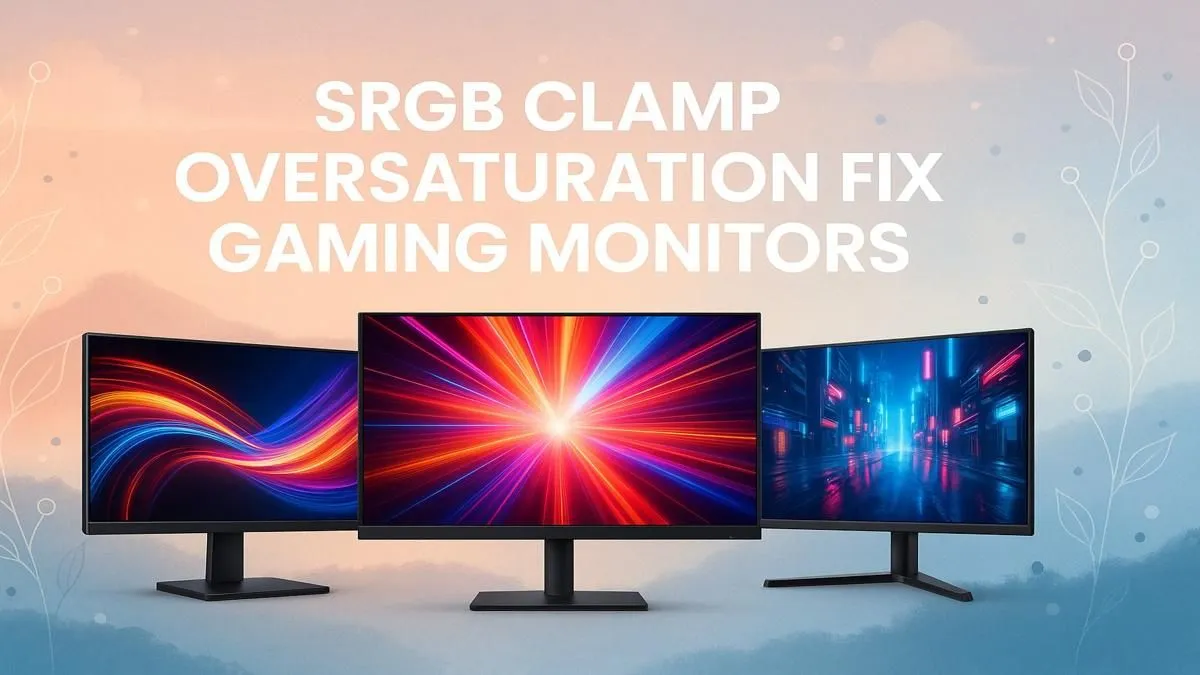
Ever booted up a game on your fancy new monitor, only to find the colours look… wrong? Reds are screaming, greens are practically neon, and everything feels distractingly oversaturated. You’re not alone, boet. This is a common hiccup with modern wide-gamut displays, but there’s a simple fix many gamers overlook: a feature called an sRGB clamp. It's the secret to getting colours that are vibrant when you want them, and accurate when you need them.
To understand the problem, we need a quick chat about colour spaces. Think of a colour space as a box of crayons. For decades, the standard box for PC content—games, websites, apps—has been sRGB. It’s a good, reliable set of colours that everything is designed for.
Modern displays, however, come with a much bigger box of crayons, called a "wide colour gamut" (like DCI-P3). This allows for more vivid, punchy colours, which is fantastic for HDR movies or games that support it. The problem? When you view standard sRGB content on a wide-gamut screen, the monitor tries to "stretch" those standard colours to fit its bigger potential. The result is that radioactive, oversaturated look. It's why the red in the YouTube logo can burn your retinas. Many of today's PC monitors have this wide-gamut capability.
This is where an sRGB clamp gaming monitor saves the day. It’s a special display mode that tells your monitor to restrict its colour output to the standard sRGB space.
When you activate this mode, you're essentially telling your screen: "Hey, for this game or app, just use the standard box of crayons, please." This ensures that you see the colours exactly as the game developers or artists intended. Skin tones look natural, environments look believable, and UI elements are no longer a distraction. It gives you the best of both worlds: accurate colours for SDR content and the full, vibrant spectrum for HDR content. This feature is especially crucial on premium high-resolution 4K monitors, where image fidelity is paramount.
Accurate colour isn't just for graphic designers. Imagine you're in a tense clutch in Valorant. An enemy agent's uniform is a specific shade that provides camouflage against a wall. On an oversaturated screen, that uniform might pop unnaturally, or worse, blend in completely because the colour values are all wrong. Seeing the game world as it was designed can give you a subtle competitive edge.
It also respects the creative vision. From the moody corridors of a horror game to the sweeping vistas of an RPG, colour is a key part of the experience. Using an sRGB clamp ensures you're not getting a distorted version. The benefits apply across the board, whether you're using one of the latest immersive curved monitors for single-player epics or a high-refresh-rate panel for esports. Even some cutting-edge portable monitors are including these professional-grade features now.
Most monitors with an sRGB clamp hide it in the On-Screen Display (OSD) menu. Use the buttons on your monitor to navigate to Picture or Colour settings. Look for a mode called "sRGB," "sRGB Emulation," or "Standard." Activating it will often lock other settings like brightness and contrast to ensure perfect accuracy.
So, how do you find a great sRGB clamp gaming monitor? When browsing for a new screen, dig into the spec sheet. Manufacturers will often list "99% sRGB coverage" which is good, but look specifically for a dedicated "sRGB Mode". This is your guarantee of accurate colour clamping.
At Evetech, we know how important these details are. You can find some fantastic screens with this feature without having to spend a fortune, especially if you keep an eye on our great monitor deals. And once you've found the perfect screen, be sure to pair it with the right monitor accessories to complete your ultimate setup. Choosing the right display is about more than just size and speed; it's about getting a picture that's true to the source. From our vast selection of all gaming monitors, you're sure to find one that ticks all the boxes.
Ready for True-to-Life Colour? Oversaturation can ruin your gaming immersion and competitive edge. An sRGB clamp gaming monitor is your ticket to seeing games exactly as the developers intended. Ready to upgrade your view? Explore our massive range of PC monitor specials and find the perfect screen for your setup.
An sRGB clamp restricts a wide color gamut monitor's display output to the standard sRGB color space. This prevents older games and content from appearing oversaturated and ensures colors are shown as the creator intended.
The best way is to use your monitor's built-in sRGB mode or 'clamp'. This feature limits the color output to the sRGB standard, providing a more natural and accurate picture for most content.
Yes, sRGB mode is excellent for gaming, especially for games not designed for wider color gamuts like DCI-P3. It prevents oversaturation and ensures you see the game's colors accurately, as the developers intended.
Wide color gamut monitors can display more colors than the standard sRGB space. When showing content made for sRGB, the monitor stretches those colors to its wider native gamut, causing them to look overly vibrant or 'neon'.
Some graphics card drivers, like NVIDIA's, offer options to limit the color space, which acts like an sRGB clamp. However, using the monitor's built-in sRGB mode is often the most direct and reliable solution.
While a monitor's sRGB mode is often well-calibrated from the factory, professional calibration can still improve accuracy. For most gamers, the default sRGB preset is a huge improvement and sufficient for great visuals.
Black Myth: Wukong 2 Ultrawide Support: 21:9 and. Clear setup instructions with SA-specific considerations, troubleshooting tips & recommended components.
Read more
Setting Up HDMI 2.1 Cable. Tested & verified settings for best FPS and visual quality on SA hardware budgets.
Read more
Every spec on PCIe 5.0 explained in plain English. What matters for gaming and creator work in 2026, what's marketing fluff, and how each number translates to real-world performance.

A head-to-head look at WiFi 7: real-world performance, ZAR pricing and which option delivers better value for SA builders. The clear answer — no fluff.

Everything you need to set up and tune PCIe 5.0 properly: the prep work, the settings that actually matter, and the mistakes to skip. Written for SA builders in 2026.

Everything you need to set up and tune X870E Motherboard properly: the prep work, the settings that actually matter, and the mistakes to skip. Written for SA builders in 2026.

Wondering what a 512GB SSD capacity really holds? This guide breaks down how many games, photos, and documents fit on 512GB, with real-world ranges 📦💾

Every spec on vrm explained in plain English. What matters for gaming and creator work in 2026, what's marketing fluff, and how each number translates to real-world performance.

Every spec on motherboard explained in plain English. What matters for gaming and creator work in 2026, what's marketing fluff, and how each number translates to real-world performance.

Premium vs Midrange Motherboards in South Africa: real-world performance, SA pricing, power draw and which one delivers better value for your build for SA buyers. The clear answer — without the fluff.
Wondering what a 512GB SSD capacity really holds? This guide breaks down how many games, photos, and documents fit on 512GB, with real-world ranges 📦💾
Every spec on PCIe 5.0 explained in plain English. What matters for gaming and creator work in 2026, what's marketing fluff, and how each number translates to real-world performance.
A head-to-head look at WiFi 7: real-world performance, ZAR pricing and which option delivers better value for SA builders. The clear answer — no fluff.

Every spec on USB4 explained in plain English. What matters for gaming and creator work in 2026, what's marketing fluff, and how each number translates to real-world performance.