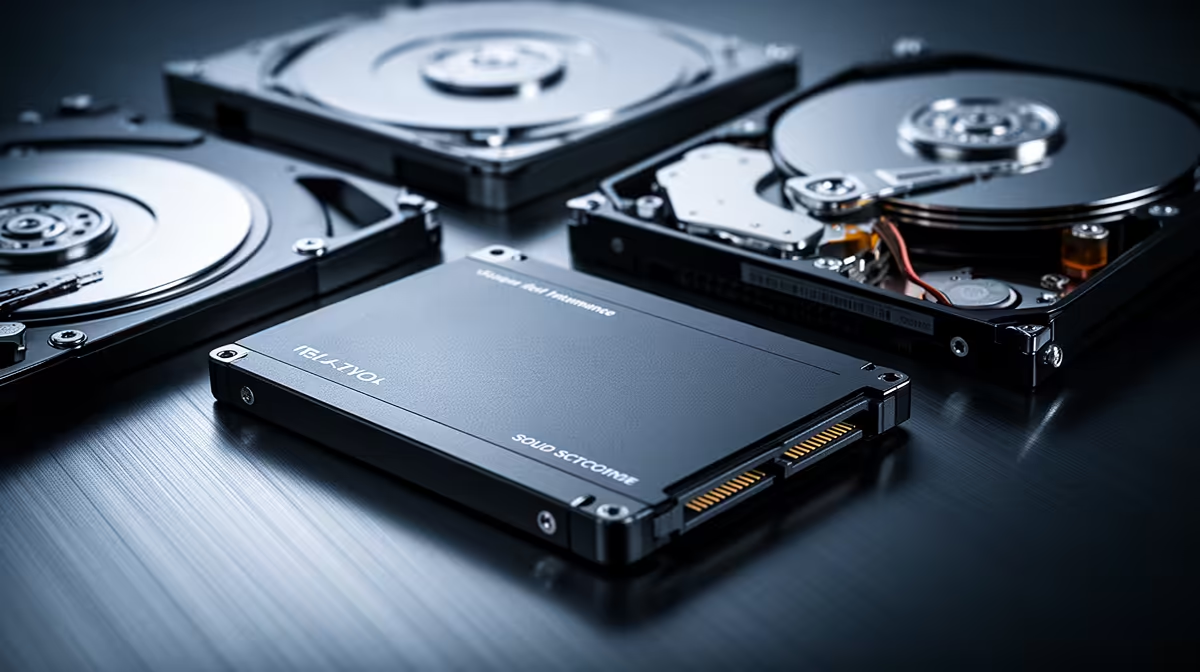
For bulk storage in a home NAS, a spinning hard drive still buys you four to five times more capacity per rand than a solid-state drive of the same size, and that gap is widening rather than closing. The interesting question about SSD vs HDD for a NAS is not which is faster, it is where the flash premium actually earns its keep, because for most home media and backup duty it simply does not.
Quick Answer
For the bulk of a NAS, NAS-rated HDDs are the right call: they cost a fraction per terabyte and reach far higher single-drive capacities. SSDs are worth the premium in three specific places, as a read or write cache tier in front of the spinning array, in a compact unit where noise and vibration matter, or in a full all-flash build where speed beats cost per terabyte.
The cost gap is the whole argument
Storage decisions in a NAS come down to rands per terabyte, and the numbers are not close. NAS-rated mechanical drives sit at a small fraction of the per-terabyte cost of NAS-grade SSDs, and the ratio gets worse for flash as capacity climbs. At entry sizes an SSD might run double or triple the price of a comparable HDD, but step up to the larger drives that actually fill a NAS and the difference stretches to four or five times.
Capacity per drive reinforces the point. Mechanical drives now ship at 24 and 28 terabytes in the consumer range, with enterprise models past 32 terabytes and far higher capacities on the roadmap. For a four-bay box you want to fill with media, that capacity ceiling matters as much as the price, and HDDs own both ends of it.
What NAS-rated even means
A NAS HDD is not a desktop drive in a different box. Models like the WD Red Pro, Seagate IronWolf Pro, and Toshiba N300 are built for 24/7 spinning, rated for far higher annual write workloads, often 180 terabytes a year or more against roughly 55 for a consumer drive, and tuned to behave well in a multi-drive array where vibration from neighbours is a real factor. That endurance is exactly what an always-on NAS demands, and it is why a cheap desktop drive is a false economy here. Browse diskless NAS enclosures at Evetech to find the right chassis for the drives you are planning to run.
Where SSDs earn the premium
Flash is not pointless in a NAS, it is just misplaced when used as bulk storage. There are three clear cases where it pays.
As a cache tier
Most modern NAS platforms, from Synology and QNAP to TrueNAS and Unraid, support tiered storage that promotes frequently accessed data onto a small SSD sitting in front of the mechanical array. A modest NVMe or SATA drive used as a read and write cache serves your hot files at flash speed while the bulk archive stays on cheap spinning disk. You get most of the responsiveness of all-flash for a small slice of the cost.
Compact and quiet builds
In a small two-bay unit on a desk or in a lounge, the noise and vibration of spinning drives become a daily annoyance. SSDs are silent, run cooler, and shrug off physical knocks, so a compact build where the NAS sits in a living space is a legitimate reason to pay the flash premium even though the per-terabyte cost stings.
All-flash performance builds
If the workload is genuinely demanding, editing large video files straight off the NAS, running virtual machines, or serving many users at once, an all-flash build removes the mechanical bottleneck entirely. This is the exception, not the rule, and it is a deliberate choice to spend on speed rather than capacity.
Endurance and power, the quieter trade-offs
Two factors beyond raw cost deserve a mention. The first is write endurance. Consumer SSDs have a finite number of write cycles, and a NAS that constantly writes, such as a busy backup target or a surveillance recorder, can wear an unsuitable SSD faster than expected, whereas a NAS-rated HDD is built for exactly that sustained write workload. If you do go flash for write-heavy duty, NAS-grade or enterprise SSDs with higher endurance ratings are the ones to look at, not bargain consumer drives.
The second is power and heat. A bank of spinning drives draws more power and runs warmer than the same capacity in flash, which over years of always-on operation adds up on the electricity bill and means your enclosure needs decent airflow. For a small home NAS this is marginal, but for a large many-bay build it is a real running cost that a few flash drives in a compact unit can sidestep. Neither factor changes the headline value answer, but both are worth weighing when the build is large or runs hard.
A practical SA approach
For a typical home NAS holding media, photos, and backups, the value answer is a stack of NAS-rated HDDs for the bulk, optionally paired with a single SSD cache drive if your enclosure supports it. That gives you the terabytes you actually need at a sane price, with a flash layer smoothing the files you touch most.
Reserve all-flash for the specific jobs that justify it. Spending the SSD budget on a cache tier and putting the rest into high-capacity spinning drives almost always returns more usable storage than going all-flash for the same money. When you are choosing the cache or boot SSD to pair with the array, checking the SSD range at Evetech helps you pick an appropriately sized cache drive without overspending.
Frequently Asked Questions
Should I use SSDs or HDDs in my NAS?
For most home users, HDDs for bulk storage and an optional SSD as a cache tier. NAS-rated HDDs cost far less per terabyte and reach higher capacities, while a single cache SSD gives you flash speed on the files you access most without paying for an all-flash array.
Is an all-flash NAS worth it?
Only for demanding workloads like video editing off the NAS, running virtual machines, or serving many simultaneous users. For media and backups the speed is wasted and the cost per terabyte is several times higher, so most home builds do not benefit.
What does SSD caching do in a NAS?
A cache SSD sits in front of the mechanical array and holds frequently accessed data, serving it at flash speed while the bulk of your files stay on cheaper spinning disk. It gives much of the responsiveness of all-flash at a small fraction of the cost.
Why not just use cheap desktop drives?
Desktop drives are not built for constant 24/7 operation or the vibration of a multi-drive bay, and their annual workload ratings are far lower. NAS-rated drives are designed for always-on duty, which is why they last in a NAS where a desktop drive often will not.
How much cheaper are HDDs than SSDs for a NAS?
At the larger capacities that fill a NAS, HDDs run roughly four to five times cheaper per terabyte than NAS-grade SSDs, and the gap widens as capacity increases. That cost difference is the main reason spinning drives remain the default for bulk storage.
Building or upgrading a NAS? Put your budget where it counts. Browse the diskless NAS and storage range at Evetech for the enclosure and drives, then pick a fast cache SSD to match. The right HDD-plus-cache mix gets you more usable storage than going all-flash for the same spend.