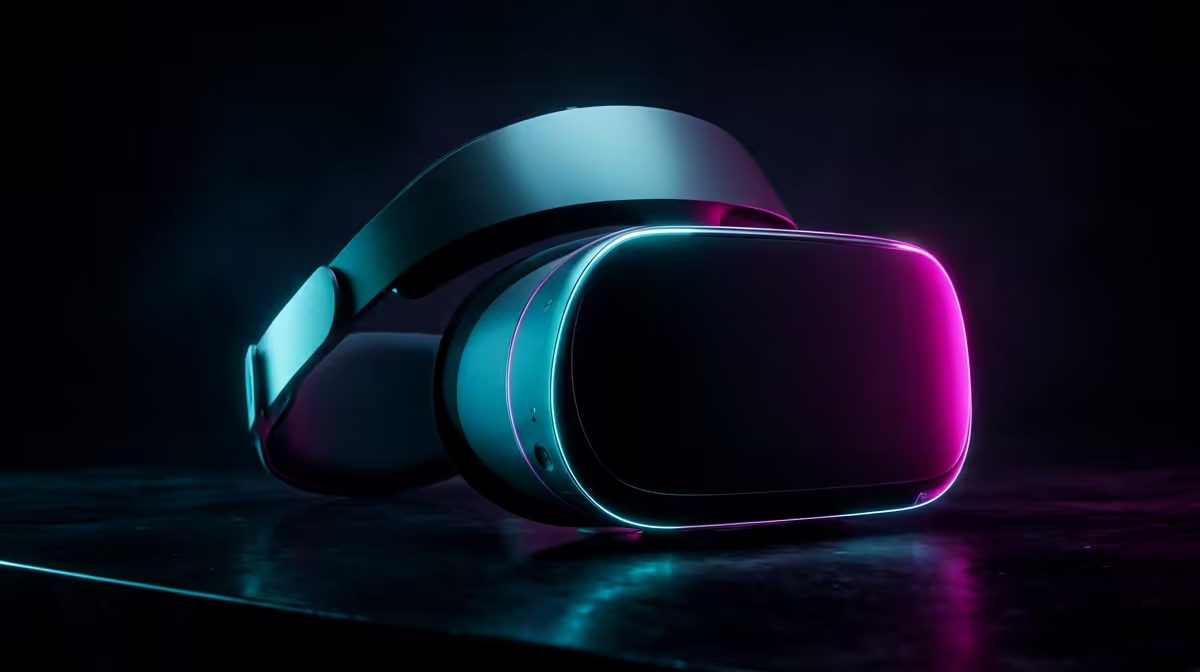
A standalone headset like the Quest 3 boots straight into VR with no computer attached, while PC VR tethers a headset to a desktop graphics card for sharper, more demanding worlds. Standalone VR versus PC VR really comes down to one question for South African buyers: do you want to spend on the headset alone, or build a gaming PC powerful enough to drive it?
Quick Answer
You do not need a gaming PC for VR. Standalone headsets run games on an onboard Snapdragon XR2 Gen 2 chip and work entirely on their own. PC VR uses a desktop GPU for far higher visual fidelity and access to demanding simulation titles. For a buyer who wants the lowest total rand spend, standalone keeps the cost to the headset alone.
How standalone VR works
A standalone headset packs everything into the device itself: a mobile-class processor, onboard storage, built-in tracking cameras, and a battery. The Quest 3 runs entirely from its Snapdragon XR2 Gen 2 chip, stores games on internal flash, and maps your hands and the room without any external hardware. There is no cable to a PC, no base stations to mount on the wall, and no separate hardware to maintain. You charge it, put it on, and play.
The trade-off is the same one every phone faces against a desktop: a mobile chip cannot match a full graphics card. Standalone games are visually scaled back, with simpler lighting and lower detail than their PC equivalents. For most casual players, fitness apps and social spaces, that ceiling is more than high enough.
The Quest 3 itself runs at 2,064 x 2,208 pixels per eye, with a 90Hz to 120Hz refresh rate, and delivers full-colour passthrough for mixed reality experiences. The Quest 3S offers the same Snapdragon XR2 Gen 2 processor in a lower-cost chassis with slightly different optics, making it an entry-level alternative with no PC requirement.
How PC VR works
PC VR splits the work. The headset becomes a high-resolution display and tracker, while a desktop's graphics card does the heavy rendering. That unlocks the visually richest experiences in VR, from detailed flight and racing simulators to graphically intense adventures that a mobile chip simply cannot run.
What your PC actually needs
The GPU is the part that matters most. For smooth PC VR in 2026, you are looking at an NVIDIA RTX 4070 or an AMD equivalent as a realistic floor: these cards carry enough VRAM and raw compute to hold 90fps in demanding titles. An older or entry-level card will stutter or force you to drop detail settings heavily. Alongside the GPU, a current-generation multi-core CPU, 16GB of RAM or more, and an SSD to keep load times short round out a comfortable VR rig. If you are pricing a build, the components that decide VR performance are gathered in the broader PC parts catalogue, and the AR and VR glasses section lines up the headsets that pair with them.
Tethered, wireless and hybrid
PC VR does not always mean a cable. Several standalone headsets, the Quest 3 included, can stream PC VR wirelessly over a strong local network or run tethered over a single USB-C link. That hybrid path is the clever middle ground: buy a standalone headset now, plug it into a capable PC later, and get both libraries from one device. The Quest Link and Air Link features from Meta, plus Steam Link compatibility, mean the same headset can switch between standalone and PC VR in seconds.
The content difference
Beyond visual quality, PC VR opens a separate catalogue. SteamVR hosts titles that were built specifically for desktop hardware, including graphically intense story campaigns, heavily modded racing sims, and social hubs that standalone hardware was never designed to power. A standalone headset accesses its own store, which has hundreds of strong titles but is a different library. If there are specific PC VR games you want, that is as strong an argument for the tethered path as the visual quality gain.
Streaming quality: the wireless trade-off
When you stream PC VR wirelessly, compression artefacts and network latency become variables. On a dedicated 5GHz or Wi-Fi 6E network with the router close to the play space, the experience is excellent and most users do not notice the compression. On a busy shared network, or through walls, lag and artefacts creep in. A wired USB-C connection sidesteps this entirely and gives the cleanest possible PC VR image at the cost of a cable across the floor. If pristine visual quality from a PC matters, the cable is the honest answer.
Which one is right for you
Choose standalone if you want the simplest, lowest-cost entry to VR, value being cable-free, and mostly play social, fitness and casual titles. Choose PC VR if you already own a strong gaming PC, or are willing to build one, and you want the sharpest visuals and access to demanding simulators.
For SA buyers watching the total spend, standalone wins on price because it bundles everything into one device. But the hybrid route is worth a serious look: a Quest-class headset gives you a full standalone library today and becomes a PC VR display the day you have the GPU to feed it. If you are still mapping out the rest of a setup, the best-selling accessories list covers the cables, mounts and extras that round out either path.
Frequently Asked Questions
Do I really not need a PC for VR?
Correct. A standalone headset like the Quest 3 runs games on its own onboard chip with no computer involved. You only need a PC if you want the higher fidelity and demanding titles that PC VR offers.
What is the main difference in visual quality?
PC VR looks noticeably sharper and more detailed because a desktop graphics card does the rendering. Standalone visuals are scaled back to suit a mobile processor, which is fine for casual play but cannot match a strong gaming rig.
Can one headset do both standalone and PC VR?
Yes. Headsets like the Quest 3 run standalone on their own and can also connect to a capable PC, either wirelessly over a strong network or tethered by USB-C, giving you access to both libraries.
What graphics card do I need for PC VR?
A current mid-range to upper GPU is the realistic floor for smooth PC VR in 2026. The graphics card is the single biggest factor in whether PC VR feels smooth, and pairing it with 16GB of RAM and an SSD keeps the rest of the system from becoming the bottleneck.
Which option costs less overall in South Africa?
Standalone is the cheaper entry because the headset is the only purchase. PC VR adds the cost of a gaming PC capable of driving it, though it pays off in fidelity if you already own or plan to build one. For SA buyers the standalone path is also the one with no import dependency on PC components at the time of purchase, which keeps the total outlay predictable from day one.