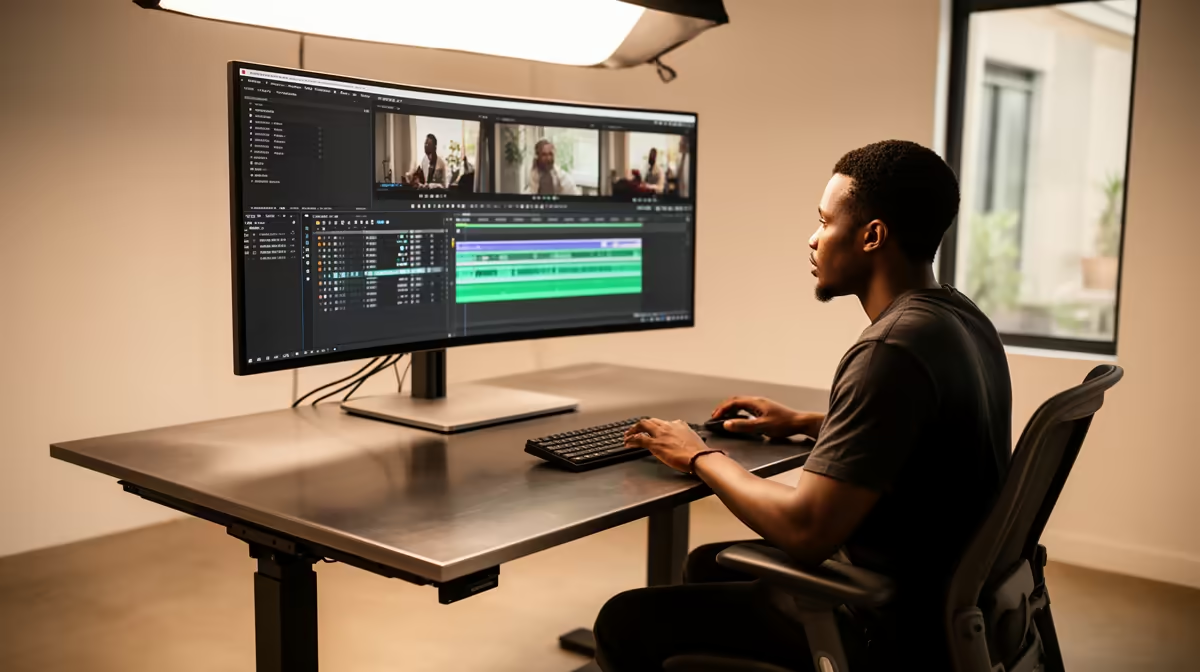
A standing desk is worth buying for a YouTube channel when it fits the creator, holds the complete camera and audio setup without wobble, and supports both seated editing and standing presentation. It does not improve video quality by itself. The verified facts contain no standing-desk SKU, so measure every device and posture first.
Test both production heights
Create a temporary raised surface at elbow height. Mount the camera, microphone, monitor and lights as they would appear during a shoot. Record a short standing presentation, then edit while seated. Check frame composition, arm comfort, screen height and desk vibration. A thick top must accept any clamps without crushing or slipping.
Plan moving cables safely
Route power, USB, camera and audio leads with enough controlled slack through the full height range. Keep connectors away from pinch points and chair wheels. Test whether the tower, dock or external drives move with the desk or remain on a separate support. Alternate postures gradually and keep movement breaks in the workday. Choose a desk after both modes stay stable and correctly framed.
Mark the saved camera and microphone positions for seated editing and standing presentation.
Mark sitting and standing presets on the controller and rehearse a complete filming session, including camera framing, lighting changes and access to desk-mounted controls.
Building a YouTube desk? > Explore Evetech creator hardware, then source a standing desk from measured fit and stability.