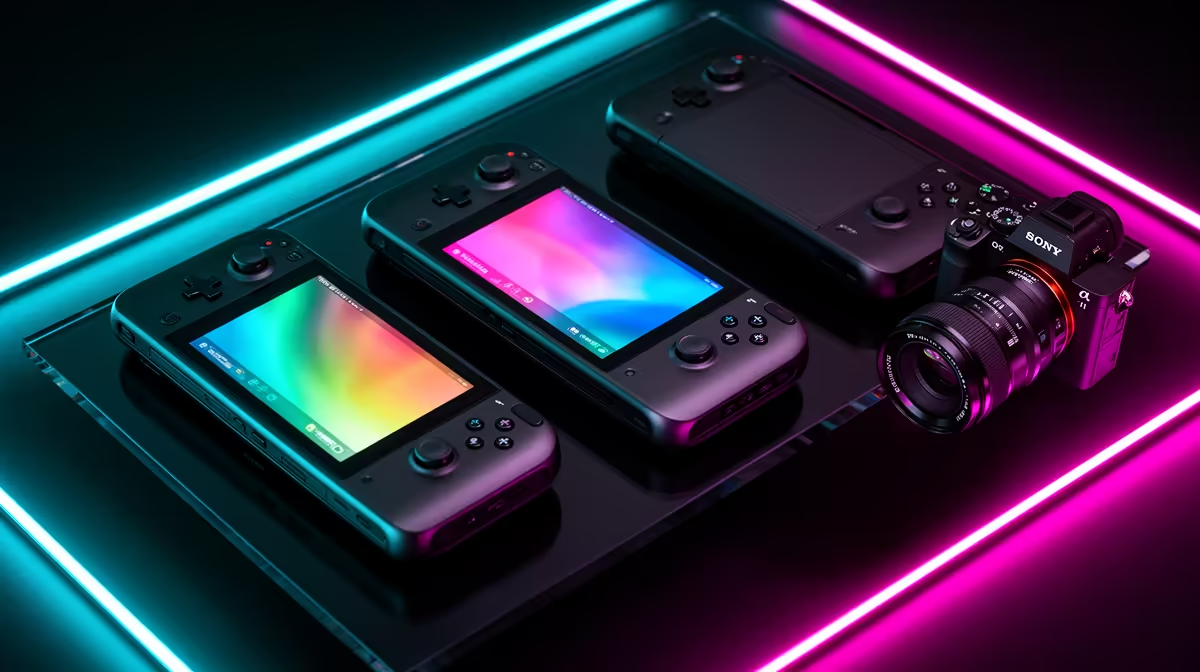
Steam Deck, ROG Ally X and Legion Go Gen 2 solve handheld PC gaming in different ways. Steam Deck leans into a controlled SteamOS experience, ROG Ally X favours a Windows library with strong battery capacity, and Legion Go Gen 2 adds a large OLED display and detachable controls. South African support and exact local availability can outweigh a specification win, so check the named model before choosing.
Quick Answer
Choose Steam Deck for a console-like Steam library and strong community guidance, subject to a support route you accept. Choose ROG Ally X for Windows compatibility and battery-focused hardware. Choose Legion Go Gen 2 for its large high-refresh OLED screen and flexible detachable-controller design. Then verify local model, warranty, price and stock on the same date.
Use the current handheld gaming range to compare locally listed devices, and keep best-selling PCs in view when a compact desktop would serve the same games at home.
Start With the Games You Own
Steam Deck works best when your important games support SteamOS and its compatibility layer. Check Valve's current compatibility notes and recent user reports. Anti-cheat and third-party launchers can stop a title even when the hardware is fast enough.
ROG Ally X and Legion Go Gen 2 run Windows, which gives broad PC-store and launcher access. Windows can also bring small menus, pop-ups and update work to a handheld screen.
List ten games and mark store, controller support, anti-cheat, performance and offline behaviour. This test can remove a device before battery and screen enter the argument.
Battery Life Needs a Shared Test
Battery capacity alone does not tell you play time. Chip power mode, frame-rate cap, screen brightness, Wi-Fi and game demand all affect it.
ROG Ally X is built around a large battery and can be the stronger long-session choice under matched settings. Steam Deck can be efficient at lower power in suitable games. Legion Go Gen 2 pairs a large battery with a bigger high-refresh OLED panel and a powerful chip, so the chosen mode matters.
Compare reviews that use the same game, brightness, frame cap and power target. Manufacturer maximums are poor cross-device evidence.
Screen Quality and Size
Legion Go Gen 2's 8.8-inch OLED display is the obvious choice for buyers who value size, contrast and a 144Hz ceiling. The larger body also affects portability and hand comfort.
ROG Ally X uses a smaller high-refresh variable-rate display that suits a compact bag and can smooth changing frame rates. Check the exact regional model specification.
Steam Deck screen options differ by model, including LCD and OLED generations. Name the Deck variant before comparing colour, refresh rate, battery or weight.
Controls and Ergonomics
Steam Deck includes trackpads that help with mouse-heavy games and desktop control. ROG Ally X uses a familiar fixed-controller layout. Legion Go Gen 2 offers detachable controls and a mode that can serve pointer-style play.
Hand size matters more than a reviewer's ranking. Check weight, grip shape, stick placement and the reach to rear buttons. A device that feels heavy after twenty minutes may stay docked at home.
Look for controller drift coverage and parts support in the warranty terms. Built-in controls are harder to ignore than a separate gamepad fault.
Performance Is a Power-Mode Question
Windows devices can offer higher performance modes when plugged in or run at raised chip power, with more heat and fan noise. Steam Deck often targets a lower power envelope and may deliver a steadier console-like profile in supported games.
Do not declare Legion Go Gen 2 faster from processor name alone. Compare the exact chip variant, memory configuration and game at a matched power level. A high-resolution screen can also tempt settings the integrated GPU cannot sustain.
Use a frame cap and upscaling where they improve consistency. Handheld gaming rewards stable frame time more than a peak number.
Local Support Changes the Ranking
Check whether the exact Steam Deck model has an authorised South African warranty route. A self-import can require international return shipping and may use another regional plug or account path.
ROG Ally X and Legion Go Gen 2 support depends on the exact local listing and warranty, not the brand alone. A related Ally or Legion Go S model in stock does not prove the title model is available.
Keep the dated invoice, serial and full model code. Ask who handles a battery, display or control fault.
Storage and Expansion
Modern games can fill 512GB quickly. Check usable internal capacity and the SSD format before planning an upgrade. Some handhelds make SSD access easier than others, and opening the unit can affect support terms.
MicroSD is convenient for lighter games and archive storage, though card speed, slot behaviour and game demands matter. Back up saves before moving storage.
Cloud saves depend on the game and launcher. Confirm them before switching between handheld and desktop.
Docked Use
All three can feed an external display through supported docks or USB-C paths, but the ports, charging pass-through and display limits differ. Include the dock, power adaptor, controller and keyboard when docked use is central.
A local gaming desktop may deliver more sustained performance, cooling and repairability for the same room-bound job. Pay the handheld premium for portability you will use.
Legion Go Gen 2's detachable controls offer another way to play at a desk, while Steam Deck and Ally can use external inputs.
Which Is Easiest for a Beginner?
Steam Deck offers the cleanest controller-first SteamOS path for supported games. Windows handhelds expose more stores and compatibility, then ask you to handle Windows updates, launchers and small desktop controls.
ROG Ally software and Legion Space can improve the handheld layer, but they do not remove Windows underneath. A beginner with one Steam library may prefer Deck; a user with several PC launchers may accept Windows work.
Create account recovery and update the system before travelling. Test offline mode at home.
FAQ
Which has the best battery life?
ROG Ally X has a strong battery case, while real play time depends on matched game, power mode, brightness and frame cap. Compare controlled tests.
Which has the best screen?
Legion Go Gen 2 offers the largest OLED and a high refresh ceiling. Steam Deck OLED and Ally X have different strengths in size, efficiency and variable refresh.
Which is easiest to set up?
Steam Deck is the most console-like for compatible Steam games. Windows models support more PC launchers but require more desktop management.
Does local warranty differ?
Yes, by exact model and seller route. Confirm South African cover before buying, especially for a Steam Deck or model not shown in a local listing.
Choose the handheld from your ten-game compatibility list, matched battery tests and hand comfort, then let the exact South African warranty route break the tie.