

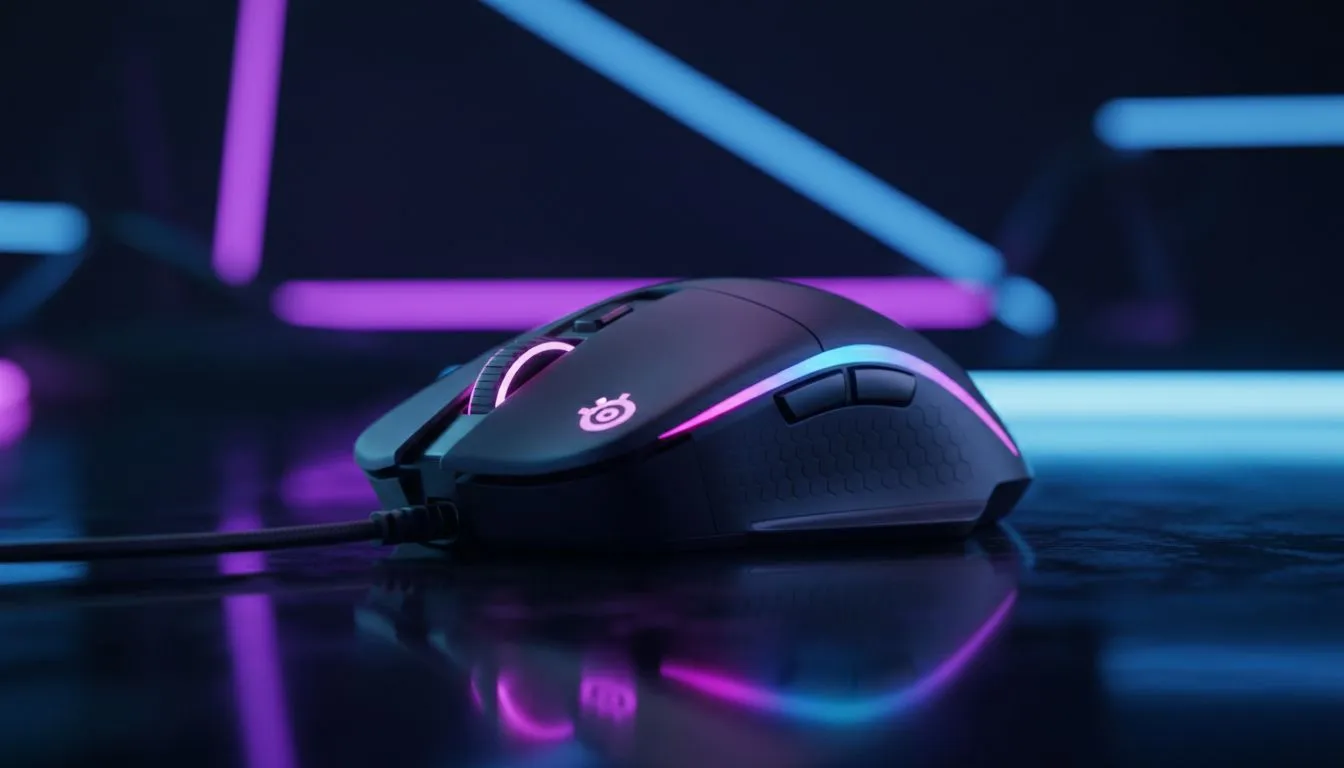
SteelSeries Prism mouse lighting setup — Get the glow right, fast
If you want your mouse to match your rig, your desk, or your favourite SA team, this quick guide will get you there in under 10 minutes. I’ll show practical PrismSync tips, profile ideas for FPS vs MMO, and where to shop locally in ZAR. Ready? Let’s make that SteelSeries Prism mouse lighting setup look like it was tuned by a pro. ✨🎮
SteelSeries Prism mouse lighting setup — Quick start and essentials
First, confirm your SteelSeries mouse supports PrismSync and the SteelSeries GG app. Download SteelSeries GG on Windows or macOS, then plug in the mouse and open the app. Create a new lighting profile, pick an effect (fixed, colour shift, or reactive), and save. Want hands-on picks? Browse our gaming mouse selection to compare models and features before you tweak. (Prices and stock change; check the listing for current ZAR pricing.) 🔧
For a consistent setup across devices, name profiles clearly — "FPS High-Vis", "MMO Calm", "Work Mode". You can switch profiles on-the-fly if your mouse has onboard memory, or use SteelSeries GG for per-game auto-switching. If a mouse supports hardware profiles it will store them even when you move PCs.
SteelSeries Prism mouse lighting setup — Profile ideas for South African gamers
Choose lighting that helps you play, not distracts. For twitch shooters, a single bright zone with a contrasting DPI colour works well. For MMOs, layer slow waves or breathing across multiple zones so ability cues still pop. Want inspiration? Check out our best gaming mouse deals to see popular models and customer favourites in ZAR — then copy the lighting style you like.
Micro-story: I set up "Raid Calm" for a colleague who hated flashing lights. We used a slow teal wave with a soft amber hotkey indicator. The result? Fewer complaints, better focus, and one happy raid leader.
SteelSeries Prism mouse lighting setup — Hardware, wired vs wireless and accessories
Lighting behaviour can depend on whether your mouse is wired or wireless. Some wireless models throttle fancy effects on battery to save power; if you need full PrismSync, try plugged-in mode. If you’re buying, compare wired and wireless options here for easy shopping. Need replacements or a cable swap? We stock mouse accessories that match SteelSeries connectors and pads.
If you prefer a wired feel but without cable drag, consider a paracord or bungee; they keep lighting steady and reduce latency worries. For local stock and ZAR deals on wireless mice, have a look at our wireless mouse collection.
SteelSeries Prism mouse lighting setup — Troubleshooting and fine tuning
If colours look off, check colour profiles in SteelSeries GG and ensure your monitor profile isn’t shifting hues. If lighting lags or resets, update the mouse firmware in the SteelSeries GG updater. For stubborn issues, test on a different USB port and consult the manufacturer support pages. Want a replacement or alternate model? Compare wired mice on our wired mice page to find a reliable fit.
Lighting Tip ✨
starting with a neutral base like soft white or teal. Add a single accent colour for DPI or keybinds so important signals remain visible during intense play. Save three named profiles: Day, Night, and Tournament — switch with a hotkey.
SteelSeries Prism mouse lighting setup — Final pro tweaks
Small changes can make a big difference: reduce brightness during long sessions to avoid eye fatigue; set reactive effects to short durations so they don’t obscure tracking; and align your keyboard and mouse palettes for a unified desk look. If you’re still shopping, our best gaming mouse deals page lists current promos in ZAR so you get the most value for your budget.
Buy wired mice and compare features or shop wireless options here. Need accessories like extra grips or charging docks? Find them in our accessories section. For a broad browse of gaming mice, including spec comparisons, visit the main gaming mouse category.
Ready to Find Your Perfect Match? The Mac vs Windows debate is complex, but for maximum power, choice, and value in South Africa, Windows is hard to beat. Explore our massive range of laptop specials and find the perfect machine to conquer your world.











