

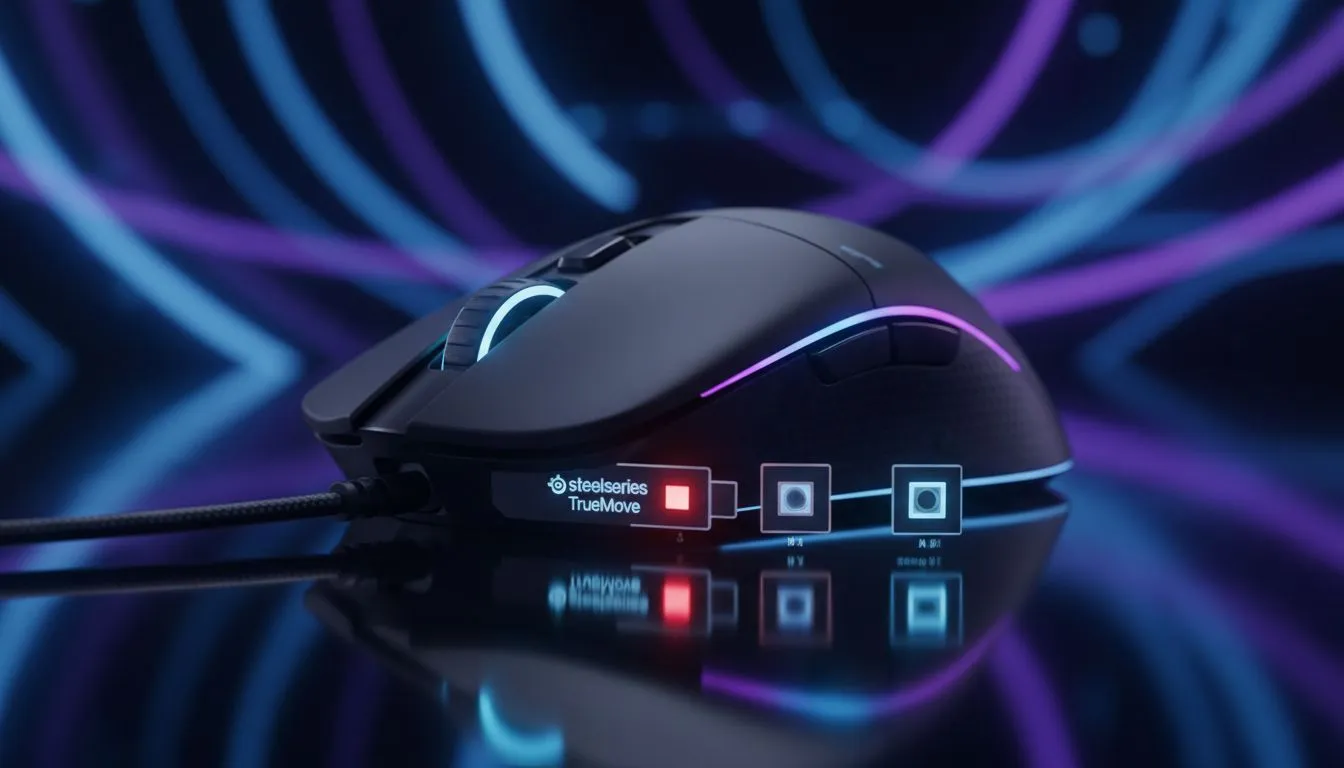
SteelSeries TrueMove sensor: why aim matters in local play ⚡
Looking for pinpoint aim to win your next LAN or climb the SA ladder? The SteelSeries TrueMove sensor family earns a reputation for natural tracking and low jitter — but how does it stack up against other optical sensors in real-world gaming? This short deep dive cuts through specs-speak and gives practical tips so you pick the right mouse for your style.
SteelSeries TrueMove sensor: design and feel compared to mainstream sensors
Mechanical specs only tell part of the story. The TrueMove sensor line is tuned for consistent cursor movement and true 1-to-1 tracking at typical gaming lift-off heights. That matters if you flick-shot in FPS or make precise edits in creative apps. If you're shopping, browse our full gaming-mouse range to match sensor feel with shapes and switches: Evetech's gaming mouse selection lists options for every grip and budget. https://www.evetech.co.za/components/gaming-mouse-117.aspx
Why optical sensor behaviour matters in practice
Optical sensors differ in tracking algorithms and how they handle speed or surface variance. Some sensors prioritise higher CPI numbers; others prioritise stability at common eDPI ranges. For many South African players, a predictable, low‑smoothing sensor like the TrueMove family feels more natural during muscle-memory aiming. If you prefer wireless freedom, we also stock solid wireless mice with strong sensor performance. https://www.evetech.co.za/buy-wireless-mouse/x/1597.aspx
SteelSeries TrueMove sensor comparison: TrueMove vs other optical sensors
Comparisons are easiest when focused on playstyle. TrueMove sensors are often tuned for minimal post-processing, which benefits flicks and micro‑adjustments. Some competitor chips may excel at extremely high CPI values or on uneven surfaces; others prioritise power efficiency for battery life. Want to see which models are discounted now? Check our curated best-mouse deals to find a TrueMove-equipped model at a local ZAR price you like. https://www.evetech.co.za/best-gaming-mouse-deals/x/054.aspx
Practical test tips for South African buyers
- Test lift-off and re‑connect behaviour in a store if possible.
- Try your favourite sensitivity in-game for 10–15 minutes to feel smoothing or latency.
- Match the sensor to your grip and weight preference; a great sensor needs the right shell to shine.
Aim Practice Tip ✨
Use a consistent mousepad and test two-to-three in-game routines (aim bots, tracking drills, and strafing shots). If muscle memory adapts within a session, the sensor is a good match.
SteelSeries TrueMove sensor: buying guide and accessories to optimise tracking
A sensor is only as good as the surface and switches supporting it. Consider mouse feet, a quality cloth or hardpad, and spare switches if you click a lot. We list mouse accessories to help you tune glide and longevity. https://www.evetech.co.za/buy-mouse-accessories/x/1595.aspx
If you prefer a tethered connection for zero wireless unpredictability, our wired mouse collection covers pro-level shapes and sensors. Compare them side-by-side in your price range and read size/weight specs before you decide. https://www.evetech.co.za/buy-wired-mouse/x/1596.aspx
Final thoughts on sensor choice for SA gamers
The best sensor for you depends on how you play. If you prize natural 1-to-1 tracking and minimal filtering, the TrueMove family deserves a serious look. If extreme CPI or battery life are non-negotiable, compare those specific trade-offs. Try before you commit when possible, and factor in local warranty and support.
Ready to Find Your Perfect Match? The Mac vs Windows debate is complex, but for maximum power, choice, and value in South Africa, Windows is hard to beat. Explore our massive range of laptop specials











