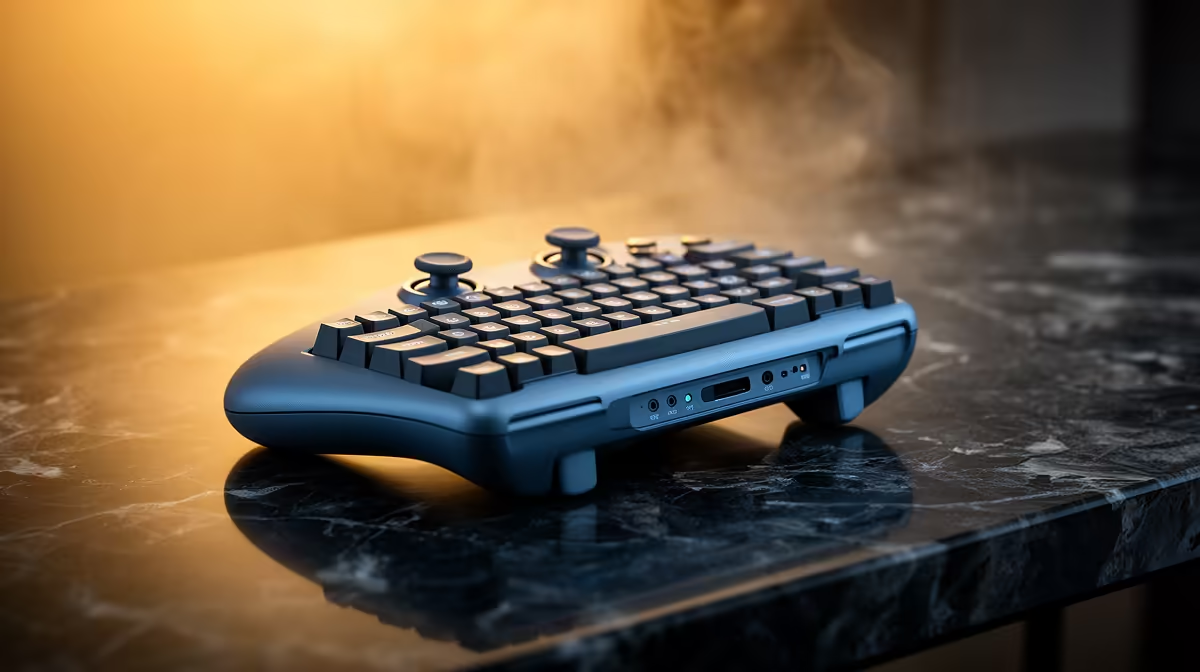
A stream deck is overkill for most law students. It becomes useful only when repeated moot presentations, recorded legal content or accessibility workflows genuinely need labelled shortcuts. Ordinary research, reading and writing can use keyboard commands.
Build the legal-work command log
Complete a research and presentation session while noting repeated actions such as mute, slide change, marker and citation lookup. Assign normal shortcuts first, then count conflicts or mistakes. Keep destructive actions away from common buttons.
No stream-deck product has confirmed pricing in the verified evidence. The ASUS ExpertBook P1503 at R9,858 is a confirmed laptop reference, not a law-course guarantee. The NearStream USB/XLR microphone at R676 is a separate presentation-audio option. Check current software support, profile behaviour, plug-in permissions, connection, button count and warranty.
Keep keyboard fallbacks for saving, undo and ending a presentation. Review plug-ins before granting account or document access. Preserve notes, drafts and supported profiles in independent versioned backups.
Buy only after the command log shows repeat reduction in error or effort. A reliable laptop, clear audio and recoverable research remain higher priorities. Rehearse an emergency presentation save using only keyboard controls before adding any shortcut hardware. Export the legal-study profile so essential shortcuts remain recoverable without the device. Keep the presentation shortcut sheet printed beside the laptop.
Refining legal-study workflows? > Compare Evetech laptops and microphones after testing keyboard shortcuts.