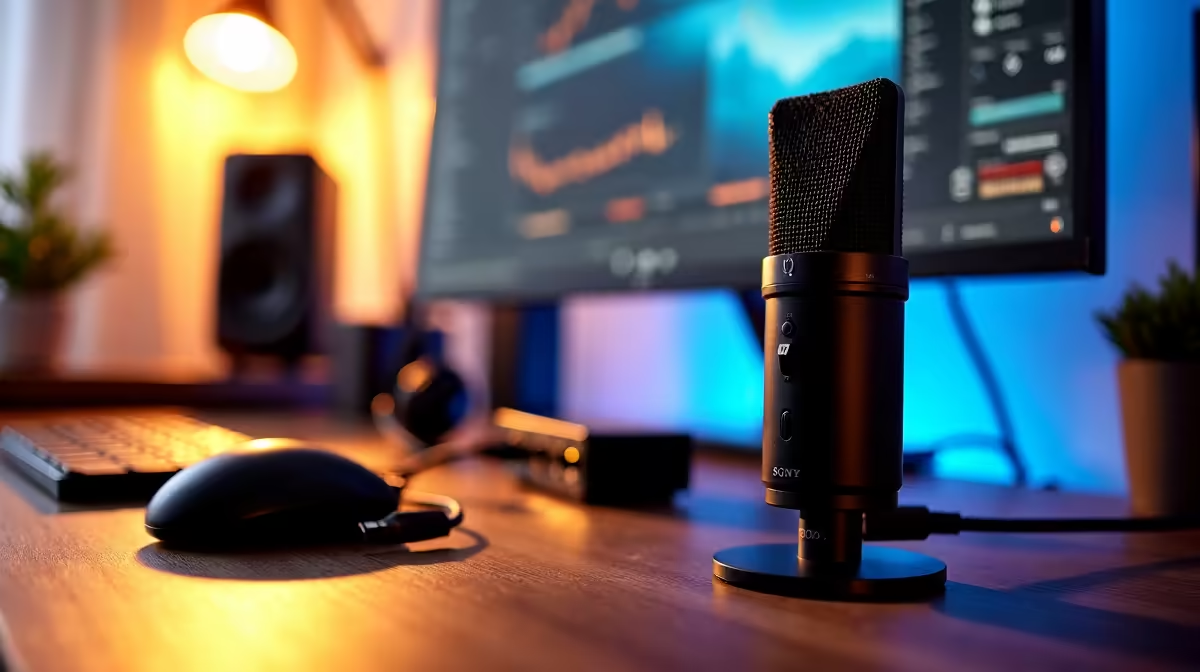
Mastering Your Stream Setup with Multiple Audio Sources 🎛️
Whether you’re streaming your latest Apex Legends victory or hosting a chill podcast, juggling multiple audio sources can be tricky. South African gamers and creators know that crisp, balanced sound makes all the difference — and setting up your stream with multiple audio sources properly avoids awkward feedback and mixed signals. Let’s dive into how you can fine-tune your audio setup for a flawless streaming experience.
Why Multiple Audio Sources Elevate Your Stream
Most streamers use a single audio input and output, but incorporating multiple audio sources brings your stream to life. Imagine your gameplay sounds, microphone, alerts, and background music blending seamlessly. It’s about control — handling game, chat, and music audio separately prevents one blasting over the other.
Using multiple audio sources lets you:
- Adjust volume levels independently
- Mute or boost certain inputs on the fly
- Improve overall listener experience with cleaner sound
In South African gaming setups, where internet latency and streaming resources matter, optimising your audio routing can even reduce lag-related audio glitches.
Key Equipment for Seamless Audio Control
Getting your stream setup with multiple audio sources means investing in the right gear. Consider an audio interface like the Focusrite Scarlett or a USB mixer. These tools let you plug in various mics, instruments, or digital sources. For software, OBS Studio supports multi-audio input capture, giving you flexibility to layer sound channels.
Evetech’s range of streaming essentials offers solid options for South African streamers wanting professional-quality audio without breaking the bank. Whether you’re aiming for crystal-clear commentary or immersive game sound, there’s equipment tailored to your budget.
Routing Your Audio: Software Tips for Smooth Control ⚙️
Software solutions often make or break your multi-source audio setup. Windows users can explore VoiceMeeter Banana for advanced routing, or try OBS’s built-in audio mixer to balance sources. Mac users can look into Loopback or Audio Hijack for similar control.
Separating your audio tracks lets you switch between voice chat and game audio independently, ensuring your viewers hear the right thing at the right time. For example, reduce music volume during intense moments — a simple tweak with big impact.
Pro Tip for Clearer Sound
Use headphones with a closed back design to avoid mic bleed. This reduces echo and feedback for cleaner streams.
Finding the Right Gear under R6000
South African tech buyers often want quality and value. For an effective stream setup featuring multiple audio sources, look at the best streaming kits under R6000 at Evetech. These bundles include microphones, audio interfaces, and accessories designed to fit local budgets and performance expectations.
For streamers who favour premium brands, check out Corsair streaming essentials. Their products are popular among South African content creators for reliability and aesthetics.
Your stream’s audio quality is only as good as your setup. Invest smartly and adjust your settings until every clip and chat is pitch-perfect.
Elevate Your Stream Sound Today
Ready to master your stream setup with multiple audio sources? Shop now at Evetech for top-tier gear tailored to South African gamers and content creators.