


Humidity Damage to PC Components: Recovery Guide
Humidity Damage to PC Components: Recovery Guide. Everything you need to know with SA pricing, step-by-step instructions & expert recommendations.
Read moreStreaming camera for content creation: • Explore creative uses • Repurpose footage across platforms • Recommend gear and workflows 🎥✨ Learn how to record vlogs, podcasts and product shots beyond live streams.
Article (MDX)
South African creators: a decent streaming camera isn’t only for Twitch or YouTube live nights. With the right setup you can record pro-looking product shots, produce crisp tutorials, or add a second-angle “face cam” for long-form edits. Want options at every budget? Read on — this guide will help you pick the right camera and make it pay back in views, not just hours spent editing.
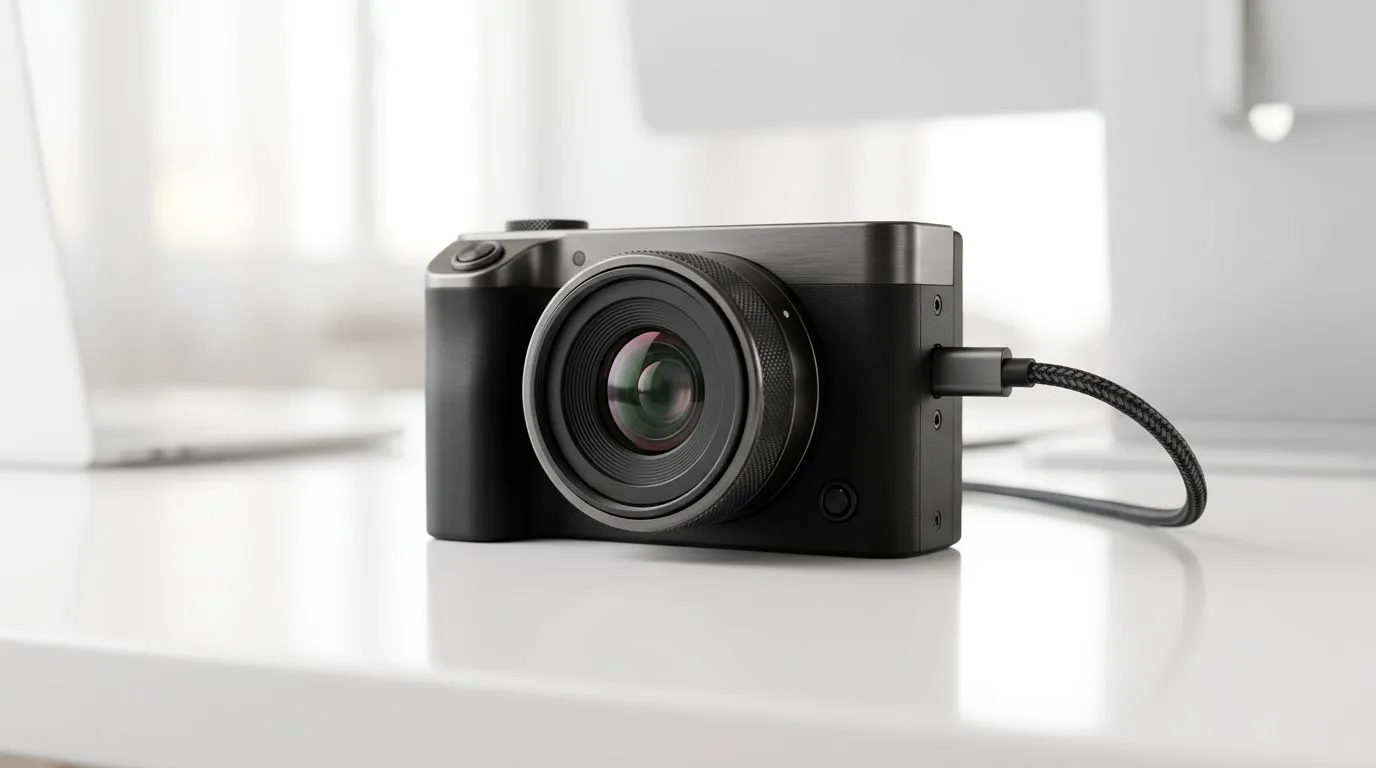
Treat a streaming camera as a versatile capture tool. Use it as a webcam replacement for polished Zoom calls, a dedicated vlogging cam, or a top-down desk camera for unboxing and repair guides. If you’re shopping for models and want to compare features, browse Evetech's full webcam selection to see sensor sizes and mic options side by side: https://www.evetech.co.za/PC-Components/buy-webcams-145.aspx.
If you’re testing the waters, you can find capable entry-level webcams under R1 000. For a quick starter kit, check the under-R1 000 options here: https://www.evetech.co.za/PC-Components/buy-webcams-145.aspx?max-price=1000. Stepping up to better optics and low-light performance? Explore the mid-range picks under R2 000: https://www.evetech.co.za/PC-Components/buy-webcams-145.aspx?max-price=2000. If you want full 1080p/60fps or premium autofocus, the R3 000 bracket has strong contenders: https://www.evetech.co.za/PC-Components/buy-webcams-145.aspx?max-price=3000.
A local creator I know bought a mid-range camera, then used inexpensive LED panels and a cheap tripod. The first video took three edits; the next one needed only one. Views grew because the framing and light were consistent. That small upgrade paid for itself inside two sponsored posts.
For a cleaner look, place your camera slightly above eye level and aim soft light from a 45-degree angle. Use a plain background and pull the subject a metre or two away from it to add depth. If you’re on Windows, try calibrating white balance in your capture app to match room lights.
Match your camera choice to the work you actually publish. If you edit on a laptop, prioritise colour-accurate capture and low CPU overhead when recording. If you plan to livestream occasionally, choose a camera with easy webcam mode. When pairing with a desktop or capture card, test audio sync early to avoid painful fixes later.
Think about the whole kit: camera, light, mount, and the machine that edits your footage. A modest camera will shine on a good system. If you need editing power or portability, match your new camera to a laptop that can handle video timelines smoothly.
Ready to Find Your Perfect Match? The Mac vs Windows debate is complex, but for maximum power, choice, and value in South Africa, Windows is hard to beat. Explore our massive range of laptop specials and find the perfect machine to conquer your world.
Yes. A streaming camera works as a high-quality recorder for vlogs, tutorials and product videos; record locally or via capture card to save footage.
Trim highlights, add B-roll, re-edit for short-form clips, add captions and audio mixes to convert streams into vlogs, promos and social clips.
Use external mics, lights, capture cards and tripods. These lift audio, exposure and stability for better vlogs, podcasts and product shots.
Often yes: modern streaming cameras offer clean HDMI, manual controls and good low-light performance—suitable for video, vlogs and recorded content.
Record presenter video with the camera while capturing separate USB or XLR audio; then sync audio in post for a polished podcast episode.
No. OBS, capture software, or direct SD card recording all work. Pick the workflow that matches your quality and editing needs.
Use manual exposure, flat color profiles, 24–30fps and a high bitrate. These settings make color grading and repurposing much easier.
Humidity Damage to PC Components: Recovery Guide. Everything you need to know with SA pricing, step-by-step instructions & expert recommendations.
Read more
Gamer Spending Trends April : Complete Setups. Clear setup instructions with SA-specific considerations, troubleshooting tips & recommended components.
Read more
Setting Up DDR5 32GB Kit. Tested & verified settings for best FPS and visual quality on SA hardware budgets.
Read more
Tech Setup Guide for SPU Res Students. Clear setup instructions with SA-specific considerations, troubleshooting tips & recommended components.
Read more
Monster Hunter Wilds Ultrawide Support: 21:9 and. Clear setup instructions with SA-specific considerations, troubleshooting tips & recommended components.
Read more
Apple iPad Durability Guide: Cases, Screen. Practical breakdown of costs, regulations & whether it makes financial sense for SA buyers.
Read more
AMD RX 9050 XT: Rumoured Specs, Price & Release. SA-focused analysis with local pricing data, real-world insights & actionable buying advice.

Can RTX 4080 Super Run AI Workloads for SA Developers Detailed answer with SA data, expert analysis & practical recommendations for local buyers.

Can RTX 4090 Run AI Workloads for SA Developers Detailed answer with SA data, expert analysis & practical recommendations for local buyers.

Top Settings for Intel Arc B580 at Ultrawide 1440p picks evaluated on performance, value & SA availability with current Rand pricing from Evetech.

RTX 4060 CS2 Low Settings at 1080p: FPS Results. Real-world benchmark data, FPS numbers & performance analysis. What SA gamers can actually expect.

Visual Artifacts: Possible GPU Issue Issue #1. Diagnosis steps, proven fixes & when to seek professional help. SA-specific support info included.

Can the RTX 4090 Handle 1440p 144Hz Gaming. Performance testing verdict with real data & practical recommendations for SA buyers.

Top ASUS GPU Under R15000 picks evaluated on performance, value & SA availability with current Rand pricing from Evetech.

GTA 6 Max Settings on RTX 5070. Tested & verified settings for best FPS and visual quality on SA hardware budgets.

Cyberpunk 2077 Max Settings on RTX 5080. Tested & verified settings for best FPS and visual quality on SA hardware budgets.

Starfield Max Settings on RTX 5070 Ti. Tested & verified settings for best FPS and visual quality on SA hardware budgets.

Top RTX 5090 Under R5000 picks evaluated on performance, value & SA availability with current Rand pricing from Evetech.