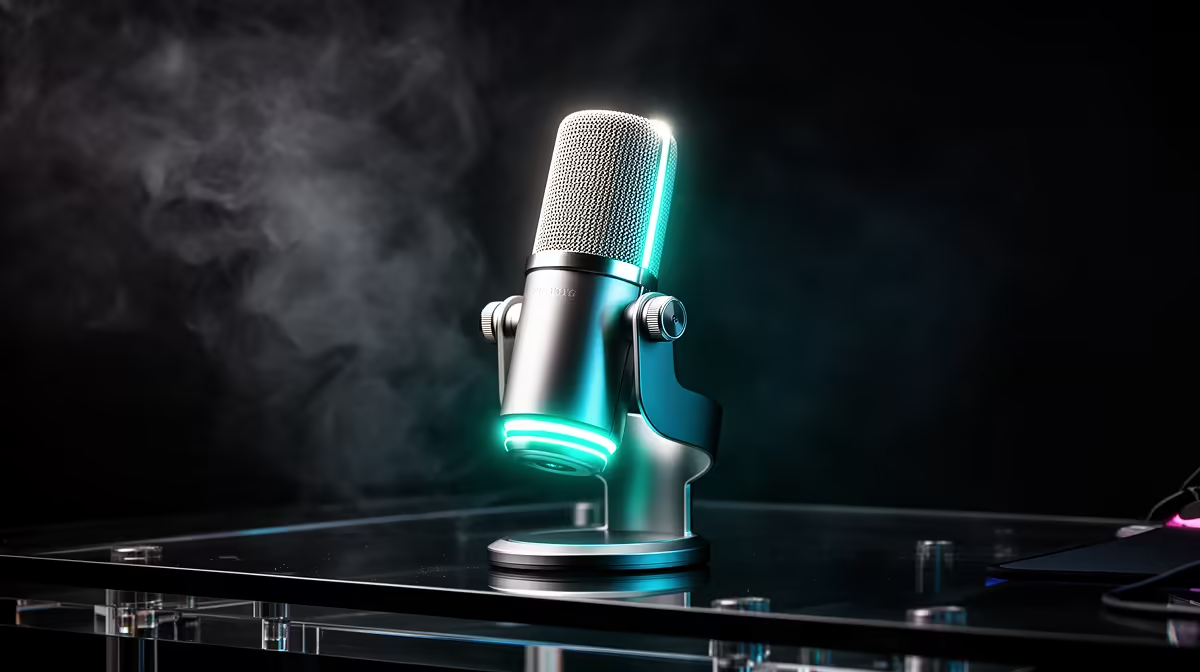
HyperX SoloCast 2 at R690 is the safest microphone pick for a gamer who has already spent around the stated budget on a 1440p setup and now needs cleaner voice for streams, Discord, and recorded clips.
Microphone Picks For A 1440p Gaming Setup
The HyperX SoloCast 2 at R690 makes sense when the main budget has gone into the screen and gaming hardware, because it keeps the audio upgrade focused without dragging the build into unnecessary extras. The useful spec here is the SoloCast 2 model itself: a dedicated desktop microphone option rather than relying on a headset mic while streaming or chatting.
NearStream AM10X-P USB/XLR at R730 is the step-up option if the desk may grow into a more creator-style setup later. Its USB/XLR spec is the key reason to consider it, because USB keeps the first setup simple while XLR gives a clearer upgrade path for a more serious audio chain.
MARVO MIC-07 at R351 is the budget pick when the priority is getting any dedicated voice input onto the desk after the graphics, monitor, and peripherals have taken most of the spend. At R351, the MIC-07 model is best treated as a starter microphone for calls, casual streaming, and party chat.
SA Gaming Room Voice Setup
For a South African gaming room, the HyperX SoloCast 2 at R690 is the clean middle choice because it leaves more of the total build budget for the 1440p experience while still moving voice capture away from the headset cable. The NearStream AM10X-P USB/XLR at R730 is better for a creator desk where the microphone may later connect into a fuller recording setup.
Ready to choose the right microphone?
Use HyperX SoloCast 2 at R690 as the gaming room benchmark, then check whether its listed spec matches the space, workload, and upgrade path.