

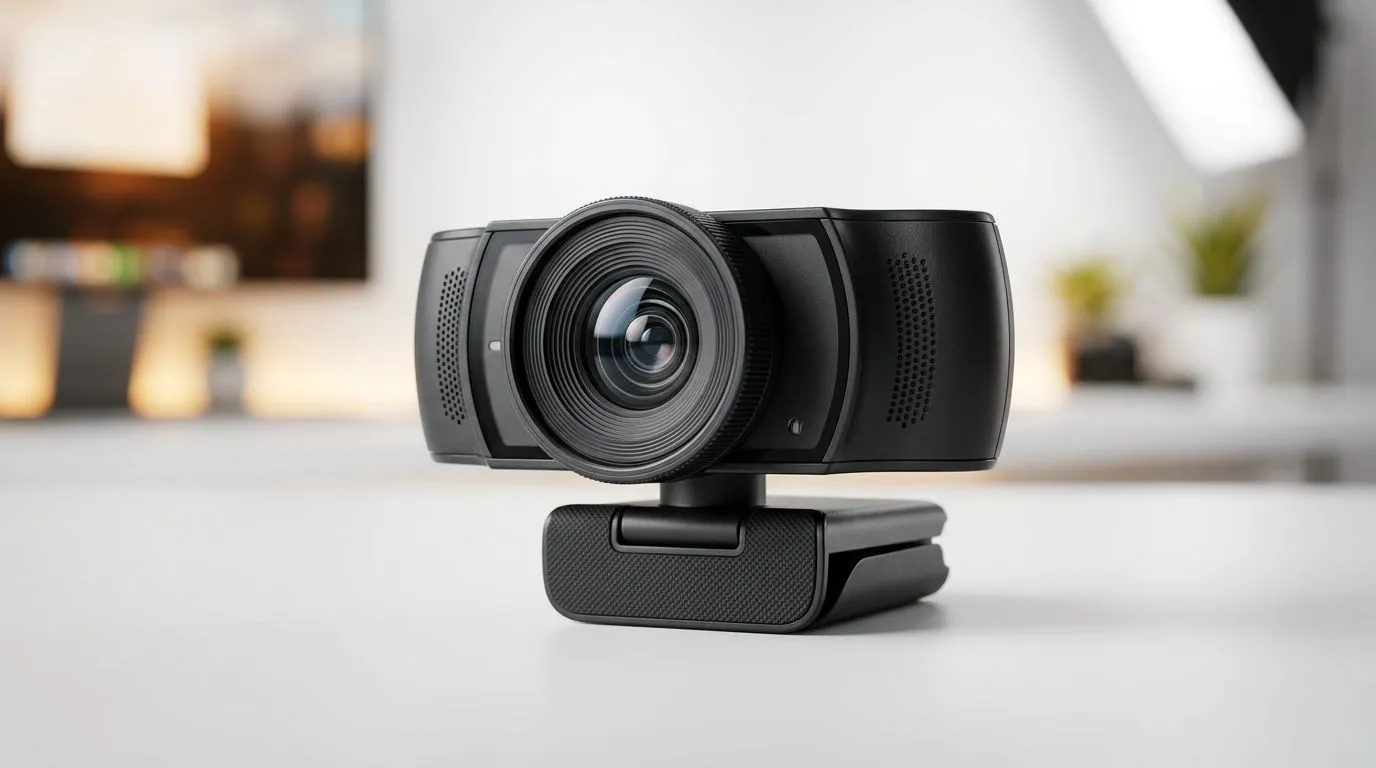
Streaming Webcam Autofocus vs Digital Zoom: What You Actually Need
If you stream, game, or video-call from your desk, your webcam is basically part of your setup… like your mouse or mic. But you’ve probably seen confusing specs: “autofocus” vs “digital zoom”. Which one actually makes you look sharp, even when you move around? ✨
Let’s cut through the marketing. By the end, you’ll know what to prioritise for crisp faces, smooth framing, and less fiddling before you hit “Go Live”. 🔧
Why autofocus matters more than digital zoom for stream quality
Autofocus keeps your face sharp while you move
Autofocus is hardware (or firmware-controlled lens behaviour) that actively adjusts focus. The real-world benefit is simple: if you lean in, sit back, or shift to the side, your image stays usable.
In streaming, this matters because games keep pulling your attention. If you’re playing FPS, you won’t always stay locked in a perfect position. Autofocus reduces the “blurry until you move” problem.
Digital zoom usually crops and blurs more
Digital zoom is not optical zoom. It typically crops the image sensor output and enlarges what remains. That can make the picture look worse, especially in lower light.
So when a product page says “digital zoom”, treat it like “framing help”, not “image improvement”. ⚡
A quick reality check you can do at home
Try this: sit normally, then move 20 to 30 cm forward and backward. If your webcam remains sharp without you touching anything, autofocus is doing its job. If it doesn’t, you’ll be fighting focus every time you adjust your chair.
Streaming webcam autofocus vs digital zoom: the buying framework for South Africa
Step 1: Choose autofocus for consistent clarity
If you’re spending money, autofocus is usually the safer “set-and-forget” choice. It helps regardless of your room layout, your desk distance, or whether you stream at night.
When you’re browsing options, Evetech’s webcam range makes it easy to shortlist models by feature set:
- Start here for a broad selection of webcams: Shop webcams on Evetech
- If you want a budget baseline, try: Webcams under R1000
- For a more balanced upgrade, check: Webcams under R2000
- If you’re ready to go all-in, there are options up to: Webcams under R3000
Step 2: Use zoom only as framing, not “enhancement”
If a webcam has digital zoom, that can help you crop to a tighter composition. But it won’t magically fix poor focus or low-light noise.
A better approach is to physically position the webcam so you’re framed well without zoom. Move the cam, not your expectations.
Step 3: Match the webcam to your lighting
Even great autofocus can struggle in dim rooms. Clear, even lighting gives the autofocus something to lock onto.
If you’re gaming at night with a monitor glow, consider a small ring light or lamp placed slightly above eye level. You don’t need studio gear… just enough light for consistent detail. 🚀
Productivity Pro Tip 🔧
Pick a webcam mount height so your eyes are slightly above the centre of the lens. Then set your face distance (about an arm’s length). With that stable position, autofocus has an easier job, and you’ll avoid relying on digital zoom for framing.
Streaming webcam autofocus vs digital zoom: recommended use cases (and what to avoid)
For facecam streamers and co-op gamers
If you move while playing, autofocus wins. Your head position changes during clutch moments, laughter, or when you glance at your minimap. Autofocus helps keep your audience seeing you clearly, not searching for where your face went.
For stationary creators (tutorials, office calls)
If you stay mostly fixed and your lighting is steady, digital zoom may be “good enough” for composition. Just remember it’s a crop, so you might lose detail.
Avoid this common mistake
Don’t buy “digital zoom” thinking it replaces optical quality. If you’re serious about streaming, prioritise autofocus first, then look for good low-light handling and a decent sensor.
Streaming webcam autofocus vs digital zoom: how to choose quickly in under 5 minutes
- Find autofocus explicitly listed and treat it as your default priority.
- Be cautious with “digital zoom” claims. Use it only after you’ve nailed distance and lighting.
- Check your desk setup: can you mount the cam at a stable height?
- Buy within a budget and compare a few models from Evetech’s selection pages above.
The best choice is the one you’ll stop tweaking. Because every minute of “why is my face blurry?” is a minute you’re not streaming.
Ready to find your perfect webcam setup?
Ready to Find Your Perfect Match? The Mac vs Windows debate is complex, but for maximum power, choice, and value in South Africa, Windows is hard to beat. Explore our massive range of laptop specials and find the perfect machine to conquer your world.










