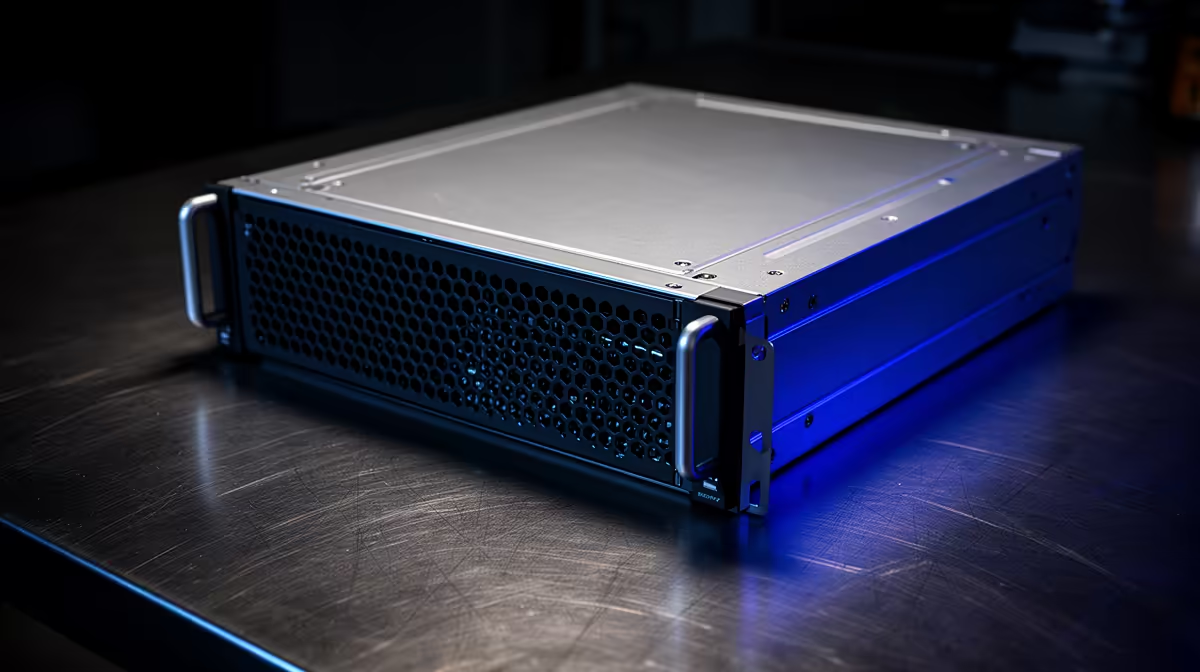
Here is the counter-intuitive part of running cloud-based AI coding agents: the machine that hosts them barely needs a graphics card at all. The heavy thinking happens on remote servers behind an API, so your local box is mostly a dispatcher, holding a connection open, firing off requests, and collecting results. That reframes the whole hardware question. The right box for running async AI coding agents is not a powerful tower, it is a low-power mini-PC that stays on forever and sips electricity while it does it.
Quick Answer
Cloud-based async AI coding agents depend on uptime and a stable internet connection, not local GPU power, because the model runs remotely. A low-power always-on mini-PC drawing roughly 15 to 65 watts handles continuous agent workloads for the price of around R20 to R30 of electricity a year, against the noise, heat and power bill of leaving a full desktop tower running.
Why the GPU does not matter here
It is worth being precise about what an async cloud agent actually does on your hardware. The agent receives a task, sends it to a cloud language model over the internet, waits for the response, and acts on it, perhaps editing files, running a command, or queuing the next step. The intelligence, the part that needs serious compute, lives on the provider's servers. Your machine is the orchestrator that keeps the loop running.
That means the usual desktop priorities invert. You do not need a discrete graphics card, lots of VRAM, or a high-wattage processor, because none of the model inference happens locally. What you need is reliability over long stretches, a steady network link, and enough modest CPU and memory to manage the agent process and its requests. A budget mini-PC built around a low-power processor handles a cloud-agent gateway comfortably, since the demanding work is offloaded entirely.
The case for always-on, low-power hardware
Async agents are valuable precisely because they keep working when you are not watching. An agent that monitors a repository, responds to a webhook, or grinds through a long task overnight only delivers if the machine hosting it never goes to sleep. That makes continuous uptime the defining requirement, and continuous uptime is where power draw suddenly matters a great deal.
A full desktop tower left running around the clock pulls real wattage, generates heat, and often runs fans you can hear from across the room. A mini-PC built for low power draws in the region of 15 to 65 watts depending on the model and load, which is a fraction of a tower's appetite. Run the numbers and even a relatively thirsty mini-PC costs only a handful of rands a month in electricity to keep on permanently, an amount that disappears next to the cloud API fees the agents themselves incur. The compact form factor helps too: it tucks onto a shelf or behind a screen and stays silent, the right behaviour for a machine you never turn off.
What actually matters in the spec
Since GPU horsepower is off the table, focus the budget where it counts for this role:
- A modest, efficient processor is plenty, because the workload is coordination rather than computation.
- Enough RAM to comfortably run the agent process, its tooling and a lightweight operating system, with 16GB a sensible comfortable target.
- A solid-state drive for the operating system and project files, for responsiveness rather than raw speed.
- A wired Ethernet port, ideally fast Ethernet, since a stable connection matters more than a fast one and wired beats wireless for an always-on box.
- Low and well-managed power draw, because this machine's defining job is to run continuously.
Wired networking deserves a special mention. An async agent that loses its connection mid-task can stall or fail, so a reliable wired link to your router is worth more than any flashy component. The compact, efficient systems in the AI PC range at Evetech cover exactly this low-power, always-on category, and are worth a look if you think you might also want to run some models locally down the line.
Setting it up sensibly
A typical build is undramatic by design. Pick a low-power mini-PC, install a lightweight operating system, many people wipe Windows and run a Linux distribution for a leaner always-on server, then install your agent tooling and point it at your cloud provider's API. Connect it by Ethernet, set it to stay awake rather than sleep, and configure it to restart cleanly after a power interruption so it comes back on its own. From there it runs quietly in the corner, dispatching agent work day and night.
The discipline is in the boring details: disable sleep, enable auto-restart, keep the operating system lean, and place the box somewhere with airflow and a reliable connection. Do that and a sub-R5,000-class mini-PC can host continuous agent workloads that would otherwise tie up a far more expensive machine. Those who prefer to start from a pre-configured system and strip it down will find the PC best sellers useful for seeing which builds SA buyers actually choose.
Frequently Asked Questions
Do I need a graphics card for cloud AI coding agents?
No. The model runs on the cloud provider's servers, so no local GPU is needed. Your machine only coordinates requests and handles results, which a modest processor manages easily.
How much does it cost to run a mini-PC around the clock?
Very little. A low-power mini-PC drawing 15 to 65 watts costs only a few rands a month in electricity to run continuously, which is negligible compared to the cloud API fees the agents themselves generate.
Is wired Ethernet really better than Wi-Fi for this?
Yes. An always-on agent depends on a stable connection, and a dropped link mid-task can stall or fail the work. Wired Ethernet is more reliable than wireless, which matters more here than raw connection speed.
How much RAM does an always-on agent box need?
Around 16GB is a comfortable target. It is enough to run the agent process, its tooling and a lightweight operating system without strain, since the heavy computation is offloaded to the cloud.
Can the same mini-PC run local AI models too?
A low-power coordinator box is not built for heavy local inference. If you also want to run models locally, look at a machine with more memory and a capable integrated GPU, which is a different and more demanding class of hardware.
Want a quiet, low-power box that keeps your AI coding agents running around the clock? Explore the always-on options in the AI PC range at Evetech and set up an agent host that costs almost nothing to keep alive.