Quick Answer
For architecture portfolio work, the docking-station short list favours Thunderbolt or high-bandwidth USB-C docks that drive dual high-resolution monitors and pass the laptop's GPU, since CAD and rendering need smooth displays. A Thunderbolt dock (R2,500-R5,000) with dual-4K support, fast storage, and 85-100W power delivery suits portfolio work. Avoid DisplayLink docks, which bypass the GPU and lag in CAD viewports, so prioritise GPU-passthrough connectivity.
The short list for architecture portfolio work
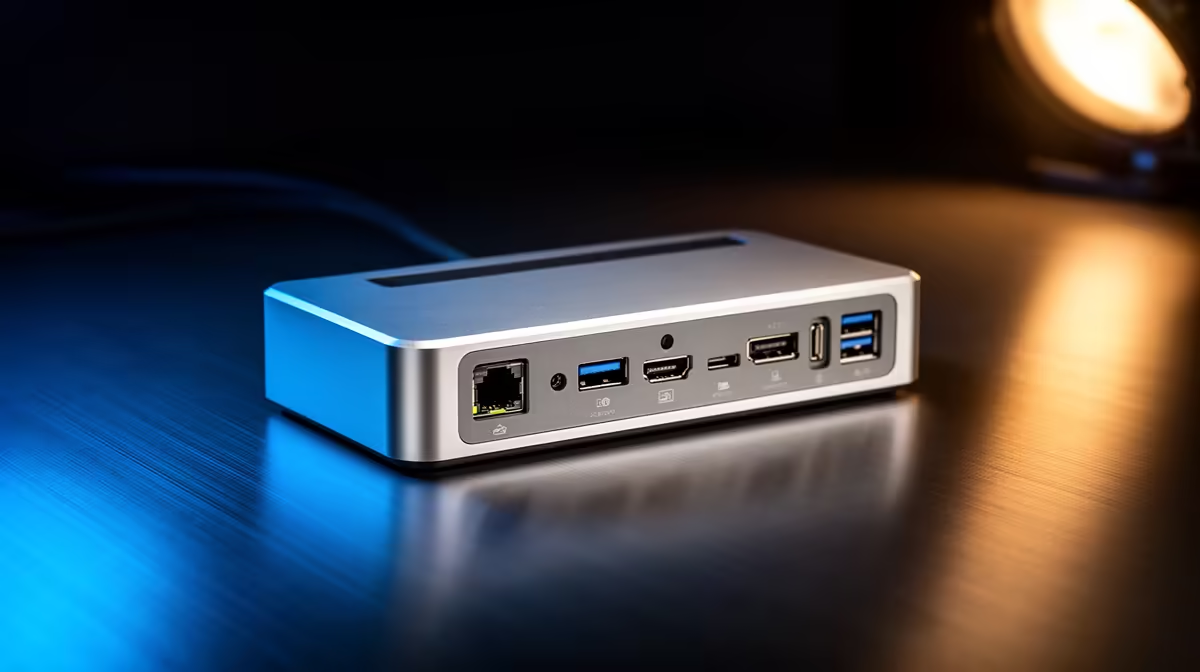
Architecture portfolio work, CAD modelling in Revit or AutoCAD, rendering, and laying out presentation boards, demands screen space and smooth GPU-driven displays. So the dock short list centres on display capability. A Thunderbolt or genuine DisplayPort-alt-mode dock (R2,500-R5,000) drives dual high-resolution monitors via the laptop's discrete GPU, giving the smooth viewport and ample workspace that complex models and large drawings need. DisplayLink docks are off the list, since they bypass the GPU and cause laggy CAD viewports.
Storage and power round out the criteria. Architecture projects involve large files and renders, so a dock with the bandwidth for a fast NVMe enclosure helps, and 85-100W power delivery keeps a workstation laptop charged through long sessions. Gigabit Ethernet supports reliable cloud syncing of portfolio files.
Choosing a portfolio-work dock
Shortlist Thunderbolt or DisplayPort-alt-mode docks that drive dual high-resolution monitors via the GPU, around R2,500-R5,000, with 85-100W power delivery and fast storage support. Confirm your laptop has Thunderbolt or enough DisplayPort-alt-mode lanes and a discrete GPU to use the dock fully. Avoid DisplayLink for CAD. This setup gives the dual-monitor, smooth-viewport workspace that architecture portfolio work depends on.
FAQ
What dock suits architecture portfolio work?
A Thunderbolt or DisplayPort-alt-mode dock (R2,500-R5,000) that drives dual high-resolution monitors via the laptop's discrete GPU, with 85-100W power delivery and fast storage support. CAD and rendering need the screen space and smooth GPU-driven displays this provides.
Why avoid DisplayLink docks for CAD work?
DisplayLink routes displays over a software USB path that bypasses the GPU, causing laggy viewport rotation in CAD applications. Architecture work is GPU-intensive, so a true Thunderbolt or DisplayPort-alt-mode passthrough dock is essential for smooth modelling.
Do I need dual monitors for architecture portfolio work?
They help considerably. Keeping a CAD model on one screen and references or a layout on another speeds the workflow, and dual high-resolution displays suit detailed drawings and presentation boards. A capable dock drives both from a single laptop connection.
Confirm your laptop has Thunderbolt or DisplayPort-alt-mode lanes plus a discrete GPU, then shortlist a dual-monitor passthrough dock; for architecture work, smooth GPU-driven displays matter more than any other dock feature.