


Using GitHub Copilot: Complete Beginner's Guide for SA Developers
Using GitHub Copilot: Complete Beginner's Guide for SA Developers. Everything you need to know with SA-specific pricing and recommendations.
Read moreThe Complete 2026 Guide to Storage in South Africa. Everything you need to know with SA-specific pricing and recommendations.
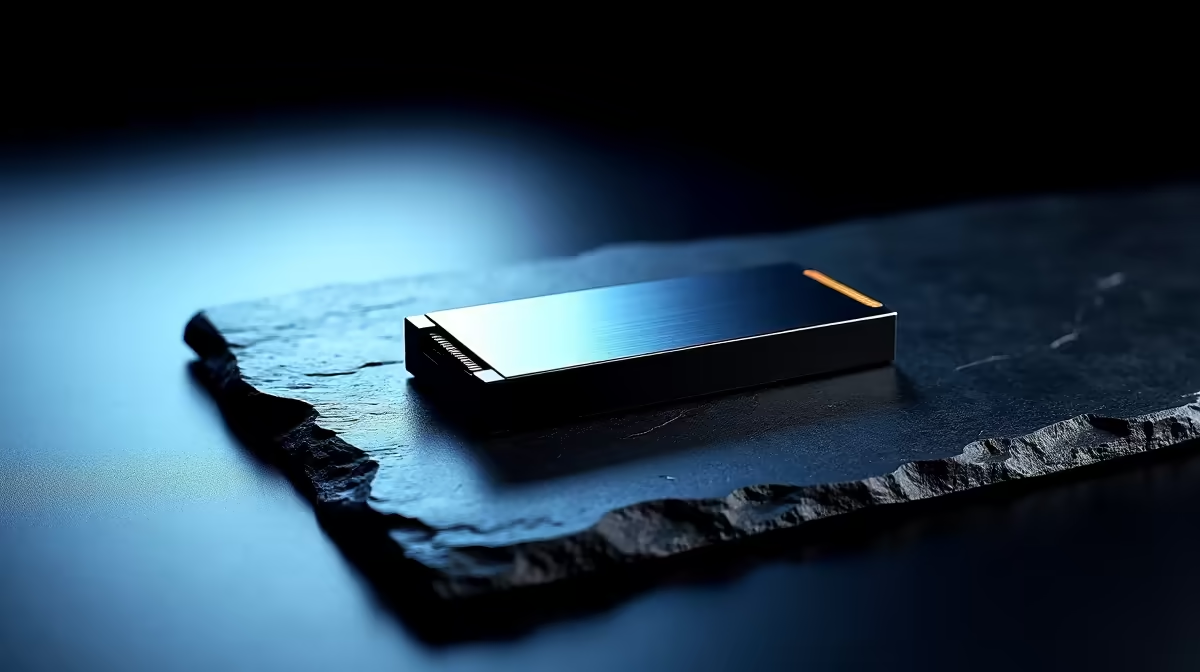
In 2026, South African consumers have two main storage options: SSDs for speed and HDDs for bulk capacity. For most use cases - gaming, work, or everyday computing - an NVMe SSD is the right primary drive, while HDDs remain cost-effective for large media libraries and backups.
Choosing the right storage in South Africa comes down to understanding what you actually need. Are you building a gaming rig, upgrading a work laptop, or expanding a home server? Each use case calls for a different approach, and with local pricing fluctuations tied to the Rand, knowing what to prioritise saves you money without sacrificing performance.
Solid-state drives have come down significantly in price over the past few years, making them the default choice for primary storage. NVMe M.2 SSDs offer dramatically faster load times compared to traditional spinning hard drives - games launch quicker, Windows boots in seconds, and file transfers that used to take minutes now finish in moments. HDDs still have a clear role: storing large video archives, music collections, and system backups at a lower cost per gigabyte. A common and practical setup is a smaller NVMe SSD for your operating system and active applications, paired with a larger HDD for everything else.
For gaming PCs, 1TB NVMe is the sweet spot in 2026. Modern AAA titles routinely exceed 100GB each, and a 500GB drive fills up faster than most people expect. If you''re running a work-from-home setup with documents, virtual machines, or creative projects, 1TB to 2TB gives comfortable headroom. Students managing assignments, research, and the occasional game are well served by a 512GB to 1TB SSD. Households storing 4K video footage or large photo libraries should consider a 4TB or 8TB HDD as a secondary drive - the price-per-GB advantage over SSDs at that capacity is still significant.
When shopping locally, keep an eye on the interface: M.2 NVMe drives are the current standard for desktops and modern laptops, while older systems may only support SATA SSDs or 2.5-inch drives. Check your motherboard or laptop specifications before purchasing. Read and write speeds matter for power users - video editors and developers will notice the difference between entry-level and mid-range NVMe drives, but for general gaming and office work, most current NVMe options perform well above the threshold where differences become perceptible. Warranty length is another consideration; reputable brands typically offer three to five years, which matters in a market where returning defective hardware can be inconvenient.
Q: Is an NVMe SSD worth the price over a SATA SSD in SA? A: For most users, yes. NVMe drives are faster for boot times, game loading, and large file transfers. The price gap between NVMe and SATA has narrowed enough that NVMe is the better value for primary storage in 2026.
Q: How much storage do I need for a gaming PC? A: 1TB NVMe is the practical minimum for gaming in 2026. If you play multiple large titles simultaneously, 2TB gives you room to grow without constantly managing installs.
Q: Can I add an SSD to my existing desktop or laptop? A: Most desktops with a free M.2 slot or SATA port can accept an additional drive. Laptops vary - some have a free M.2 slot, others are limited to one drive. Check your device''s service manual or specifications before purchasing.
Ready to Find Your Perfect Match? Shop storage upgrades and gaming PC deals at Evetech - South Africa''s leading gaming and tech retailer.
The Complete 2026 Guide to Storage in So available at Evetech.co.za with local warranty.
The Complete 2026 Guide to Storage in So - check Evetech for latest stock.
Depends on use case. The Complete 2026 Guide to Sto good value at current Rand pricing.
Using GitHub Copilot: Complete Beginner's Guide for SA Developers. Everything you need to know with SA-specific pricing and recommendations.
Read more
Back-to-School Headset Buying Guide for SA 2026. Everything you need to know with SA-specific pricing and recommendations.
Read more
Mesh Front Panel Setup and Configuration: Complete Tutorial. Comprehensive coverage with SA insights, Rand pricing, and practical recommendations.
Read more
Black Screen: Troubleshooting Guide #1. Everything you need to know with SA-specific pricing and recommendations.
Read more
1000W PSU Not Working After Load Shedding: Recovery Guide. Everything you need to know with SA-specific pricing and recommendations.
Read more
Cyberpunk 2077 Streaming Guide for SA Gamers. Everything you need to know with SA-specific pricing and recommendations.
Read more
AMD RX 9050 XT: Rumoured Specs, Price & Release. SA-focused analysis with local pricing data, real-world insights & actionable buying advice.

Can RTX 4080 Super Run AI Workloads for SA Developers Detailed answer with SA data, expert analysis & practical recommendations for local buyers.

Can RTX 4090 Run AI Workloads for SA Developers Detailed answer with SA data, expert analysis & practical recommendations for local buyers.

Top Settings for Intel Arc B580 at Ultrawide 1440p picks evaluated on performance, value & SA availability with current Rand pricing from Evetech.

RTX 4060 CS2 Low Settings at 1080p: FPS Results. Real-world benchmark data, FPS numbers & performance analysis. What SA gamers can actually expect.

Visual Artifacts: Possible GPU Issue Issue #1. Diagnosis steps, proven fixes & when to seek professional help. SA-specific support info included.

Can the RTX 4090 Handle 1440p 144Hz Gaming. Performance testing verdict with real data & practical recommendations for SA buyers.

Top ASUS GPU Under R15000 picks evaluated on performance, value & SA availability with current Rand pricing from Evetech.

GTA 6 Max Settings on RTX 5070. Tested & verified settings for best FPS and visual quality on SA hardware budgets.

Cyberpunk 2077 Max Settings on RTX 5080. Tested & verified settings for best FPS and visual quality on SA hardware budgets.

Starfield Max Settings on RTX 5070 Ti. Tested & verified settings for best FPS and visual quality on SA hardware budgets.

Top RTX 5090 Under R5000 picks evaluated on performance, value & SA availability with current Rand pricing from Evetech.