Quick Answer
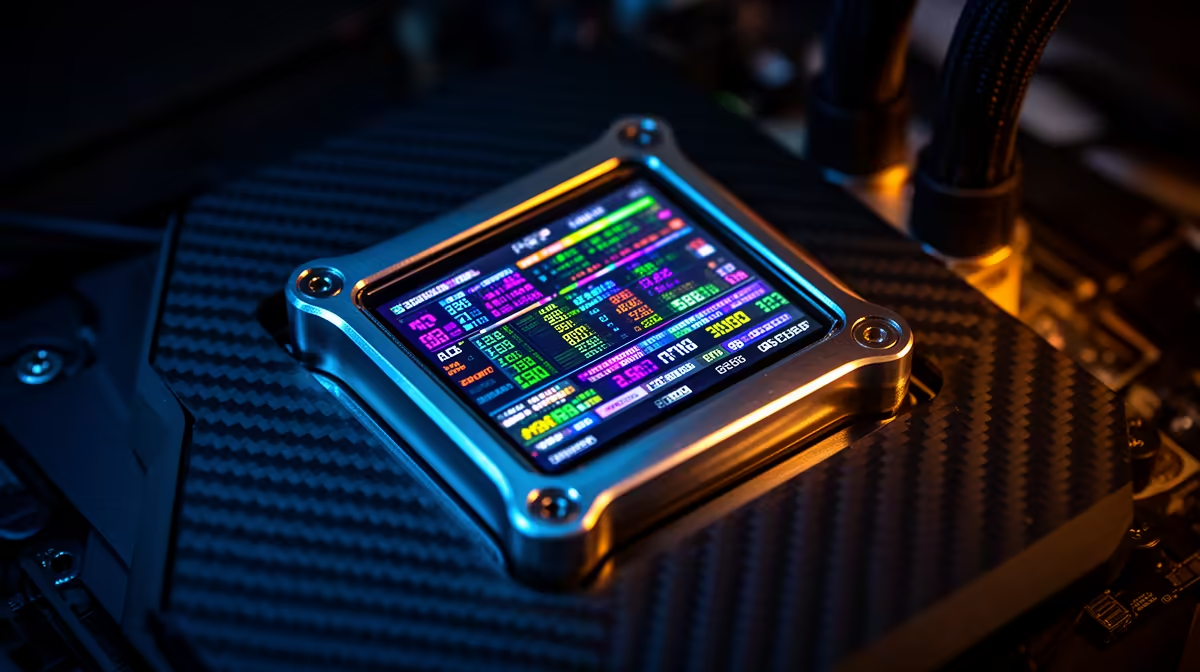
IPS LCD screens on CPU liquid coolers are small (typically 2.1 to 2.8 inches diagonal), driven via USB, and capable of displaying live sensor data or custom graphics. They deliver real monitoring utility in windowed builds but add cost (usually R400 to R800 over non-display equivalents) and one USB header requirement.
Panel Technology: Why IPS Specifically 🖥️
IPS (In-Plane Switching) panels are chosen over TN or VA for pump-head displays because of their superior colour accuracy and wide viewing angles. A TN panel mounted on a CPU cooler at an angle inside a case would show colour shift and washed-out tones from anything other than a direct head-on view. An IPS panel at the same angle retains accurate colours and legible text at up to 178 degrees off-axis, which matters when the pump head faces toward the side panel at an oblique angle. Resolution on pump-head displays typically ranges from 240x240 to 480x480 pixels. At 2.8 inches, 480x480 delivers a crisp pixel density of around 242 PPI, more than enough for sharp temperature readouts and GIF animations.
What You Can Actually Display 📡
Most LCD-equipped AIOs support four display modes through companion software. The first is live system metrics: CPU temperature, GPU temperature, CPU clock speed, pump RPM, and fan speed. The second is a clock or date display. The third is static custom images, useful for branding or matching build themes. The fourth is animated GIFs at the panel's native resolution. Some units support video playback of short looping clips, though this demands more USB bandwidth and a more capable display controller. Software quality varies: ASUS Armoury Crate and Corsair iCUE offer polished configuration interfaces, while some smaller brands use basic tools that limit customisation.
Who Gets the Most Value From an LCD Cooler 🔧
South African PC builders who run a single-monitor gaming setup gain the most, since monitoring software like HWiNFO overlays require screen real estate they cannot spare. Builders who spend R35,000 to R60,000 on a showcase build and want every component to contribute to the visual experience also benefit clearly. Overclockers monitoring sustained boost clocks appreciate having temperature and clock data visible without alt-tabbing. The LCD is less compelling for productivity-focused users with dual monitor setups where a dedicated monitoring window costs nothing, and for users whose cases sit on the floor facing a wall.
Disable the Display for Silent Running ⚡
Most AIO software lets you schedule the LCD to turn off during off-hours or when the PC enters idle state. In South Africa where electricity costs are significant, keeping a small backlit display running 24 hours adds a marginal but measurable load. Set the display to turn off after 30 minutes of system idle to preserve both electricity and backlight lifespan.
FAQ
Does the LCD screen add heat to the CPU loop?
No. The display is powered independently via USB and generates negligible heat around 0.5W to 1W, which has no measurable effect on coolant temperature or CPU thermals.
Can I control the LCD without installing the manufacturer's software?
Generally no. The display controller requires the vendor's driver and configuration application to function beyond a default startup screen. Third-party tools exist for some Corsair and ASUS units, but they are community-developed and not universally reliable.
Are LCD AIO coolers harder to install than standard units?
The hardware installation process is identical. The additional step is installing the software, connecting the USB header, and configuring the display. This adds 10 to 20 minutes to a build session but involves no mechanical complexity beyond a standard AIO.
Want a cooler that shows you what is happening inside your build?
Browse Evetech's range of LCD-equipped AIO coolers and find a display unit that matches your socket, case, and build aesthetic.