


Storage Specs Explained for Beginners
Storage Specs Explained for Beginners. Plain-English explanation of what it means, why it matters & how it affects your buying decisions in SA.
Read moreEvery spec on definitive guide explained in plain English. What matters for gaming and creator work in 2026, what's marketing fluff, and how each number translates to real-world performance.
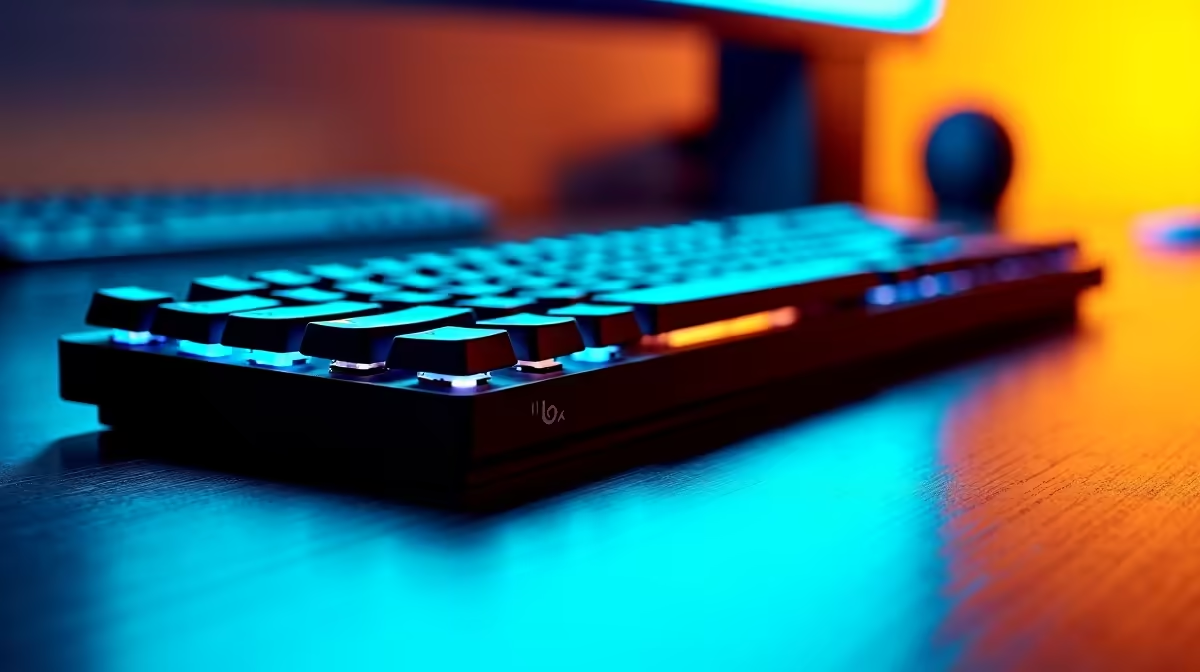
We all know the sinking feeling. You are deep into a crucial work project or dominating a late-night session, and Eskom suddenly pulls the plug. While your UPS keeps your rig alive, a dead wireless keyboard is the ultimate workflow killer. Enter the masterclass in peripheral endurance 🔧. If you want to understand the ins and outs of Logitech MX Keys S battery performance, USB-C charging, and power efficiency, you are in the right place. Let us dive in.
When investing your hard-earned ZAR in premium peripherals, longevity is non-negotiable. The Logitech MX Keys S battery performance sets a high benchmark for modern wireless keyboards. According to official specifications, a full charge delivers up to 10 days of continuous use with the backlighting turned up to maximum. However, if you prefer to keep the illumination off, this powerhouse can last an astonishing five months.
Whether you are pairing it with a custom desktop or browsing through top-tier notebooks for sale in South Africa, having a keyboard that refuses to quit gives you ultimate peace of mind. It is an investment that pays for itself in sheer reliability.
What really makes this keyboard shine... literally and figuratively... is its intelligent backlighting system. The built-in proximity sensors detect your hands approaching and instantly illuminate the keys. The moment you step away, the lights smoothly fade out. This clever feature is the core of Logitech MX Keys S power efficiency.
By only using power when absolutely necessary, the keyboard optimises its own battery drain without you lifting a finger. It is brilliant engineering that justifies the premium price tag. If you are looking to upgrade your entire setup to match this level of efficiency, keep an eye on our daily tech specials for incredible deals on smart accessories.
To maximise your Logitech MX Keys S battery performance, use the Logi Options+ software to customise the backlight duration. Setting the lights to turn off slightly faster when your hands leave the keyboard can easily add weeks to your standby time.
Even the best batteries eventually run low. Thankfully, Logitech MX Keys S USB-C charging is designed for the modern, fast-paced user. A quick 15-minute top-up provides enough juice for a full day of heavy typing. You can even use the keyboard while it is plugged in, meaning absolutely zero downtime.
This universal charging standard means you can use the exact same cable that powers your smartphone or wireless headset. It is the perfect companion whether you are grinding through complex spreadsheets or relaxing with a new title on one of our premium pre-built gaming PCs.
Living with unpredictable power grids means our tech needs to be resilient. The combination of stellar Logitech MX Keys S battery performance, USB-C charging, and power efficiency makes it an essential tool for local professionals and creators. It delivers absolute reliability when you need it most... ensuring your focus stays on your high-resolution screen, rather than stressing over a blinking red battery indicator 🚀.
Ready to Find Your Perfect Match? A highly efficient keyboard deserves a powerhouse system to match. For maximum power, choice, and value in South Africa, Windows is hard to beat. Explore our massive range of laptop specials and find the perfect machine to conquer your world.
The products, tools and accessories referenced in this article are stocked at Evetech.co.za with local SA warranty, ZAR pricing and nationwide delivery.
The article breaks down the real-world impact on gaming FPS, creator workflows and everyday responsiveness — not just raw spec numbers.
Only a handful of specs meaningfully change your experience. The guide ranks them by real impact so you spend on what counts.
We cover upgrade headroom, platform longevity and the specific features worth paying extra for if you plan to keep this build for several years.
The article includes a clear generational uplift summary so you can judge whether upgrading from your current hardware is worthwhile.
Storage Specs Explained for Beginners. Plain-English explanation of what it means, why it matters & how it affects your buying decisions in SA.
Read more
Will RDNA 5 Use the Same Silicon as the Next. Plain-English explanation of what it means, why it matters & how it affects your buying decisions in SA.
Read more
Google Workspace on Mac: Drive, Docs, Sheets and. Everything you need to know with SA pricing, step-by-step instructions & expert recommendations.
Read more
Back-to-School Parent Guide: Storages. Everything you need to know with SA pricing, step-by-step instructions & expert recommendations.
Read more
to Esports Tournaments. Everything you need to know with SA pricing, step-by-step instructions & expert recommendations.
Read more
Easter Storage Buying Guide. Hand-picked gift ideas at every budget tier. SA pricing & Evetech availability included.
Read more
AMD RX 9050 XT: Rumoured Specs, Price & Release. SA-focused analysis with local pricing data, real-world insights & actionable buying advice.

Can RTX 4080 Super Run AI Workloads for SA Developers Detailed answer with SA data, expert analysis & practical recommendations for local buyers.

Can RTX 4090 Run AI Workloads for SA Developers Detailed answer with SA data, expert analysis & practical recommendations for local buyers.

Top Settings for Intel Arc B580 at Ultrawide 1440p picks evaluated on performance, value & SA availability with current Rand pricing from Evetech.

RTX 4060 CS2 Low Settings at 1080p: FPS Results. Real-world benchmark data, FPS numbers & performance analysis. What SA gamers can actually expect.

Visual Artifacts: Possible GPU Issue Issue #1. Diagnosis steps, proven fixes & when to seek professional help. SA-specific support info included.

Can the RTX 4090 Handle 1440p 144Hz Gaming. Performance testing verdict with real data & practical recommendations for SA buyers.

Top ASUS GPU Under R15000 picks evaluated on performance, value & SA availability with current Rand pricing from Evetech.

GTA 6 Max Settings on RTX 5070. Tested & verified settings for best FPS and visual quality on SA hardware budgets.

Cyberpunk 2077 Max Settings on RTX 5080. Tested & verified settings for best FPS and visual quality on SA hardware budgets.

Starfield Max Settings on RTX 5070 Ti. Tested & verified settings for best FPS and visual quality on SA hardware budgets.

Top RTX 5090 Under R5000 picks evaluated on performance, value & SA availability with current Rand pricing from Evetech.