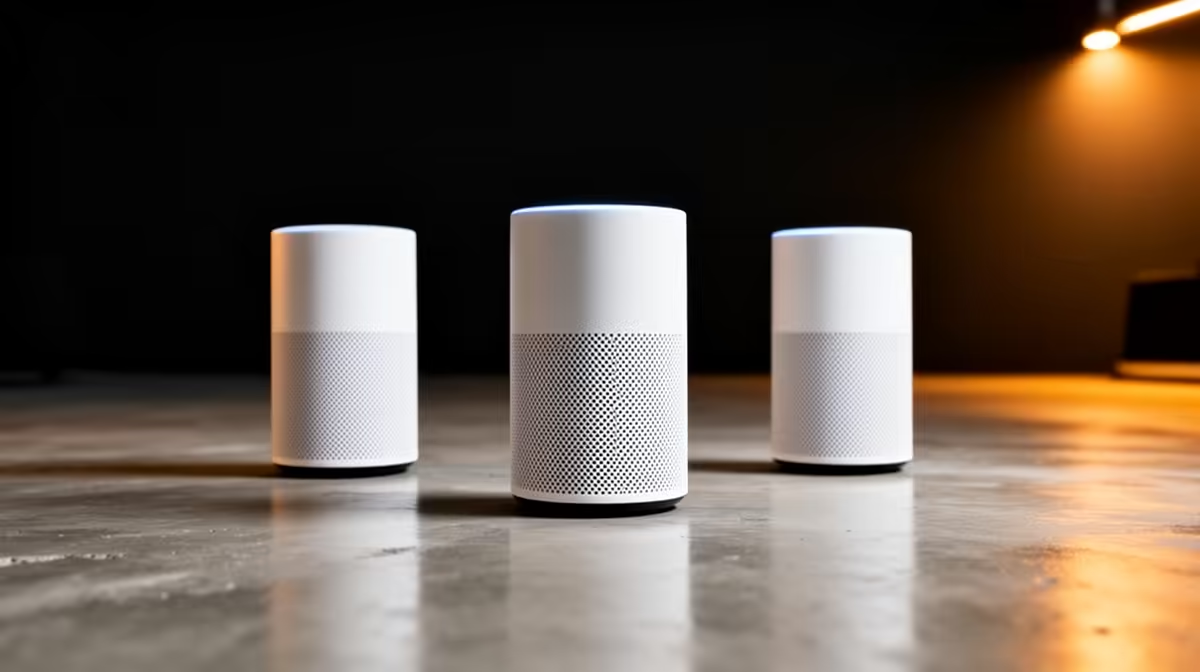
For cloud gaming at home, a mesh Wi-Fi kit matters because cloud play is entirely network-dependent, so stable, low-latency coverage in the gaming room is everything. The three tiers below scale band and node count to your home.
Quick Answer
Budget mesh kits around R2,500 to R4,000 (Wi-Fi 6, 2 nodes) cover a flat for cloud gaming, balanced kits at R4,500 to R7,000 (Wi-Fi 6E, 2 to 3 nodes) add a cleaner 6GHz band, and premium Wi-Fi 7 kits above R8,000 push lowest latency across a large home. Cloud gaming needs stable latency, so a node near the screen and a fibre line matter most.
Budget, balanced and premium mesh tiers
Budget Wi-Fi 6 two-node kits (R2,500 to R4,000) cover a flat or small house and give stable cloud-gaming throughput. Balanced Wi-Fi 6E kits (R4,500 to R7,000) add a 6GHz band that stays clear when the household streams, keeping cloud latency steady. Premium Wi-Fi 7 kits (R8,000+) deliver the lowest latency and most headroom for a large home. Since cloud gaming runs entirely over the network, consistent latency matters more than peak speed.
Place the node where you game
For cloud gaming, put a mesh node in or near the room with the screen, ideally with a wired Ethernet backhaul to the main unit, which cuts latency far more than a higher Wi-Fi number. Pair the mesh with a Vumatel or Openserve fibre line so your ISP is not the bottleneck. A budget Wi-Fi 6 kit with a well-placed, wired-backhaul node often delivers smoother cloud gaming than a premium kit left in the wrong corner.
FAQ
What mesh Wi-Fi kit suits cloud gaming?
Match the kit to home size: budget Wi-Fi 6 (R2,500 to R4,000) for a flat, balanced Wi-Fi 6E (R4,500 to R7,000) for clearer bands, premium Wi-Fi 7 (R8,000+) for a large home. Stable latency matters most for cloud play.
Does mesh placement affect cloud gaming?
Yes, hugely. A node near the screen with a wired Ethernet backhaul cuts latency more than a higher Wi-Fi number. Cloud gaming is network-dependent, so placement and backhaul drive the experience.
Do I need Wi-Fi 7 for cloud gaming?
No. A budget Wi-Fi 6 kit with a well-placed, wired-backhaul node handles cloud gaming on a fibre line. Step up to 6E or 7 only for a large home or heavy simultaneous streaming.
For cloud gaming, place a mesh node near the screen with a wired Ethernet backhaul to the main unit at Evetech; that cuts latency more than upgrading to a pricier Wi-Fi 7 kit left in the wrong room.