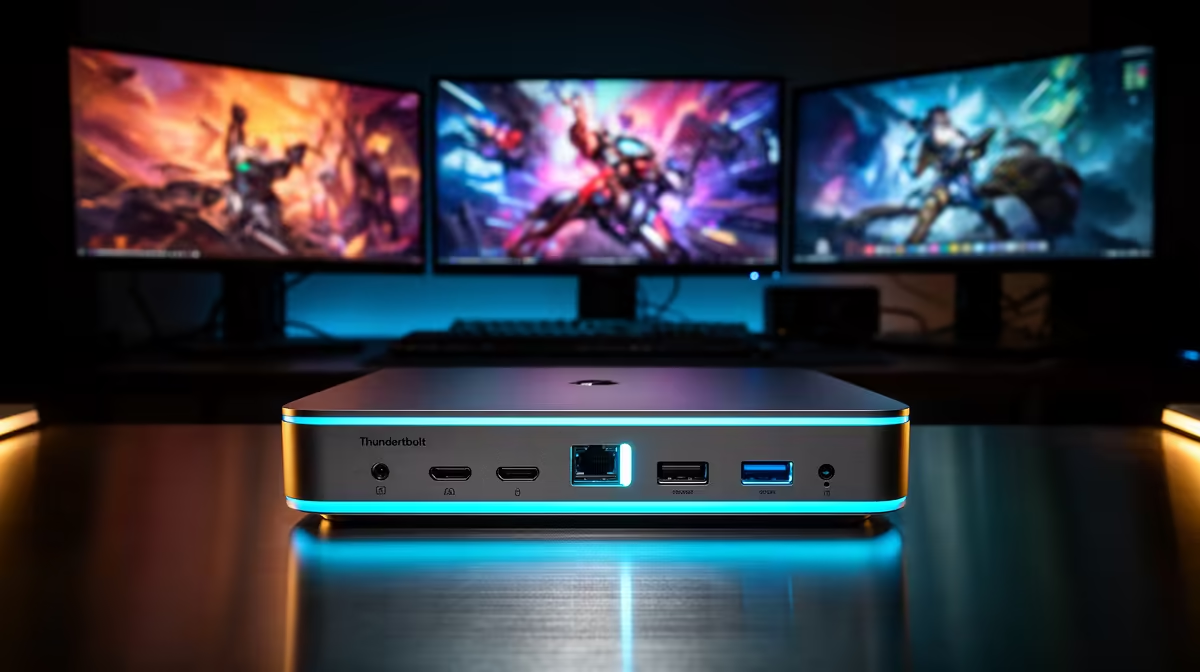
Tired of alt-tabbing through a dozen windows? Dreaming of a truly immersive gaming setup or a productivity powerhouse that wraps around you? The future of single-cable, multi-monitor perfection is here, and it's called Thunderbolt 5. This isn't just an upgrade; it's a complete overhaul of what's possible. This guide will show you how to leverage Thunderbolt 5 for multiple displays and build the ultimate setup you've always wanted. Let's plug in. 🚀
What Makes Thunderbolt 5 a Beast for Multiple Displays?
At its core, Thunderbolt 5 is all about one thing: massive bandwidth. It delivers a staggering 80 Gigabits per second (Gbps) of symmetrical bandwidth. But the magic for visual setups is a feature called Bandwidth Boost, which can push up to 120 Gbps for video output.
What does that mean in plain English? It means Thunderbolt 5 has enough data-pushing power to run multiple high-resolution, high-refresh-rate monitors from a single port on your laptop, without breaking a sweat. It simplifies your desk, reduces cable clutter, and unlocks display configurations that were previously impossible without a high-end desktop PC.
Crafting Your Ultimate Thunderbolt 5 Setup
The real question is, what can you actually do with all that power? A Thunderbolt 5 multiple display configuration isn't one-size-fits-all. Your ideal setup depends on whether you're a competitive gamer, a creative professional, or a multitasking master. Here are a few possibilities to get you started.
The Triple 4K Gamer's Dream ✨
Imagine this: three 4K monitors, all running at a buttery-smooth 144Hz. This is the holy grail for immersive sim racing or flight simulators, giving you an unparalleled field of view. To drive this many pixels at such a high refresh rate, you need a laptop with serious graphical horsepower. A machine built around a top-tier processor, like our range of powerful Intel Core i9 laptops, is designed for exactly this kind of demanding task.
The Dual 8K Creative Powerhouse
For video editors, 3D artists, and graphic designers, colour accuracy and sheer pixel real estate are king. Thunderbolt 5 can drive two 8K displays at 60Hz from one port. This allows you to have your full 8K timeline on one screen and your tools, bins, and previews on another, all in perfect clarity. This professional-grade workflow requires a cutting-edge CPU, and the latest Intel Core Ultra 9 laptops are engineered with the AI-accelerated performance needed to handle these workloads.
The Streamer & Productivity Hub
Maybe you don't need the highest resolutions, but you need flexibility. A popular setup for streamers and professionals involves a central high-refresh-rate gaming monitor flanked by two smaller displays for OBS, Discord, and your stream chat. A capable Intel Core i7 laptop has more than enough power to run this kind of multi-display setup, ensuring your game runs smoothly while you manage your broadcast.
Cable Check! ⚡
Not all USB-C cables are created equal! To get the full bandwidth of Thunderbolt 5, you need a certified Thunderbolt 5 cable. Using an older Thunderbolt 3 4 or a standard USB-C cable will limit your performance and prevent you from running the most demanding multi-display setups. Always check for the Thunderbolt logo and the number '5' on the connector.
Is Your Laptop Ready for a Thunderbolt 5 Setup?
Connecting multiple displays with Thunderbolt 5 is the future, but it requires the latest generation of hardware. The technology is built into Intel's newest mobile processors, meaning you'll need a modern laptop to take advantage of it.
Fortunately, powerful options are becoming more accessible. Even the efficient and powerful new Intel Core Ultra 7 laptops are being built with the I/O capabilities to support incredible display setups. The key is to check the specs of any new machine to ensure it explicitly lists Thunderbolt 5 support. As the technology becomes more common, you'll find it on a wider variety of machines, fitting different budgets and needs.
Planning your next upgrade is the perfect time to think about future-proofing your entire desk environment.
Ready to Build Your Ultimate Command Centre?
A breathtaking multi-display setup begins with the right machine. To unlock the full potential of Thunderbolt 5, you need a laptop with serious power. Explore our range of high-performance Intel laptops and find the perfect core for your dream setup today.